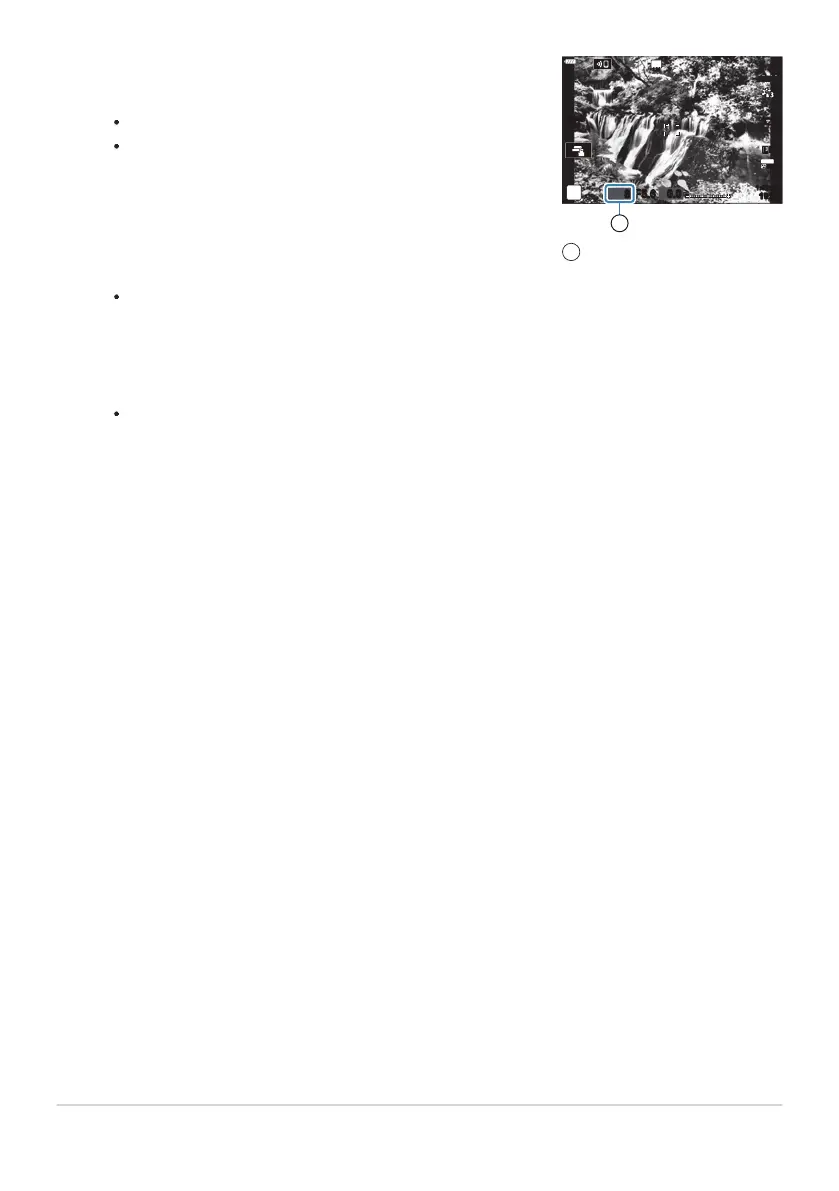
Adjust shutter speed while previewing the results in the
display.
Adjust shutt
er speed using the rear dial.
The slowest shutter speed available varies with the ND filter
selected.
[ND2 (1EV)]: 1/30s
[ND4 (2EV)]: 1/15s
[ND8 (3EV)]: 1/8s
[ND16 (4EV)]: 1/4s
-
-
-
-
S-IS AUTOS-IS AUTO
8 F5.6
0.0
S-IS AUTOS-IS AUTO
30
p
30
p
4K
YFYF
Shutter speed
1
If [On] is selected for
[LV Simulation], the effects of changes to shutter speed can be
previewed in the display.
Take pictures.
The camera requires a length of time equivalent to the selected shutter speed to produce [LV
Simulation] results similar to the final image.
Art filter picture modes cannot be used.
The upper limit for [KISO] during live ND photography is ISO 800. This also applies when [AUTO]
is selected for [KISO].
Enabling the live ND filter sets the drive mode to A.
The following cannot be used:
HDR, High Res Shot, multiple exposure, keystone compensation, bracketing, interval-timer
photography, K flicker scan, flickerless photography, and fisheye correction.
Unlike physical ND filters, the live ND filter does not reduce the amount of light reaching the image
sensor, and consequently very bright subjects may be overexposed.
215
Slowing the Shutter in Bright Light (Live ND
Shooting)
6.
7.
C
C
C
C
-
C



 To Next Page