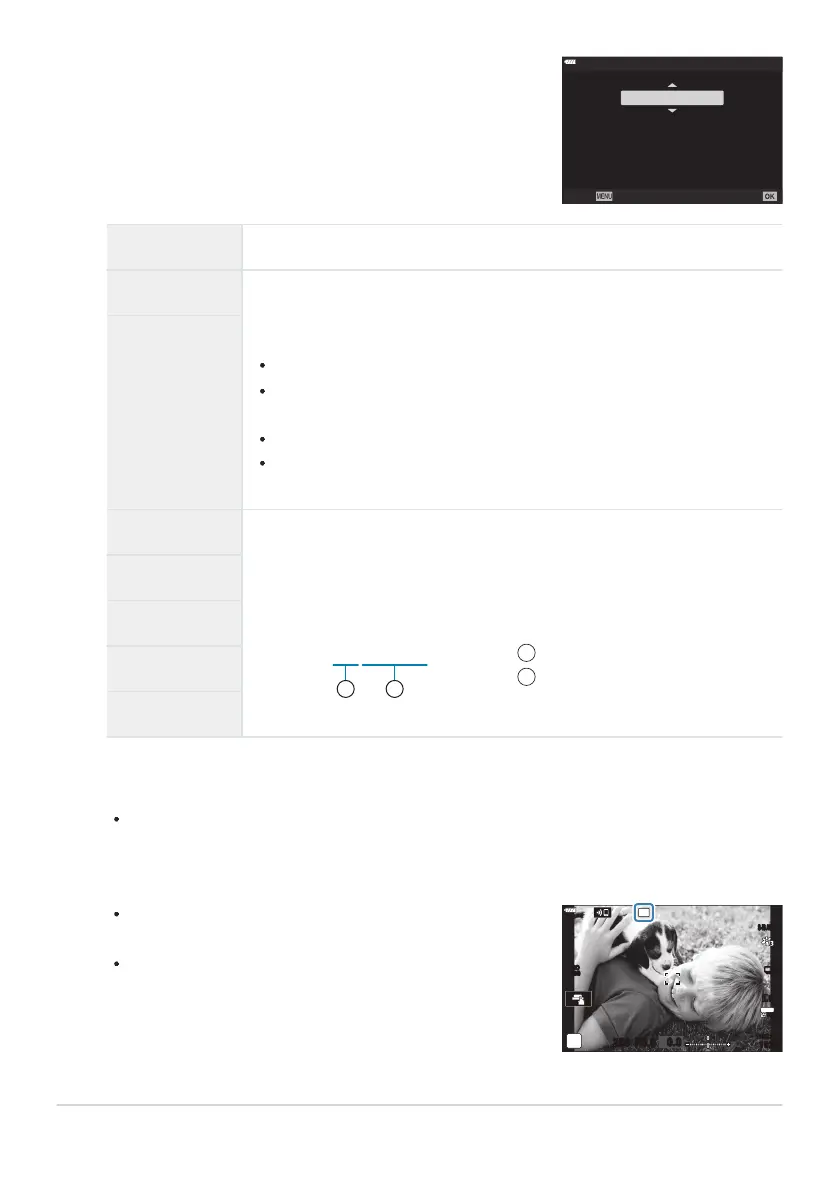
Highlight an option using the FG buttons.
HDR
HDR1
Takes 4 pictures at once
at different expos
ures and
composites automatically into
a high contrast image.
Back
Set
The camera will exit to the shooting display. A 4 icon will
be displayed.
The driv
e mode will be fixed at i (sequential high).
S-IS AUTOS-IS AUTO
250 F5.6
0.0
T
30
p
30
p
4K
YFYF
1023
1:02:03
Number of shots
Exposure range
1
2
Off HDR disabled.
HDR1 Each time you take a photo, the camera will take a series of shots
while var
ying exposure and combine them into a single picture. Choose
[HDR1] for natural-looking results, [HDR2] for a more painterly effect.
[KISO] is fixed at ISO 200.
Shutter speeds can be as slow as 4s. Shooting will continue for up to
15s.
Picture mode is fixed at [Natural] and color space at [sRGB].
The combined picture is saved in JPEG format. When the image quality
mode is set to [RAW], the image is recorded in RAW+JPEG.
HDR2
3f 2.0EV
Each time you take a photo, the camera will vary exposure over a series
o
f shots. The shots ar
e not combined to create a single picture. The shots
can however be combined using HDR software on a computer or other
device.
5f 2.0EV
7f 2.0EV
3f 3.0EV
5f 3.0EV
Press the OK button t
o select the highlighted option.
7Shooting Menu2 will be displayed.
Press the MENU button repeatedly to exit the menu.
225
Taking HDR (High Dynamic Range) images (HDR)
3.
4.
5.



 To Next Page