Option Description
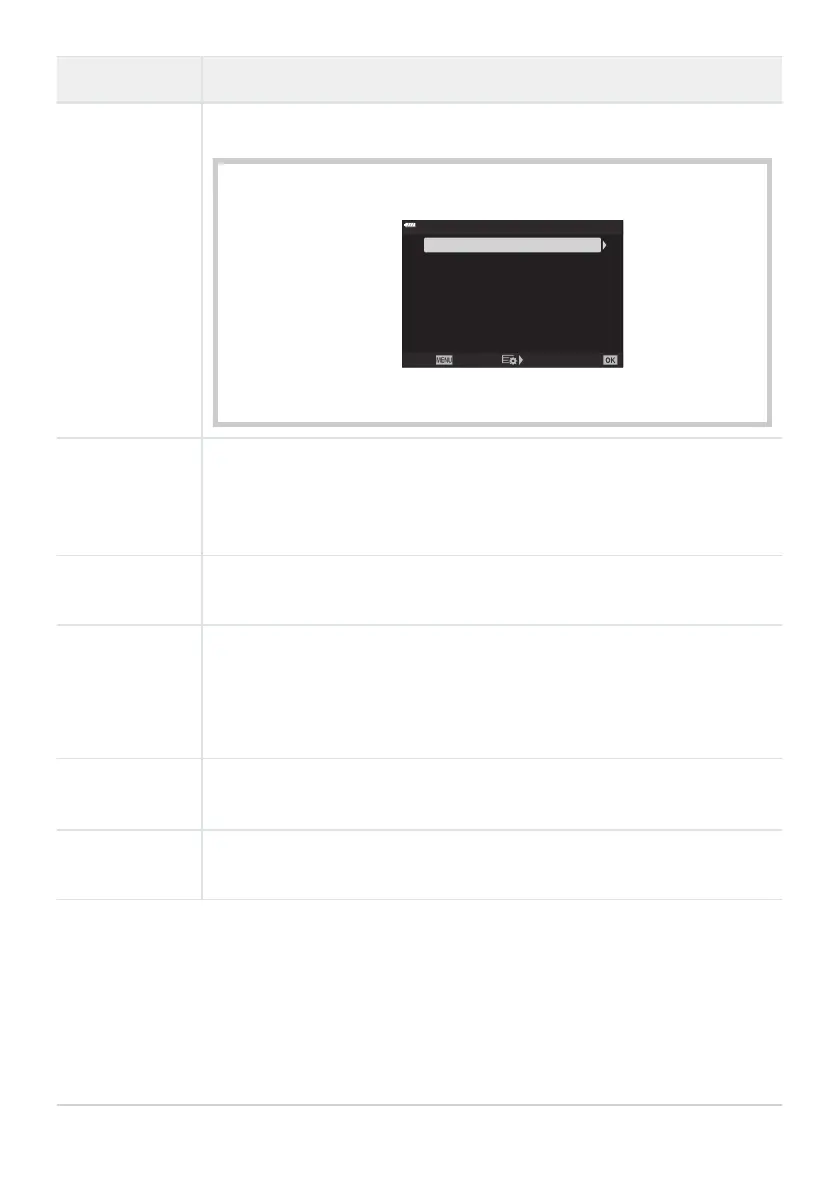
Pixel Count
Choose the pixel count for [M]- and [S]-size images (P. 139
, P. 207, P. 347).
1. Highlight [Middle] or [Small] and press the I
button.
W
mall
X
iddle
1280×960
3200×2400
Pixel Count
Back Set
2. Choose a pixel count and press the OK button.
Shading Comp.
Choose
[On] to corr
ect peripheral illumination according to the type of lens.
Compensation is not available for teleconverters or extension tubes.
Noise may be visible at the edges of photographs taken at high ISO
sensitivities.
K WB
Choose a white balance mode for still photography. Each mode can be fine-
tuned (P. 129).
KAll d
Fine-tune white balance across the board (P. 133).
[All Set]: Fine-tune white balance for all modes.
[All Reset]: Reset fine-tuning for all modes to default values.
K NKeep
W
arm Color
Select [On] to pr
eserve “warm” colors in pictures taken with [AUTO] white
balance under incandescent lighting (P. 129, P. 133).
Color Space
Choose a color space to ensure correct color reproduction when photos are
printed or view
ed on a monitor (P. 165).
289
G X/WB/Color
C
C



 To Next Page