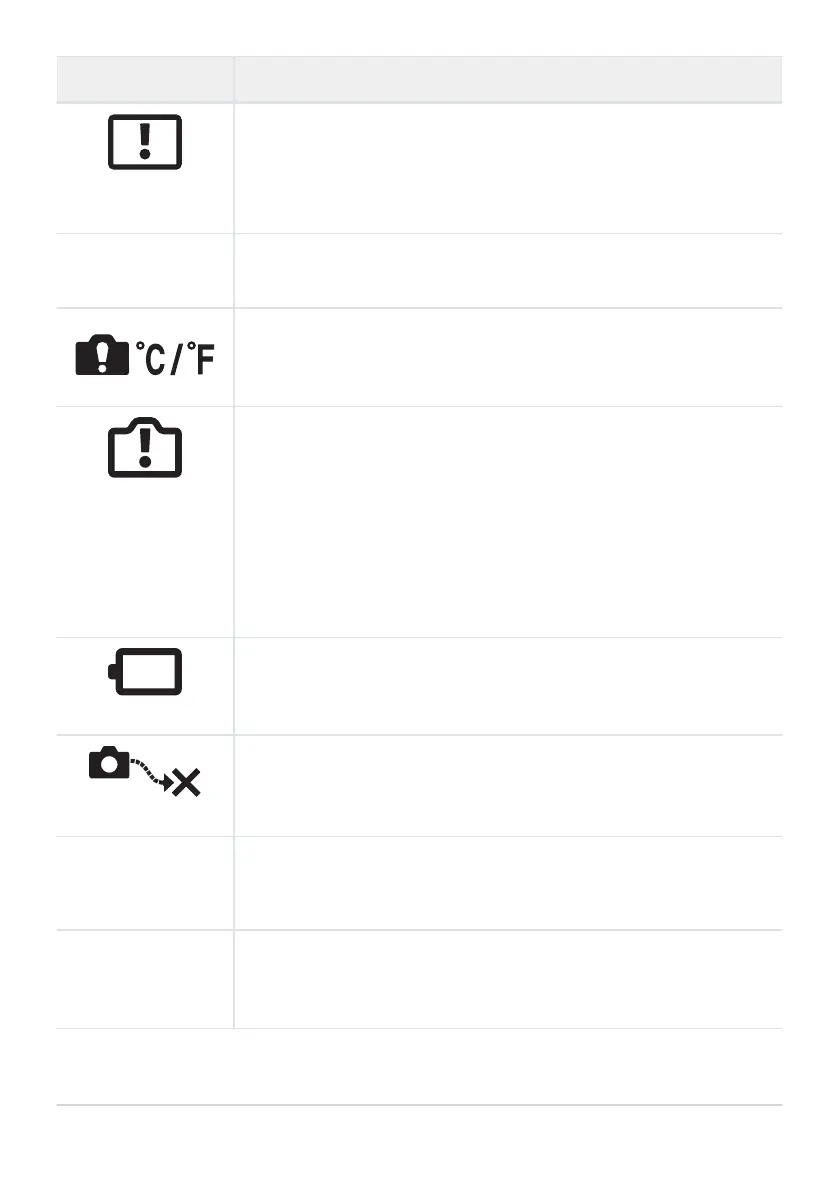
Monitor indication Possible cause/Corrective action
The Image Cannot Be
Edited
Camera r
etouch features cannot be applied to pictures recorded with
other devices.
Retouch the picture on a computer or other device.
Y/M/D
The clock is not set.
Set the clock (P. 34).
The internal temperature of the camera has risen due to sequential
shooting.
Tur
n off the camera and wait for the internal temperature to cool.
Internal camera
temperatur
e is too
high.
Please wait for
cooling before
camera use.
The internal temperature of the camera has risen due to sequential
shooting.
Wait a moment for the camera t
o turn off automatically.
Allow the internal temperature of the camera to cool before resuming
operations.
Battery Empty
The battery is drained.
Charge the b
attery.
No Connection
The camera is not correctly connected to a computer, HDMI display,
or other device.
Reconnect the camera.
The lens is lock
ed.
Please extend the
lens.
The lens o
f the retractable lens stays retracted.
Extend the lens.
Please check the
status of a lens.
An abnormality has occurred between the camera and the lens.
Turn off the camera, check the connection with the lens, and turn the
power on again.
451
Error codes


 To Next Page
 Loading...




