You can choose the functions performed by the front and rear dials. g“Assigning R
oles to the
Front and Rear Dials (KDial Function)” (P. 319)
You can use the Fn lever to reverse the roles of the front and rear dials. The lever can also be
assigned other roles. g“Customizing the Fn Lever (KFn Lever Function)” (P. 321)
You can choose whether the display reflects the effects of exposure compensation or maintains
a constant brightness for ease of viewing. At default settings, the display reflects the effects of
exposure compensation. gCCustom Menu j> [Live View Boost] (P. 280)
To achieve the effect of a slow shutter in brightly-lit settings in which slow shutter speeds are
not otherwise available, use the live ND filter. g“Slowing the Shutter in Bright Light (Live ND
Shooting)” (P. 213)
Depending on the shutter speed selected, you may notice banding in the display caused by flicker
from fluorescent or LED light sources. The camera can be configured to reduce the effects of flicker
during live view or when pictures are taken. g“Reducing Flicker in Photographs (Anti-Flicker
Shooting)” (P. 327), “Reducing Flicker Under LED Lighting (KFlicker Scan)” (P. 343)
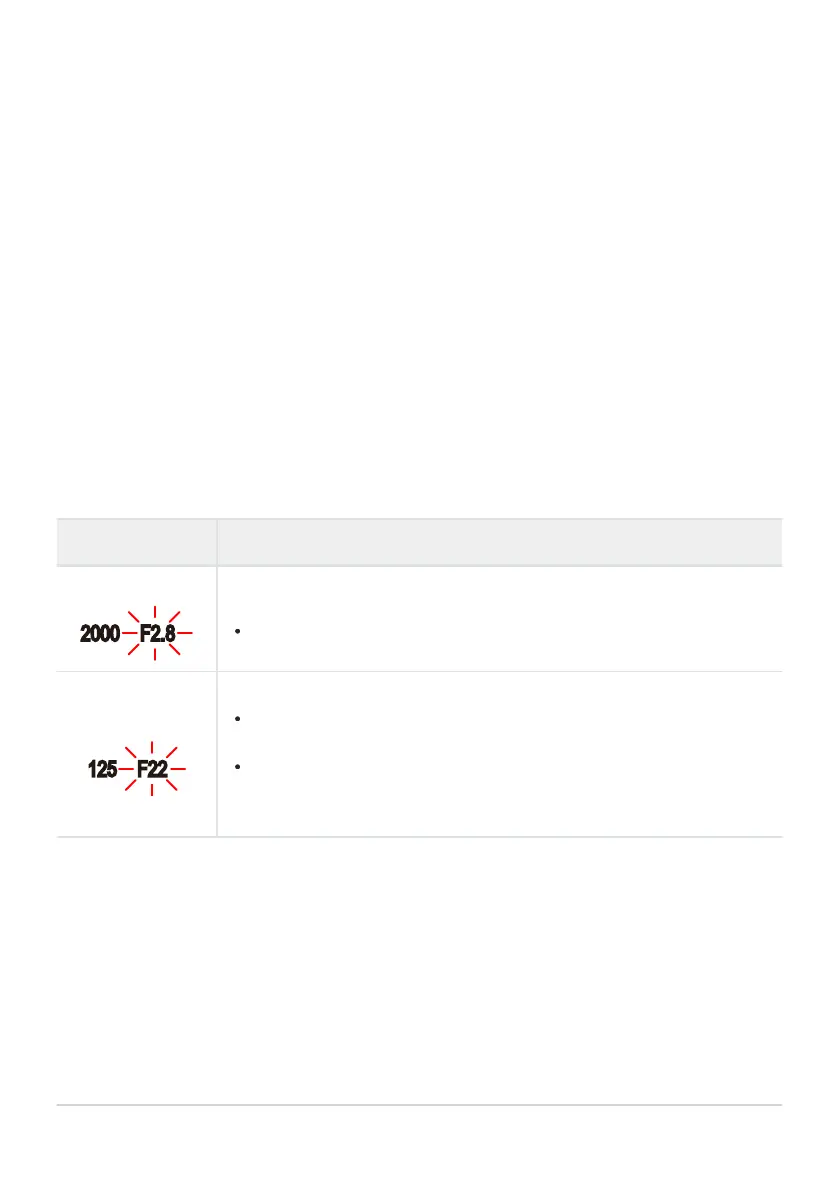
Subject Too Dark or Too Bright
If the camera is unable to achieve optimal exposure, the aperture display will flash as shown.
Display Problem/solution
Low aperture value
Underexposure.
Choose a slow
er shutt
er speed.
High aperture value
Overexposure.
Choose a faster shutt
er speed. Shutter speeds as fast as 1/32000s are
available in silent mode.
If the subject is still overexposed at the higher speed, the limits of the
camera metering system have been exceeded. Use a third-party ND
(Neutral Density) filter to reduce the amount of light entering the camera.
When [K ISO] is not set to [A
UTO], optimal exposure may be achieved by changing the setting.
g“Changing ISO sensitivity (ISO)” (P. 98)
The aperture value shown when the displays flash varies with the lens and focal length.
54
Choosing shutter speed (S: Shutt
er
-Priority AE)
B
B
B
B
B
B
B



 To Next Page