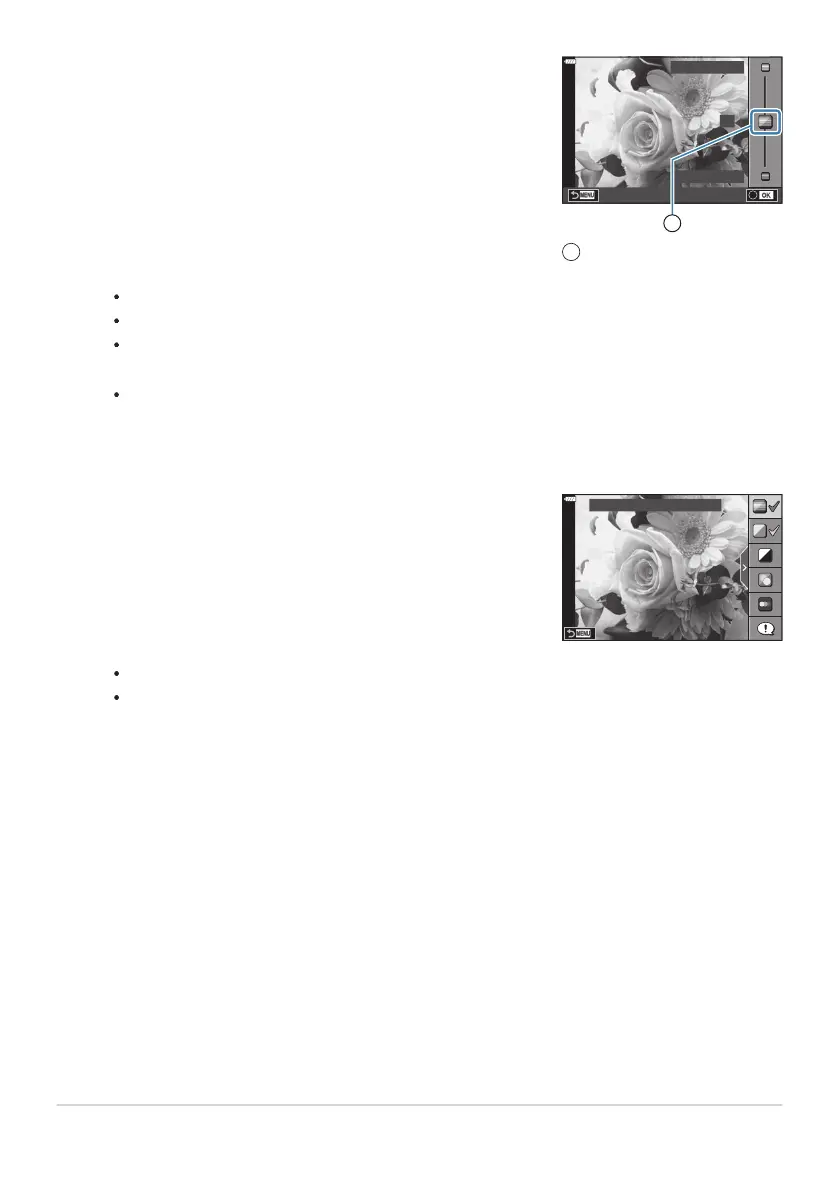
Use FG to position the slider and choose a lev
el.
0
Clear & Vivid
Flat & Muted
1
Slider
1
To set multiple live guides, repeat Steps2 and 3.
Press the OK butt
on to save changes.
To exit, press the MENU button.
When [Shooting Tips] is selected, use FG to highlight the item and press the OK button
to display the detail.
The effect of the selected level is visible in the display.
If [Blur Background] or [Express Motions] is selected, the display will return to normal, but
the selected effect will be visible in the final photograph.
A check is displayed on the guide item for live guides that are already set.
To clear the live guides from the display, press the MENU button.
[Blur Background] and [Express Motions] cannot be set at the same time.
Take pictures.
Live guide settings can also be adjusted using touch controls.
If [RAW] is currently selected for image quality, image quality will automatically be set to
RAW+JPEG.
Live guide settings are not applied to the RAW copy.
Pictures may appear grainy at some live guide setting levels.
Changes to live guide setting levels may not be visible in the monitor.
Frame rates drop the closer the [Express Motions] slider is to [Blurred Motion].
The flash cannot be used when a live guide is set.
65
Letting the camera choose the settings (AUTO
mode)
3.
4.
C
5.
B
B
C
C
C
C
C



 To Next Page