2 Basic repair procedures Chapter E: Basic repair procedures
98 Planmeca PlanMill 40 Technical manual
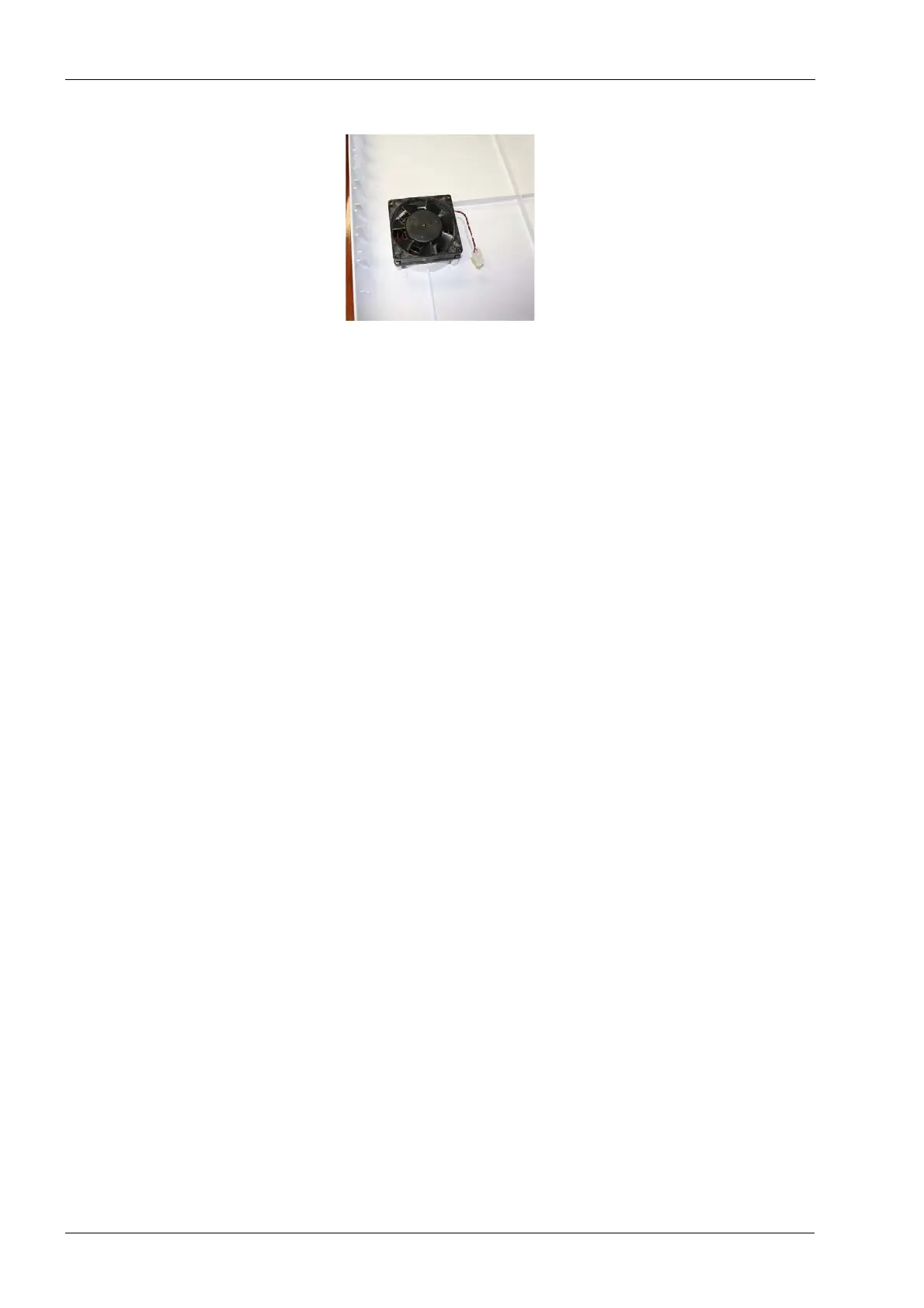
Figure 79: Fan oriented to exhaust air outward
4. Lift the rear cover free of the machine.
Install
1. Line up the rear cover on the mill chassis.
2. Reconnect the fan connector.
3. Secure with the six screws on the rear cover.
4. Attach the air supply line. Attach the power cord.
2.1.4 Tank drawer
The drawer lock/pump suction bracket includes the locking mechanism for the drawer. The
drawer can be unlocked automatically through the software if the machine is powered on.
However, the drawer can also be unlocked manually by simply raising the drawer lock
bracket vertically up by the top of the bracket.
The single acting air cylinder will be pulling the bracket down as will gravity. Once the
bracket has been lifted you may pull the drawer open.
Removal
1. On mill screen touch Maintenance Icon.
2. Select Advanced and enter passcode.
3. Select Technician Console.
4. Select the Digital I/O button.
5. Select Unlock Drawer button.
6. Allow the system a few seconds to drain after the pump turns off, pull the drawer
open.
7. Remove the fluid tank from the drawer.
8. At the center of the left and right drawer slides is a release button which allows the
drawer slide to separate into two pieces.














 To Next Page