Chapter B: Preventive maintenance 2 Maintenance procedures
Technical manual Planmeca PlanMill 40 47
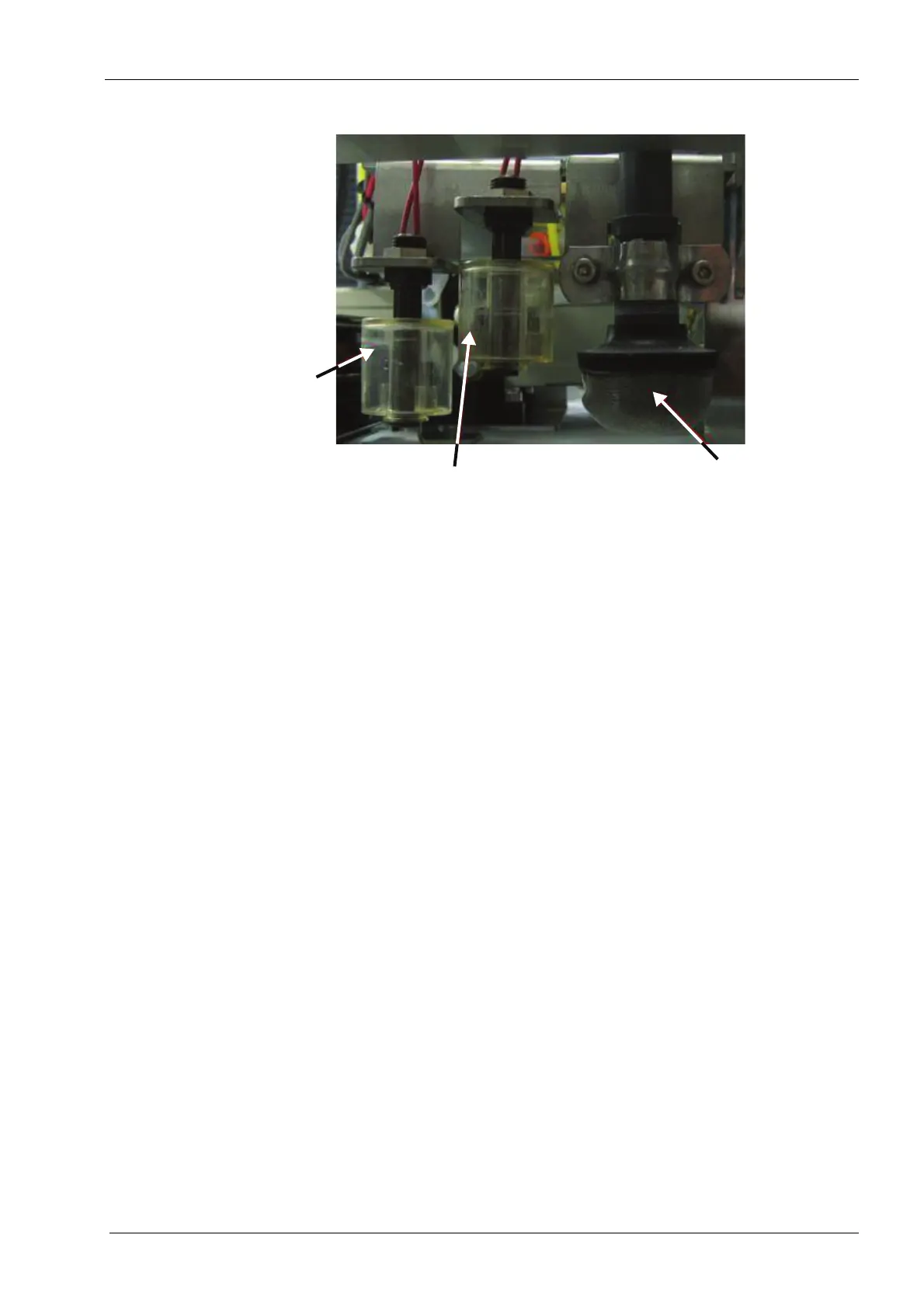
Figure 43: Accessing suction strainer
9. On the Support Console screen, touch the Unlock Drawer button. This will raise the
fl oat/strainer assembly.
DO NOT try to close the drawer with this assembly down or you will damage the
mill.
10. Holding the black part of the strainer, push it back into place. Use a twisting motion if
necessary to fully seat the strainer. Do not put pressure on the mesh part of the
strainer.
11. Clean the tank thoroughly and use the wire brush to clean the wire basket that sits in
the fluid tank. If the basket holds water, it is not clean.
12. Replace the water and coolant mixture.
13. Look under the mill and ensure the float/strainer assembly is NOT VISIBLE. If
necessary, touch the Unlock Drawer button to raise the assembly. Insert the drawer
into the mill and close. Select the Lock Drawer button.
14. Press the Start Pump button to run the new water and coolant mixture through the
mill. The text will change to Stop Pump.
15. After approximately 30 seconds, press Stop Pump.
16. Press Reinitialize.
17. Press Return to Menu.
18. Press Exit Console.
2.10 Orientation sensor
The orientation sensor is located in the PlanMill 40’s mandrel holder.
High float switch
Low float
switch
Suction strainer














 To Next Page