Chapter D: Troubleshooting 2 Troubleshooting
Technical manual Planmeca PlanMill 40 85
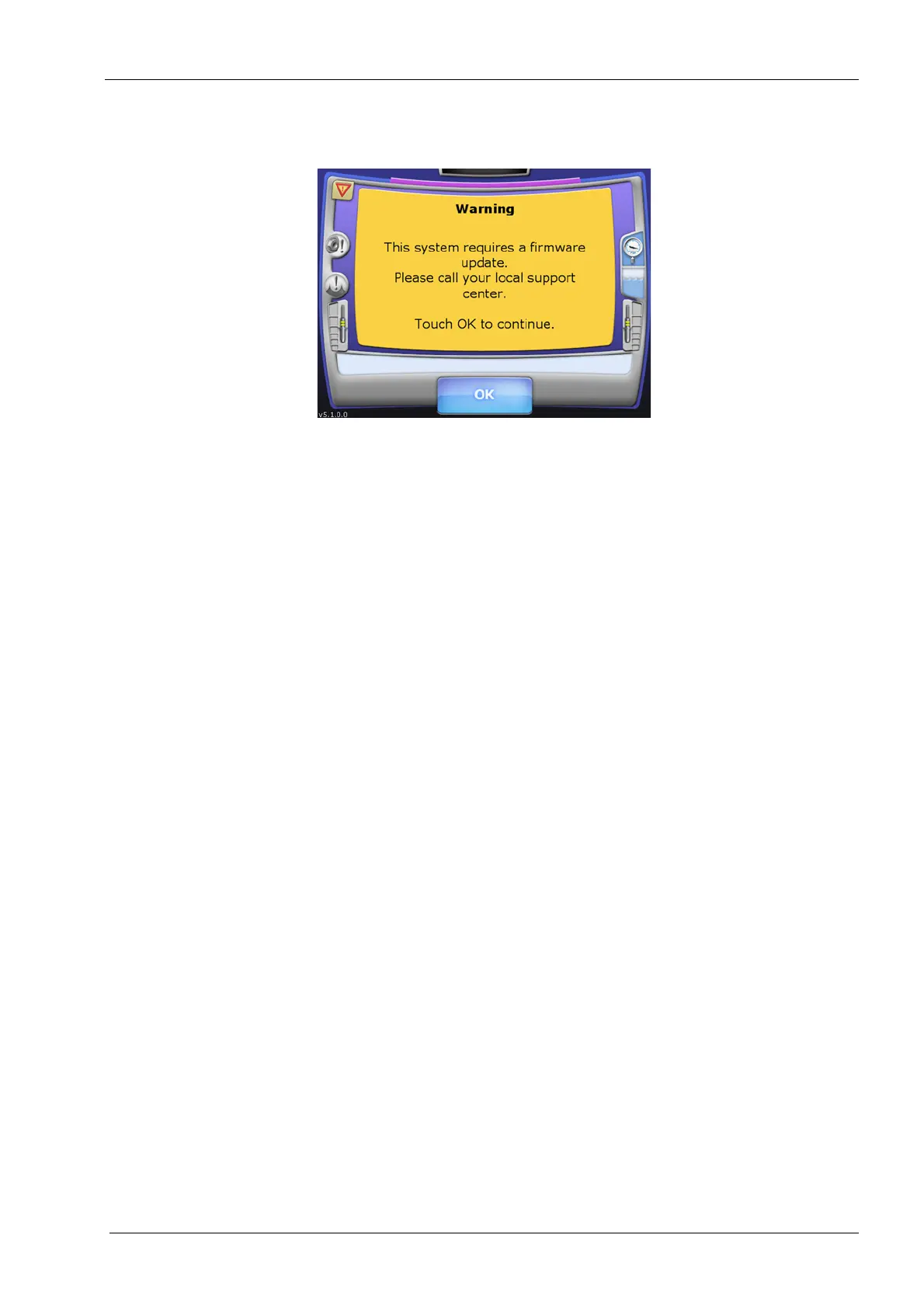
2.2 Troubleshooting firmware update requiring warning
Figure 66: Firmware update warning
Causes
• This error is most often caused by failure of one of the circuit boards in the CPU
module.
• This error is less often caused by a failure of the accelerometer processor board.
Other contributing factors
• This error is rarely caused by a disconnected or bad USB cable from the
accelerometer processor board to the electronics box.
Solutions
• Shut down the milling unit and power it off.
• Locate the USB cable, which connects from the accelerometer processor board to the
electronics box.
• Unplug the 90 degree connector of the USB cable from the back of the electronics box
and plug it into the lower USB port on the lower electronics box.
• Power the milling unit on and see if the error message reoccurs.
• If the error message reoccurs, power down the mill and plug the 90 degree connector
of the USB cable into the other USB port on the lower electronics box.
• Power the milling unit on and see if the error message reoccurs.
• If using one of the two USB ports on the lower electronics box eliminates the error
message then replace the CPU module.
• If using neither of the two USB ports on the lower electronics box eliminates the error
message then replace the accelerometer processor assembly.
2.3 Troubleshooting mill “Fails to Initialize” error
1. Navigate the PlanMill 40 application to: Technician Console --> High Level.
2. Check I/O status.
• Tool changer state must show "CLOSED".
• Lid state must show "CLOS CLOS".
• Air pressure state must show "OK".














 To Next Page