2 Basic repair procedures Chapter E: Basic repair procedures
96 Planmeca PlanMill 40 Technical manual
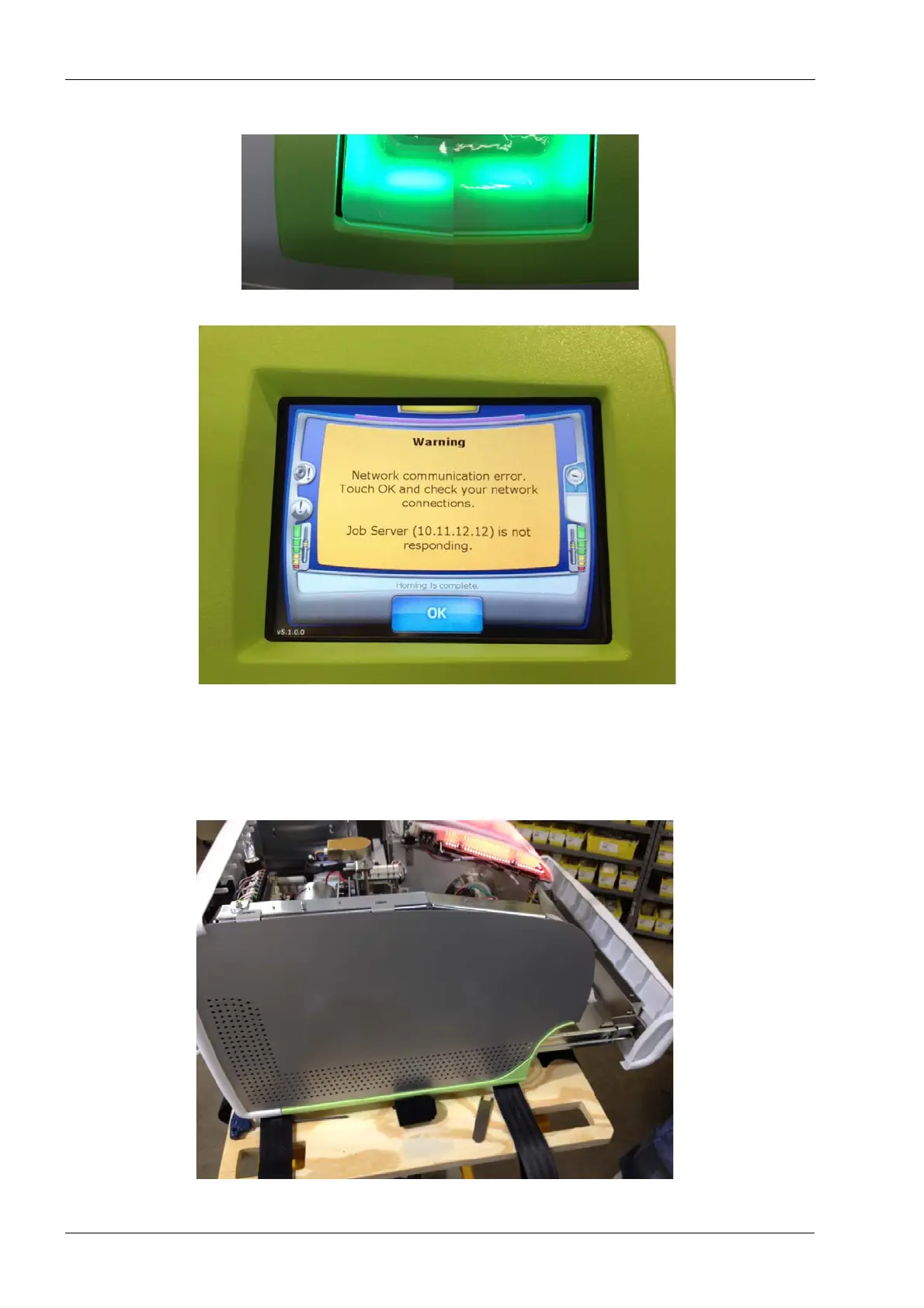
Figure 75: Check for equal gaps to the lid
Figure 76: Fit top cover evenly and snugly to display bezel
10. Close the tank drawer and the grind chamber lid.
2.1.2 Side panels
The following procedures apply to both left and right side panel.
Figure 77: Side cover














 To Next Page