2 Maintenance procedures Chapter B: Preventive maintenance
46 Planmeca PlanMill 40 Technical manual
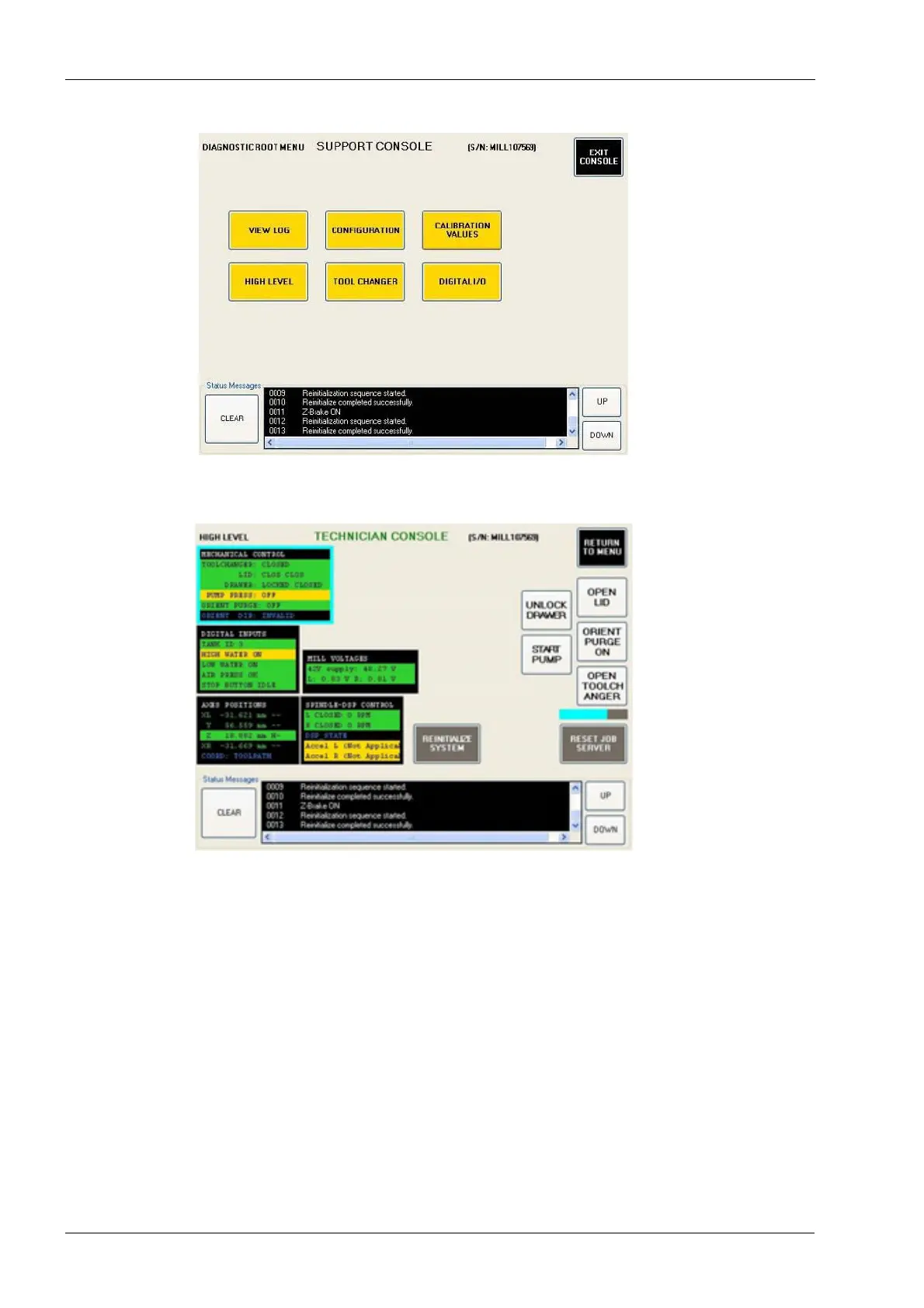
Figure 38: SUPPORT CONSOLE screen
3. Select the Mechanical Control box; it will be outlined in blue when selected.
Figure 39: HIGH LEVEL screen
4. Touch the Unlock Drawer button. You will hear the water purge. The text on the
button changes to Lock Drawer.
5. Pull the tank drawer open.
6. Touch the Lock Drawer button. The float/strainer assembly lowers so that it can be
seen. Find the float/strainer in the back left area of where the drawer was removed.
7. Reach in and pull the black part of the strainer straight down to remove. If there is not
enough room to remove the strainer it can be removed from the Unlock Drawer
position.
8. Clean the strainer with a nylon brush and water. Wipe the floats with a wet paper
towel to remove any debris. Wipe down the bottom of the mill.
Do not use any other brush types or chemicals to clean the floats/strainer as they may
cause damage.














 To Next Page