2 Maintenance procedures Chapter B: Preventive maintenance
28 Planmeca PlanMill 40 Technical manual
• Conical burr
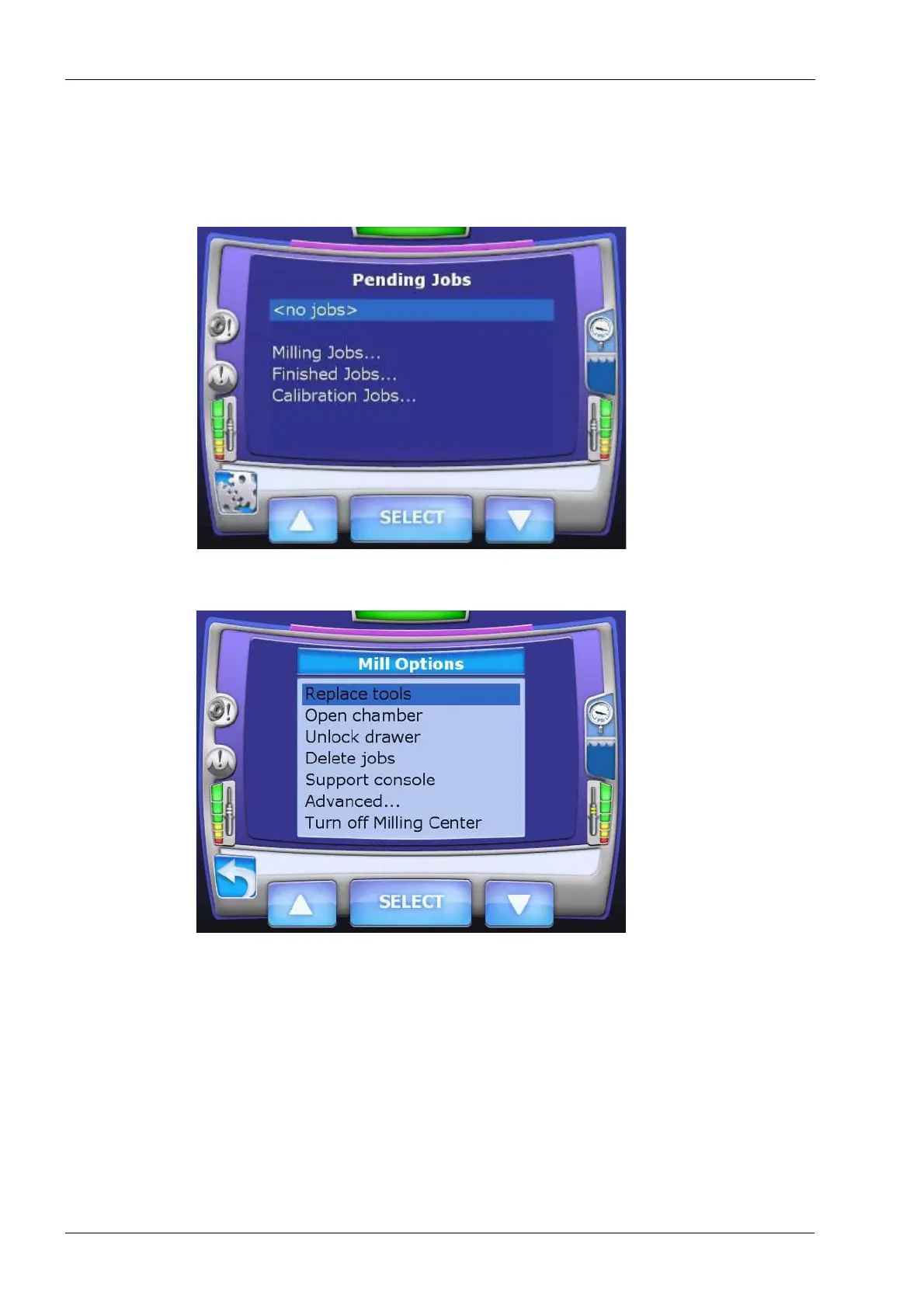
1. From the Pending Jobs screen select the Mill Options button in the lower left corner of
the screen.
Figure 14: Pending Jobs
2. From the Mill Options screen touch Replace tools and SELECT.
Figure 15: Mill Options
3. After milling the calibration jobs there are ellipsoidal burrs in left and right collets.
Touch the Left tool icon and then the SELECT button.














 To Next Page