2 Maintenance procedures Chapter B: Preventive maintenance
30 Planmeca PlanMill 40 Technical manual
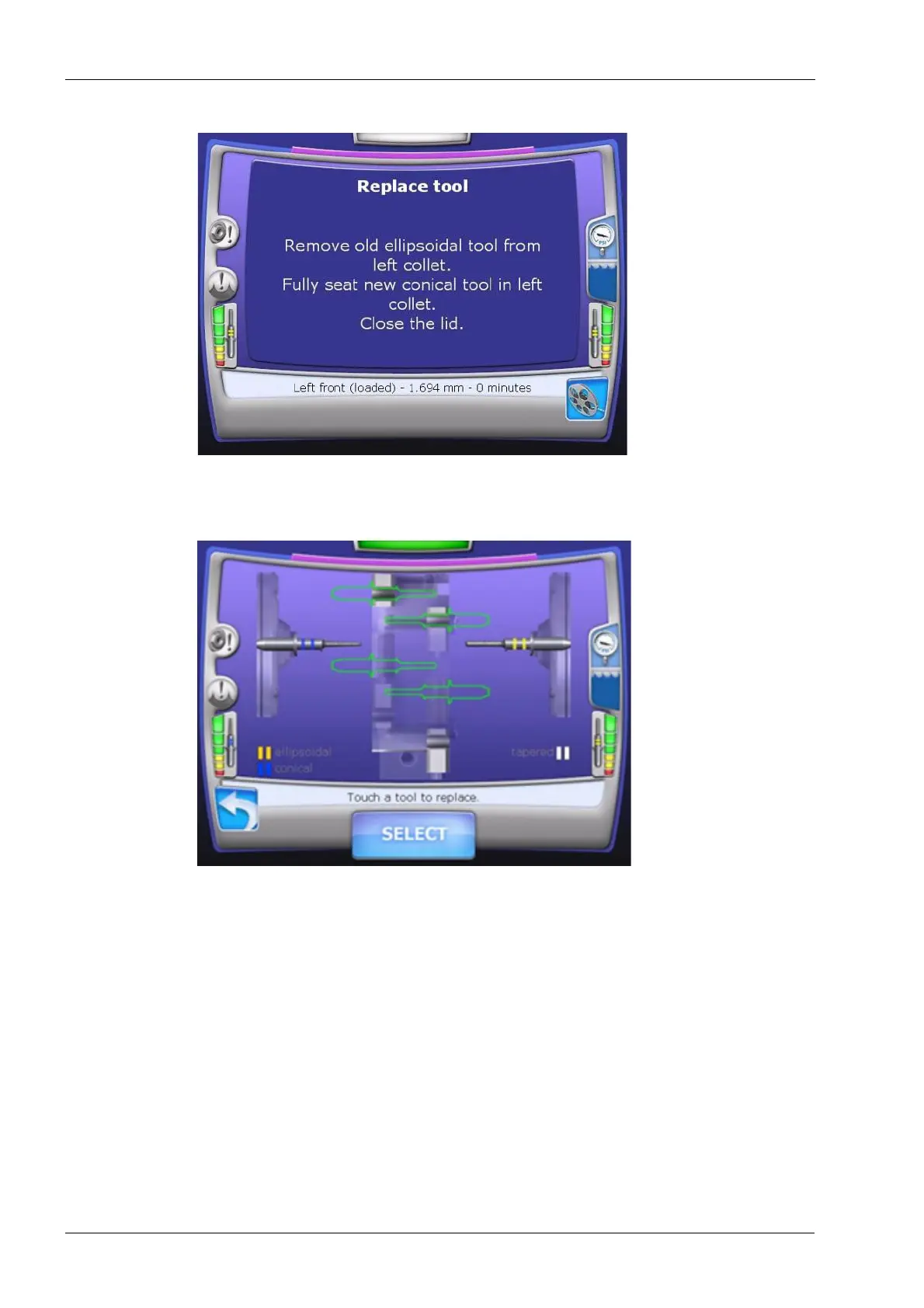
Figure 18: Replace tool
6. The tool changer will open, seat the tool and then profile the tool. If it is successful the
display will look like in the following figure.
Figure 19: Select Tool
7. Select the conical burr in the left side and then touch the SELECT button.














 To Next Page