Functions for Printing
Paper Feed/Output Settings for Special Paper and Printing Types [Eject Wing Control] [Special Paper Ctrl]
128
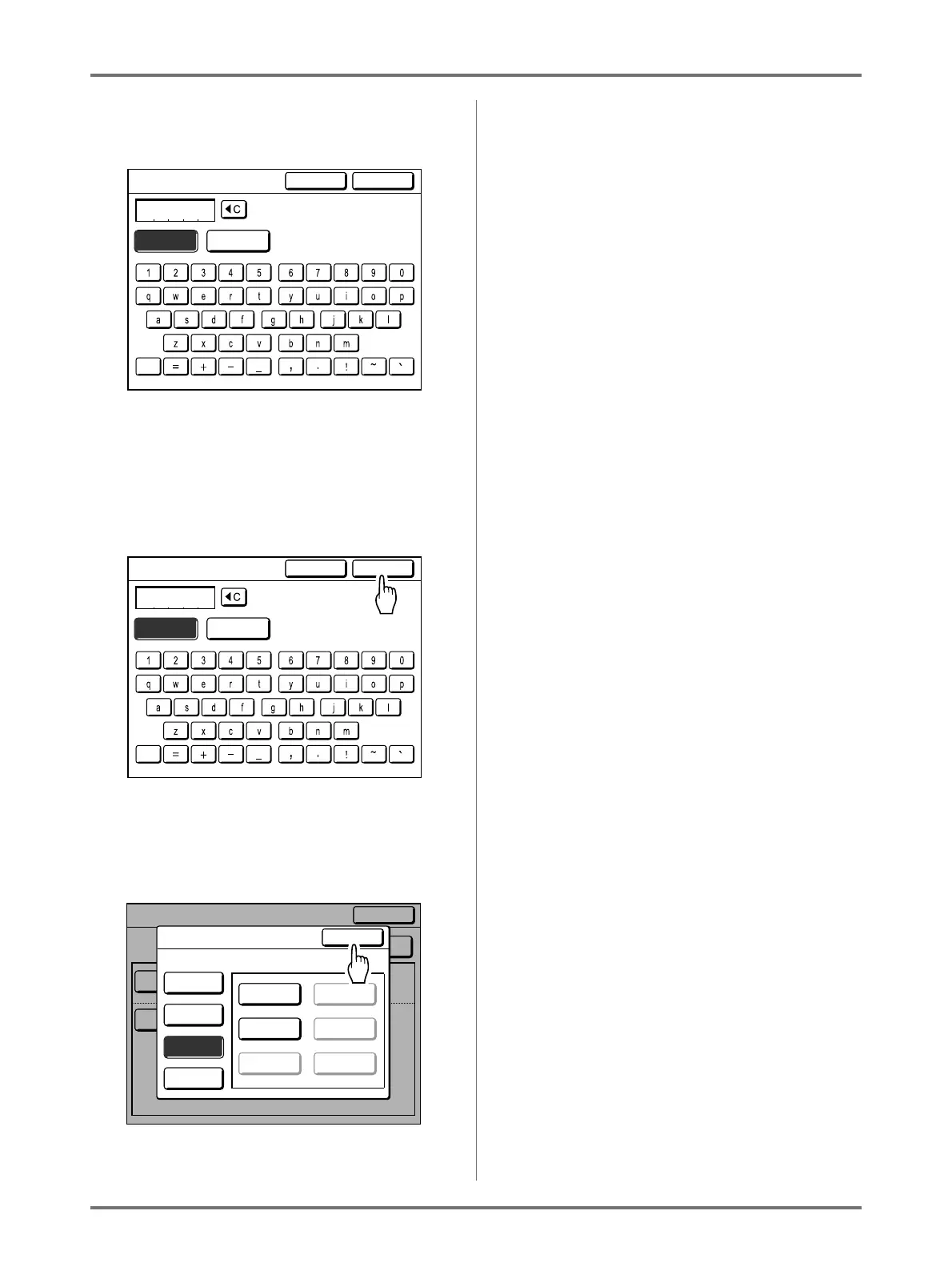
10
Touch character buttons to enter a
new name.
Change capitalization by selecting [Small] or
[Capital] button.
)p.142
11
Touch [OK] after entering all the
characters.
Returns to the Parameter List screen and the
name is updated.
12
Touch [Close].
Returns to the Special Paper Ctrl screen.
Poster
CapitalSmall
Rename
Cancel OK
Poster
CapitalSmall
Rename
Cancel OK
OFF
4
OFF
4
Close
Special Paper Ctrl
S-Tray Upper Limit
Paper Feed Amount
Auto
Auto
ReviseEntry/Call
Paper Feed Adj.
Air Blow
Separation Fan
Paper Eject Adj.
Side
Pre-suction Fan
Suction Fan
Reseive Tray
Close
Parameter List
A-1 A-4
Poster A-5
A-3 A-6
Register
Retrieve
Rename
Clear
Select a Button Name to be Changed



 To Next Page