Advanced Features
Automatic Sorting Into Groups [Programme]
149
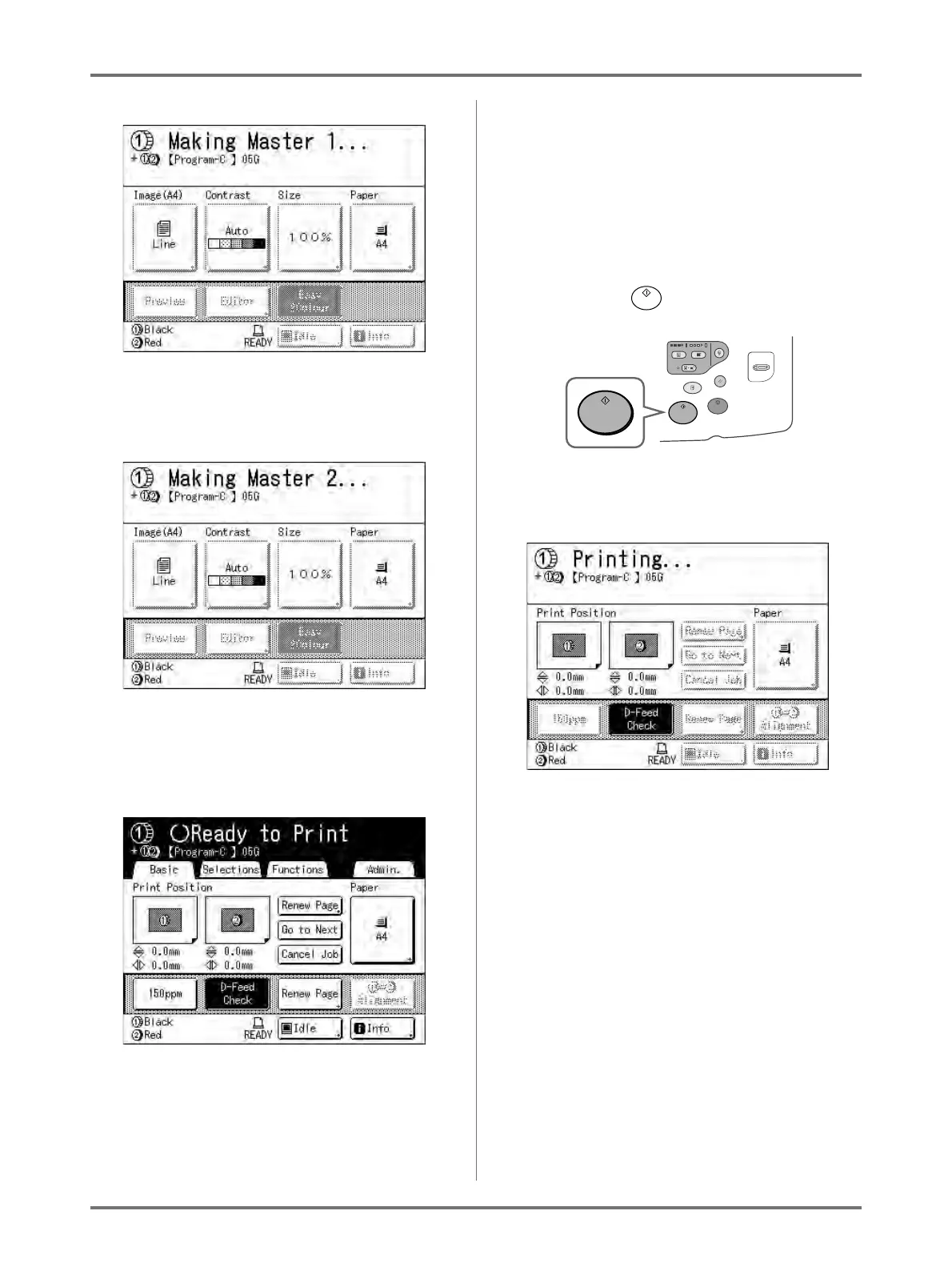
Once the master is made on Drum 1, one
proof copy will be printed from Drum 1 only. A
master will then be made on Drum 2.
Once the master is made on Drum 2, a single
2-colour proof copy will be printed.
After a proof copy has been printed, the Print
Basic Screen appears.
2) Check the proof copy result.
Check the proof copy; e.g., print position and
density.
If necessary, change print position and den-
sity.
• Print Position ()p.115)
• Print Density ()p.114)
• Interval Printing ()p.120)
• Eject Wing Control ()p.122)
3) Press the key.
Prints in accordance with “Combination” pro-
gramme settings.



 To Next Page