Advanced Features
Automatic Sorting Into Groups [Programme]
148
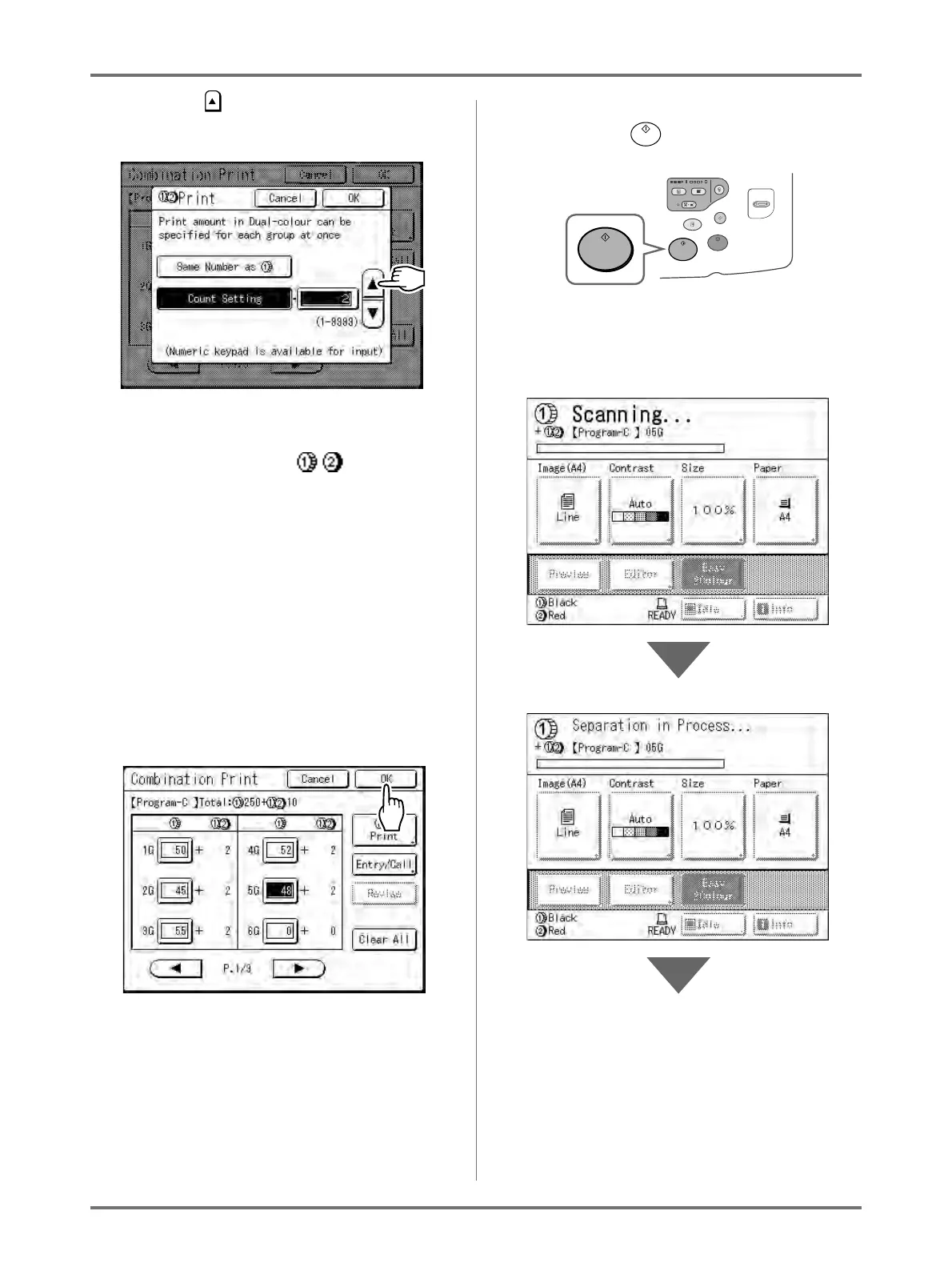
5) Touch and specify “2” (the number of cop-
ies for the answer key to each group)
The Print Quantity Keys can also be used to
enter a value.
6) Touch [OK] and the Print screen
closes.
The screen returns to the Combination Print
screen.
Note:
• The settings made here are cleared if
“Programme” is used. If you plan on using
the same settings on a regular basis, touch
[Entry/Call] to save the settings for later
use.
See )p.139 for details.
7) Touch [OK].
Returns to the original screen. Ready to print
in accordance with the programme.
4
Start the printing process.
1) Press the key.
The print job is scanned, separated, and a
master created in accordance with “Easy
2Colour” settings.



 To Next Page