EasyManua.ls Logo

Riso MZ970 - Page 168

Riso MZ970
307 pages
Print Icon
To Next Page IconTo Next Page
To Previous Page IconTo Previous Page
Loading...
Advanced Features
Selecting Scanning Sides When Using the Auto Document Feeder DX-1 [Scanning Side -ADF]
165
The processing order of the original and output
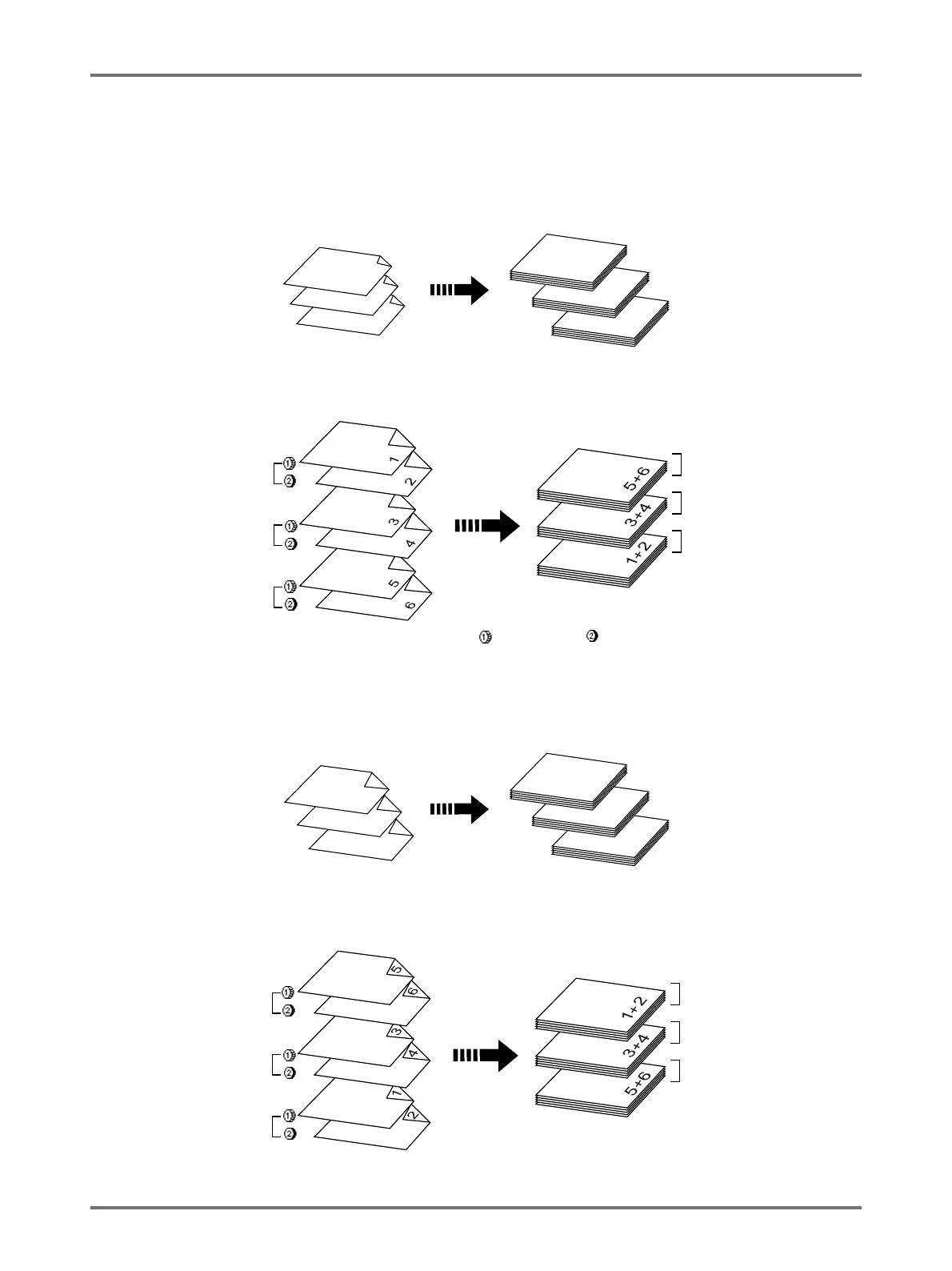
The original set in Auto Document Feeder DX-1 is scanned and printed from the top.
Front Side -> Simplex
For 1-Colour Printing
For 2-Colour Printing
Back Side -> Simplex
For 1-Colour Printing
For 2-Colour Printing
Original
1
2
3
Printed Copies
1
2
3
Printed Copies
Original
1st set
2nd set
3rd set
1st set
2nd set
3rd set
Refers to an original produced with for drum 1, and
for drum 2.
Original
1
2
3
Printed Copies
1
2
3
Printed Copies
Original
1st set
2nd set
3rd set
1st set
2nd set
3rd set

Table of Contents

Related product manuals