Advanced Features
Selecting Scanning Sides When Using the Auto Document Feeder DX-1 [Scanning Side -ADF]
166
Duplex -> Simplex
Note:
•In “
Programme; Multi-Page Mode
”, the first page of the original scanned is displayed as “Page01” on the Setup screen.
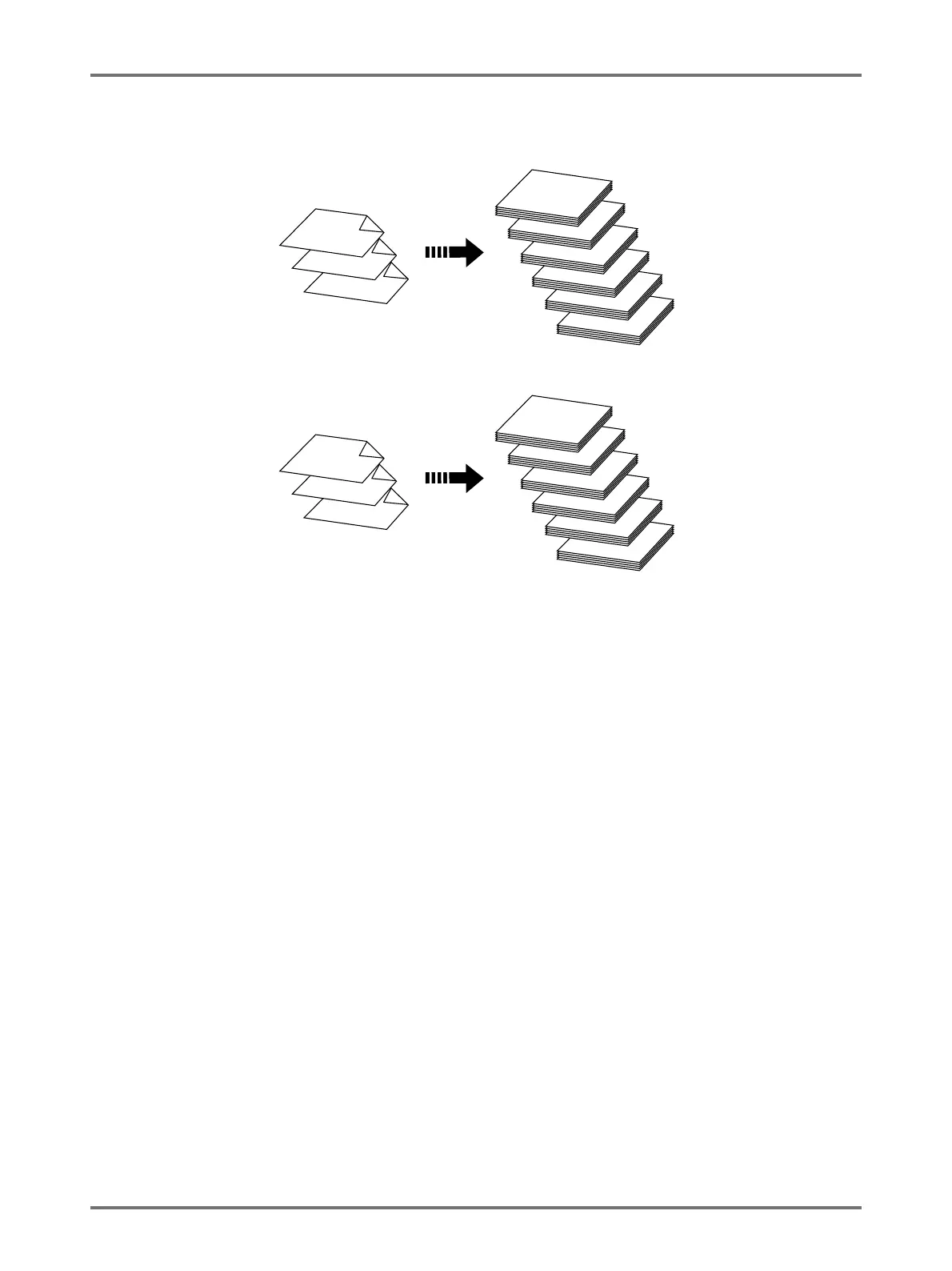
e.g.
With the “Back Side -> Simplex” option, the last page of the original is displayed as “Page01” on the Setup screen
because scanning starts from the last (topmost) page.
Original
1
3
2
5
6
4
Printed Copies
4
5
6
1
2
3
Original
6
4
5
2
1
3
Printed Copies
3
2
1
6
5
4



 To Next Page