Advanced Features
Changing Default Settings [Admin.]
181
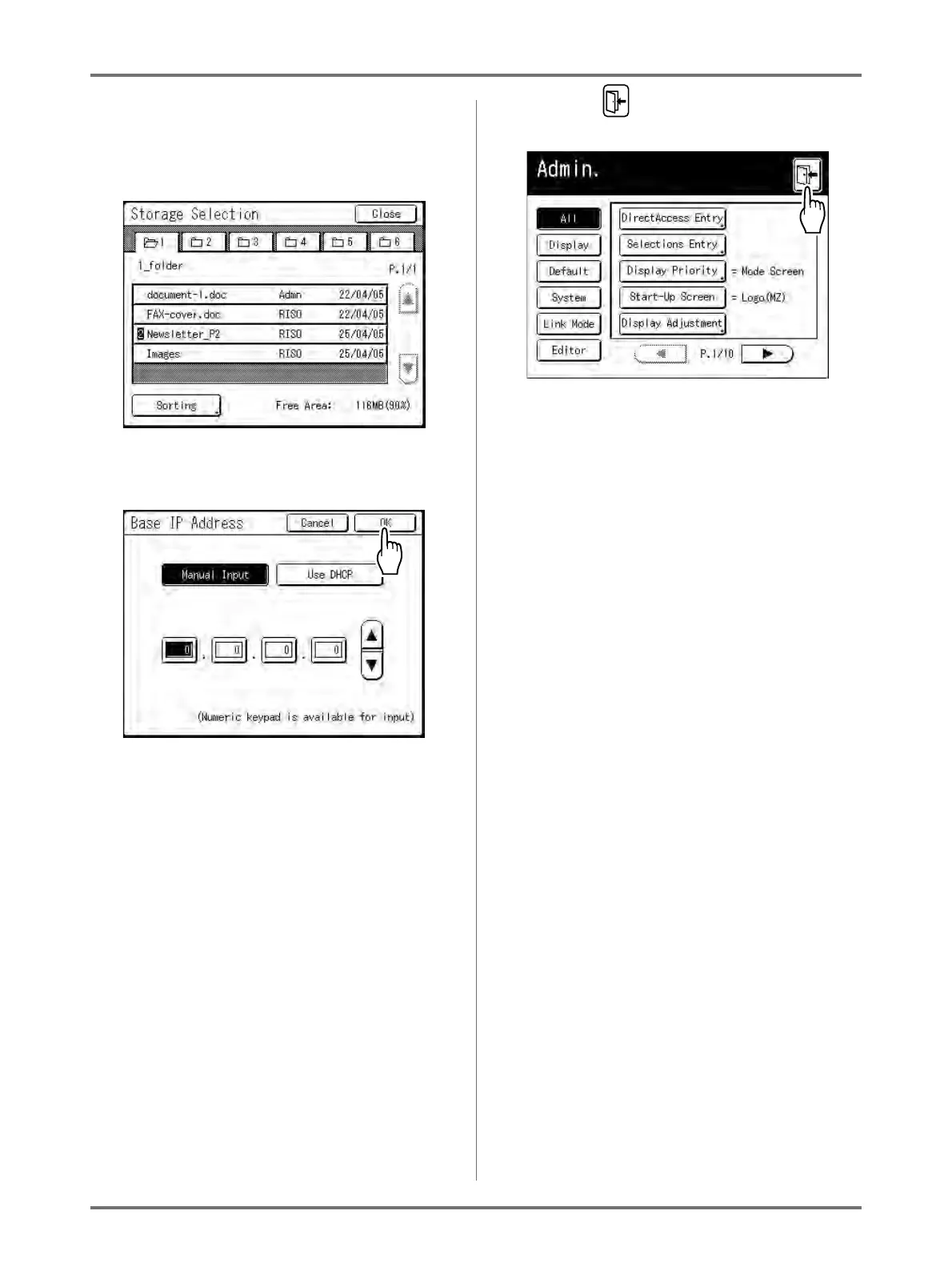
Additional Setup Screen Available
Data Specification Type
A screen to specify the stored data displays.
See )p.204 for details on specifying the data.
5
Touch [OK].
Skip to step 6 if there is no additional setup
screen.
Note:
• Touch [Cancel] to cancel the changes and
return to the Admin. screen.
• The selected value is displayed to the right of
the button (for most functions).
6
Touch .
Returns to the original Basic Screen.



 To Next Page