Advanced Features
Changing Default Settings [Admin.]
180
Additional Setup Screen Available
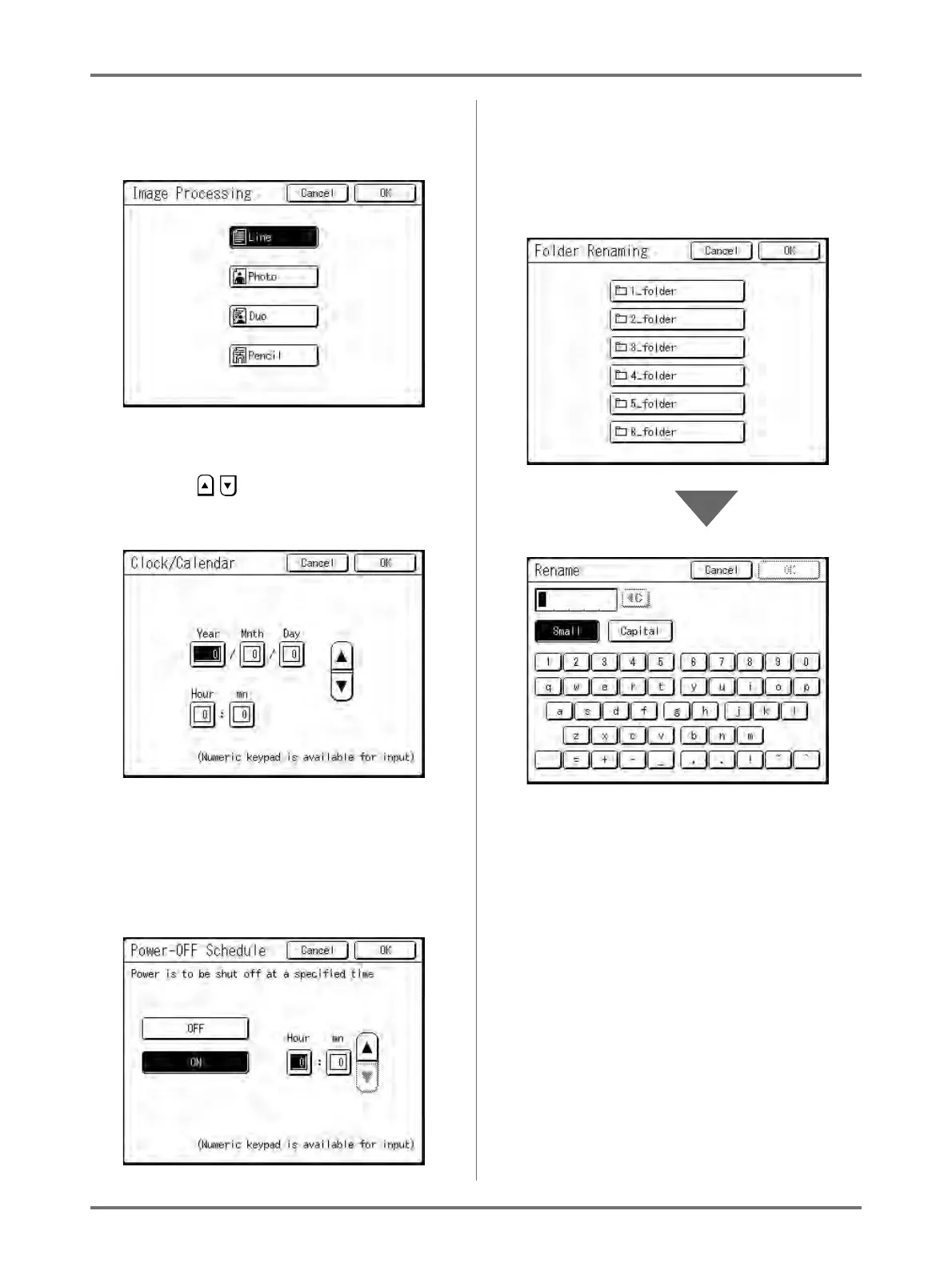
Button Style
Choosing a button makes it the default.
Additional Setup Screen Available
Numeric Value Style
Touch to increase/decrease value.
Numbers may be entered using the Print
Quantity Keys.
Additional Setup Screen Available
Multi Level Entry Style
Select a button, then set its values either by
touching more buttons or entering a value
numerically.
Touch
[ON]
to display more options on the right.
Additional Setup Screen Available
Text Input Type
Input the name after touching the button of the
name to change.
Touch the button and the Rename screen
appears.
Touch the character buttons to enter text.
Change capitalization by selecting [Small] or
[Capital] button.
)p.142



 To Next Page