When using a Linked Printer (sold separately)
Duplex Printing [Duplex]
241
Tip:
Printing duplex originals on one side of paper
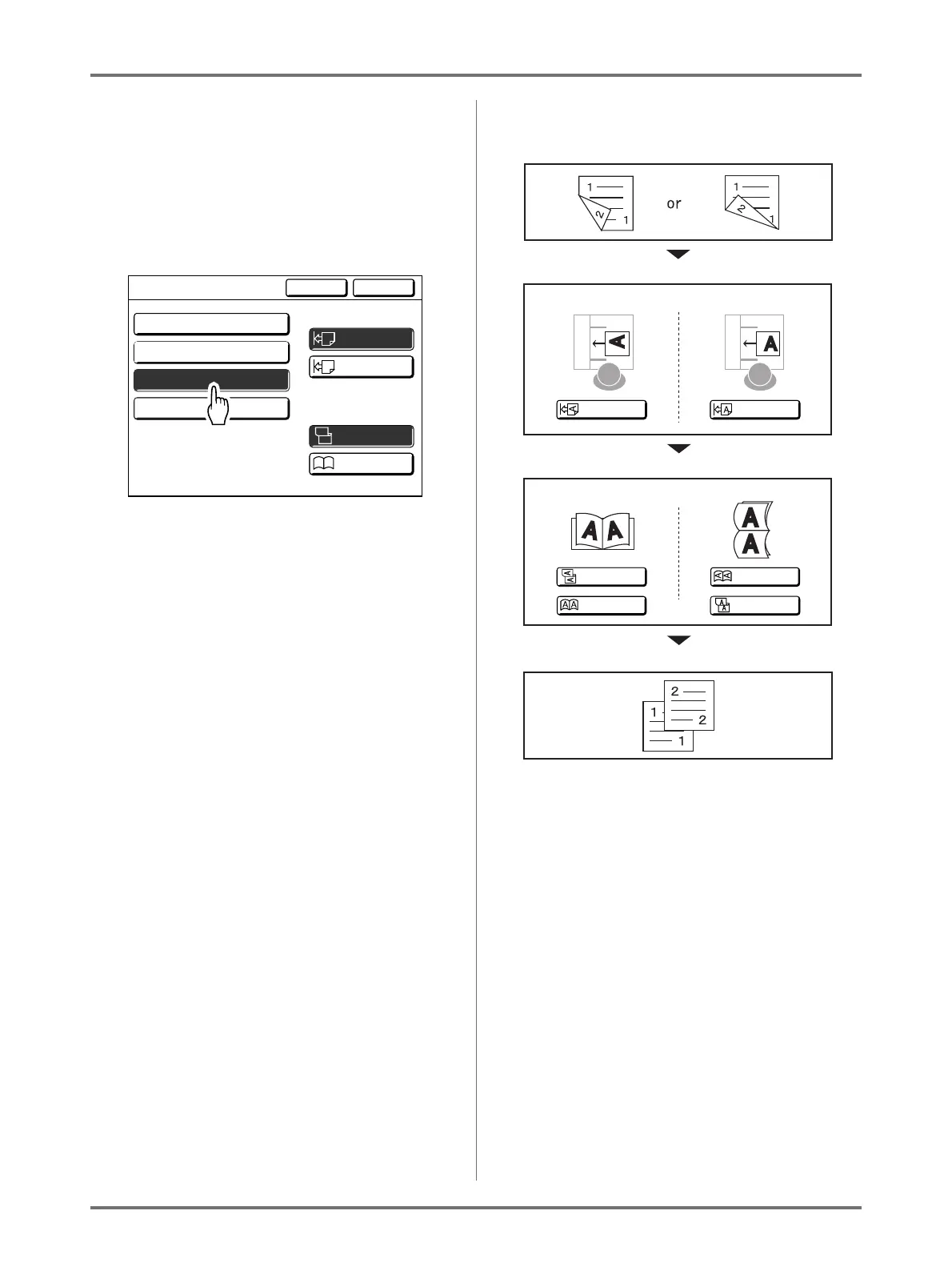
If the machine is equipped with the optional Auto
Document Feeder DX-1, both sides of an original
duplex document can be printed on one side of
the output paper.
Set [Duplex -> Simplex] on the Duplex screen for
printing.
Cancel OK
Duplex
Align Side
Align Top
Setting Direction
Duplex -> Simplex
OFF
A
A
A
A
A
Duplex -> Duplex
Simplex -> Duplex
Top / Bottom
Left / Right
A
Paging Direction
of Output
Duplex
Originals
Select either one.
Select the Paging Direction for the original
How the output looks like
Top / Bottom
Left / Right
Align Side
Align Top
Setting Direction
Paging Direction for the original
Left / Right
Top / Bottom



 To Next Page