Troubleshooting
When a Message Displays
278
!! Unmatched Size--
Current Page and
Printing Paper !!
Check Paper Size
The original data sent from the computer
does not match the print paper size.
• When resuming the print job;
Touch [Continue].
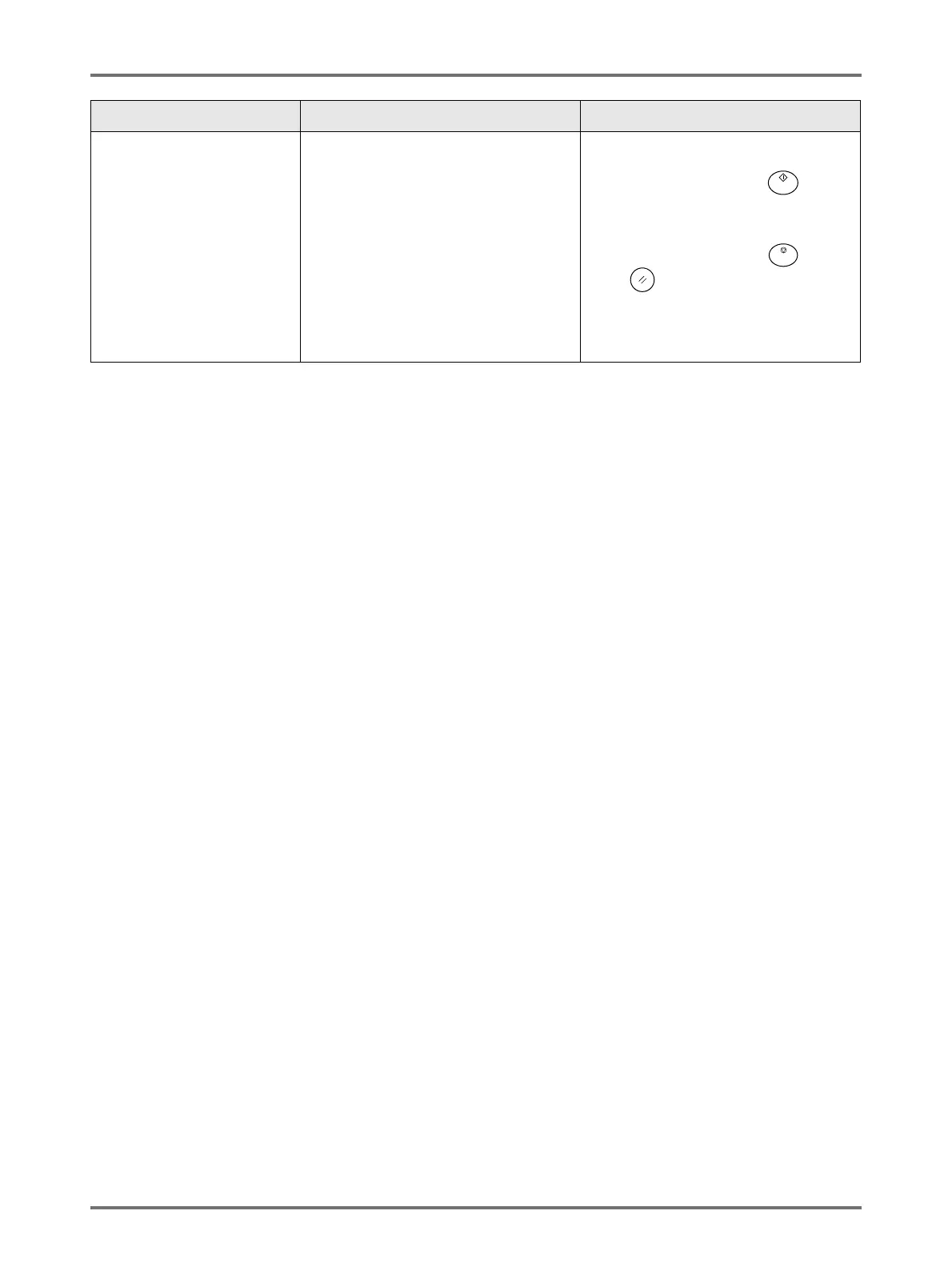
(Alternatively, press the key to
print.)
• When stopping the print job;
Touch [Cancel].
(Alternatively, press the key or
the key to clear.)
Check the print paper size and change
paper or size as needed.
Message Symptom Action



 To Next Page