Troubleshooting
When a Message Displays
280
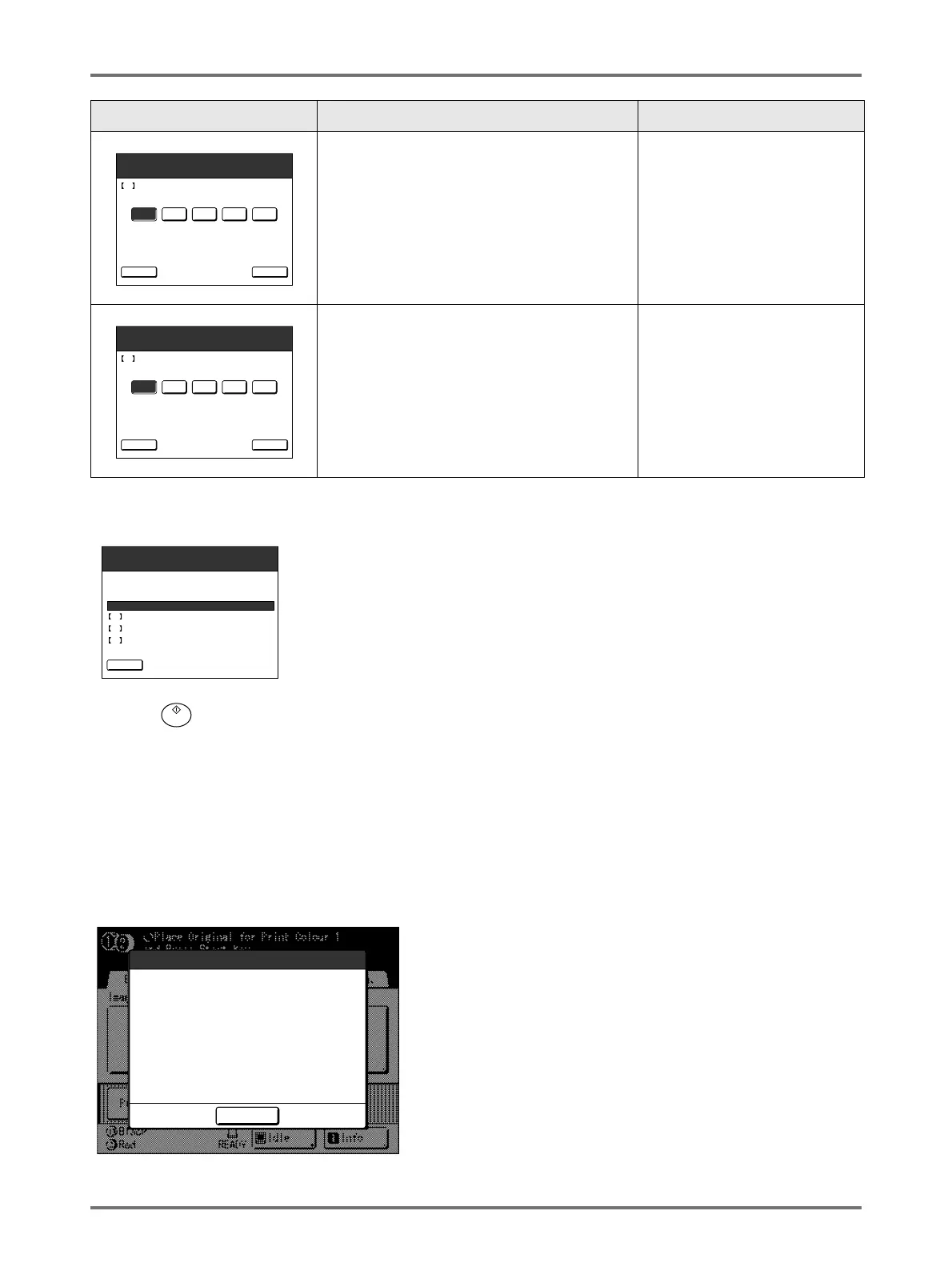
A confirmation screen displays when done.
Press the key to approve selection.
Returns to the Basic Screen.
Note:
• Master Information Input screen may also display. If so, enter Master Information as well.
)p.280
Master Information Input Screen
This screen pops up when data could not be obtained from the Master Roll.
Touch [OK] and enter values as shown below.
[H2] Print Density Fine Adjustment (for Print
Drum 1)
[H8] Print Density Fine Adjustment (for Print
Drum 2)
Select a Print Density level to match the ink to
fine-tune print result.
1 (Light) - 5 (Dark)
[H3] First Print Density Adjustment (for Print
Drum 1)
[H9] First Print Density Adjustment (for Print
Drum 2)
Select a Print Density level of the first print to
match the ink.
1 (Light) - 5 (Dark)
Screen Display Description Values
2 3 4 51
Consumables Information Input Wizard
<Back
Ink Information Input (Drum 1)
Next>
H2 Print Density Fine Adjustment
2 3 4 51
Consumables Information Input Wizard
<Back
Ink Information Input (Drum 1)
Next>
H3 First Print Density Adjustment
Confirm the input data shown below.
Press the START key if those set values are OK.
1
1
1
Item Value
Consumables Information Input Wizard
<Back
Ink Information Input (Drum 1)
H1 Ink Colour Setting
H2 Print Density Fine Adjustment
H3 First Print Density Adjustment
Cannot Get Consumables Info
Input Values Required
Master
OK



 To Next Page