Troubleshooting
Troubleshooting
291
• Paper is not smoothly fed
from the Paper Feed Tray.
(skipped paper, or multiple-
sheet feeding)
• There is a lot of paper
powder
• Multiple sheets of paper
were fed
• Construction paper or
postcard was skipped
• The back side of the
postcard is turned up
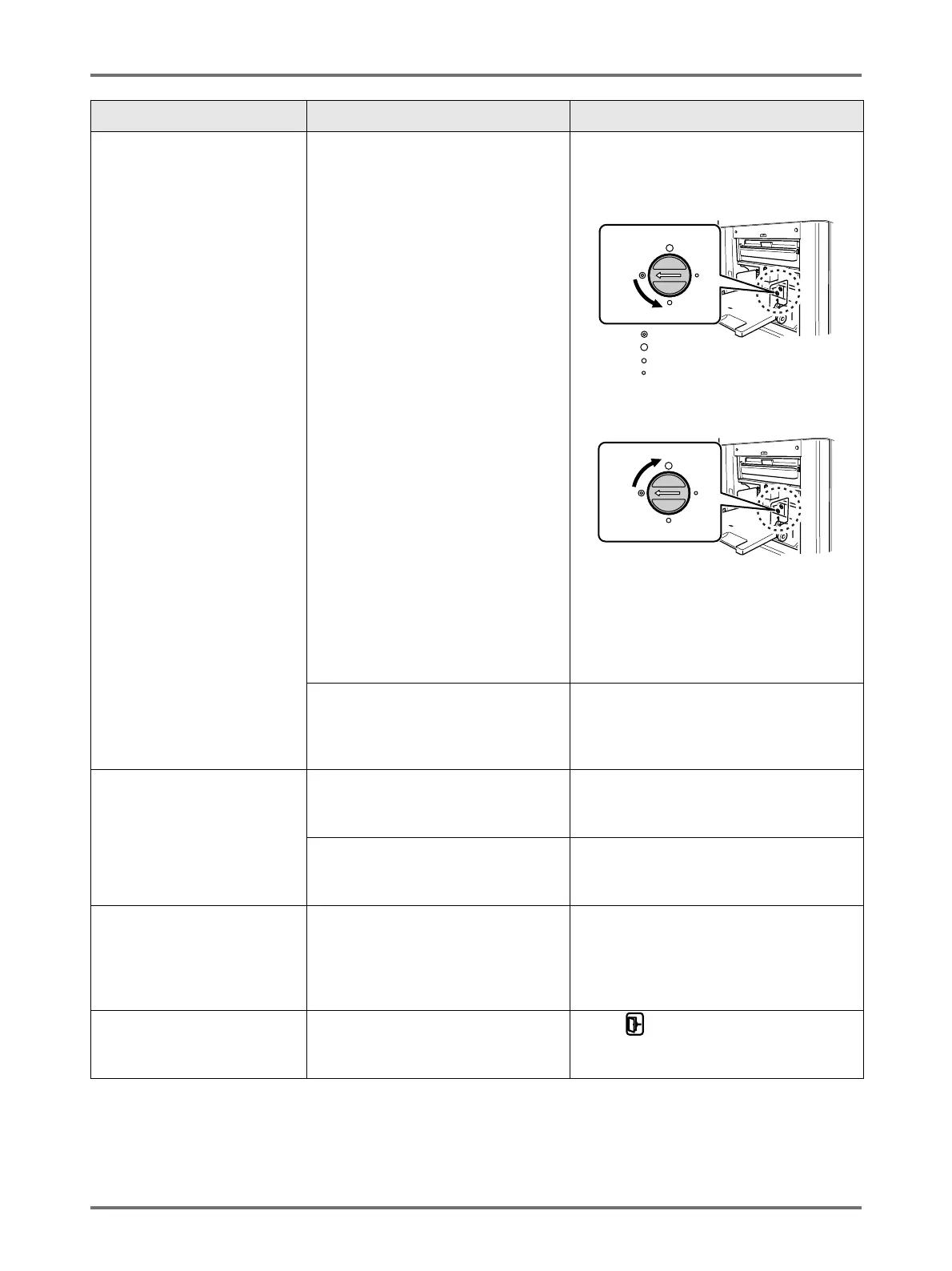
Paper handling pressure is not
correctly adjusted.
• For paper that easily creates paper
powder, skips, or for the back side of
postcards that is turn up:
Turn the dial to the left.
• If paper is being multi-fed:
Turn the dial to the right.
Important!:
• Before making the adjustment, be sure
to remove all paper from the Paper
Feed Tray and confirm that the tray has
lowered to the bottom.
The Paper Feed Adjustment on the
Functions screen is not properly set.
Adjust the “Paper Feed Adj.”. Contact your
dealer (or authorised service
representative) for details on making the
adjustment.
An error message displays
even though there is no paper
jam.
Is the lifted paper getting ejected at
the second rotation of the Print
Drum?
Check the printed copy, and if the top
margin is less than 5mm, slightly lower
Print Position.
Is sunlight directly hitting the
machine?
The sensor is affected by direct sunlight.
Install shades or curtains, or move the
machine out of direct sunlight.
When printing a multiple page
computer file, the machine
repeats the master-making
process one page at a time.
Is “Print in Units” option selected in
the Printer Driver?
Delete the current print job. Deselect “Print
in Units”, and resend the data to the
machine.
See )p.64, step 3.
)p.68
The computer sent the file, but
it was not received by the
machine.
Is the Admin. screen currently
showing on the display?
Touch and switch to the Basic Screen
from the Admin. screen.
Problem Possible Cause Action
: Normal
: Strong
: Medium
: Weak



 To Next Page