5.6
SEL-2032 Communications Processor Instruction Manual Date Code 20120126
Message Strings
Predefined Strings
EXAMPLE 5.2 Parsing Sequences
The following are examples of using special parsing sequences in
strings:
CMD1="In the\XX/"
The CMD1 bit will assert whenever a string that begins with "In
the" is received at the SEL-2032 Port set with this user-defined
message.
WRITE="W\Pa/@\Aa/=\Dh/"
Creates a write command that the SEL-2032 uses to recognize
data in a special format. In this example, the string containing the
data must begin with a W, followed by a Port number, an @
symbol, a database address, an = character, and finally the data.
For instance, to write 0 (zero) to Port 8, address F800h, you
would have to send the string "W08@F800=0000" to the
SEL-2032.
Predefined Strings
When working with SEL relays, the SEL-2032 includes some predefined
strings you can use in SET A auto-messages to collect data. The SEL-2032
also includes four predefined strings you can enter as SET U user-defined
commands to recognize automatic messages sent from an SEL relay. Table 5.4
lists the predefined strings you can use on auto-configured SEL IED ports for
data collection (SET A MESGx settings). Table 5.5 lists other predefined
strings that are available regardless of the port type.
Table 5.6 lists predefined strings you can use on SEL IED ports to watch for
unsolicited messages (relay auto-messages).
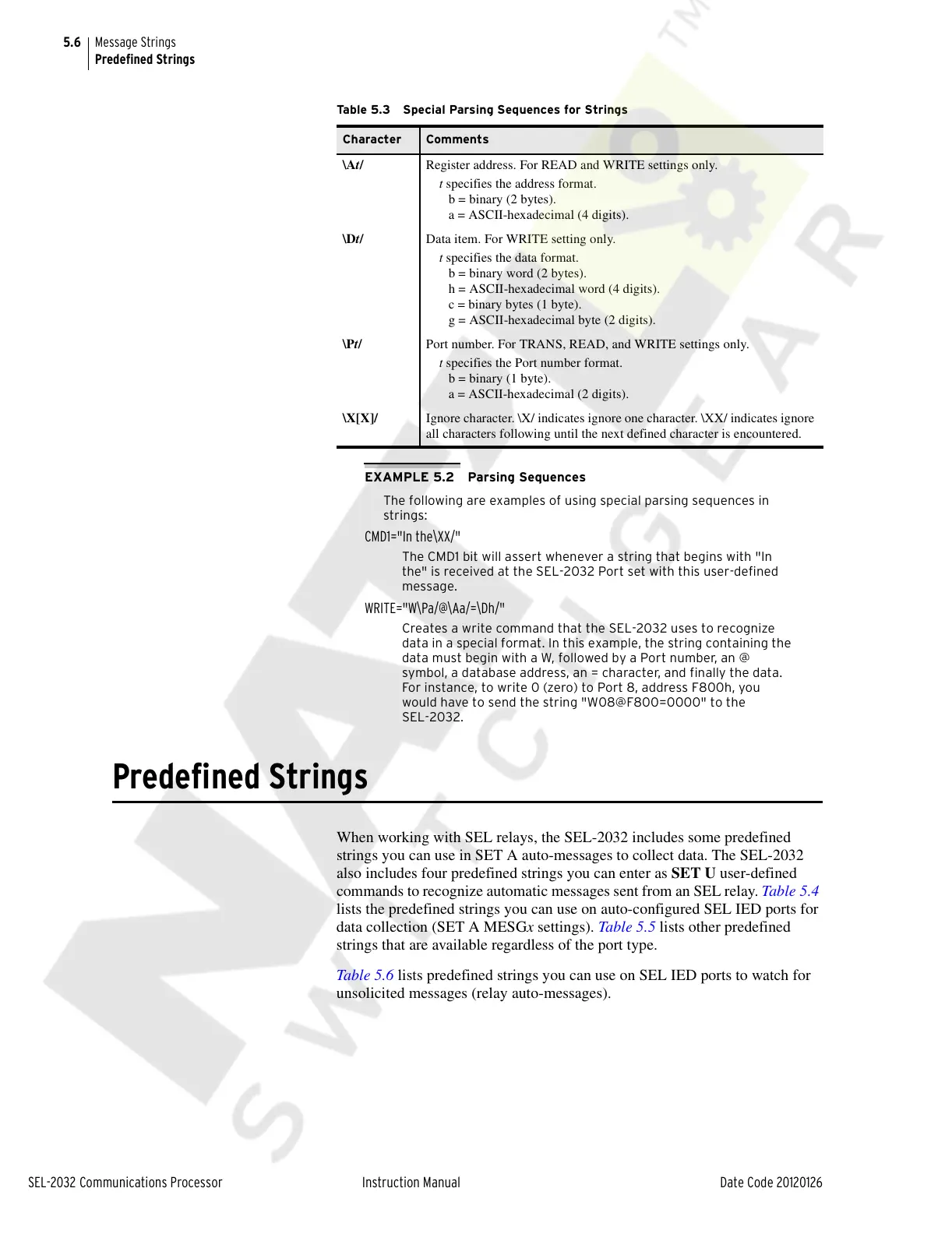
Table 5.3 Special Parsing Sequences for Strings
Character Comments
\At/ Register address. For READ and WRITE settings only.
t specifies the address format.
b = binary (2 bytes).
a = ASCII-hexadecimal (4 digits).
\Dt/ Data item. For WRITE setting only.
t specifies the data format.
b = binary word (2 bytes).
h = ASCII-hexadecimal word (4 digits).
c = binary bytes (1 byte).
g = ASCII-hexadecimal byte (2 digits).
\Pt/ Port number. For TRANS, READ, and WRITE settings only.
t specifies the Port number format.
b = binary (1 byte).
a = ASCII-hexadecimal (2 digits).
\X[X]/ Ignore character. \X/ indicates ignore one character. \XX/ indicates ignore
all characters following until the next defined character is encountered.
Courtesy of NationalSwitchgear.com



 To Next Page