8.18
SEL-2032 Communications Processor Instruction Manual Date Code 20120126
Serial Port Communications and Commands
Command Set
Port Switch Protocol, the connection is dropped when you issue the QUIT
command. If you are connected to the port through a dial-up modem, the
SEL-2032 will hang up the modem when it receives a QUIT command.
SER
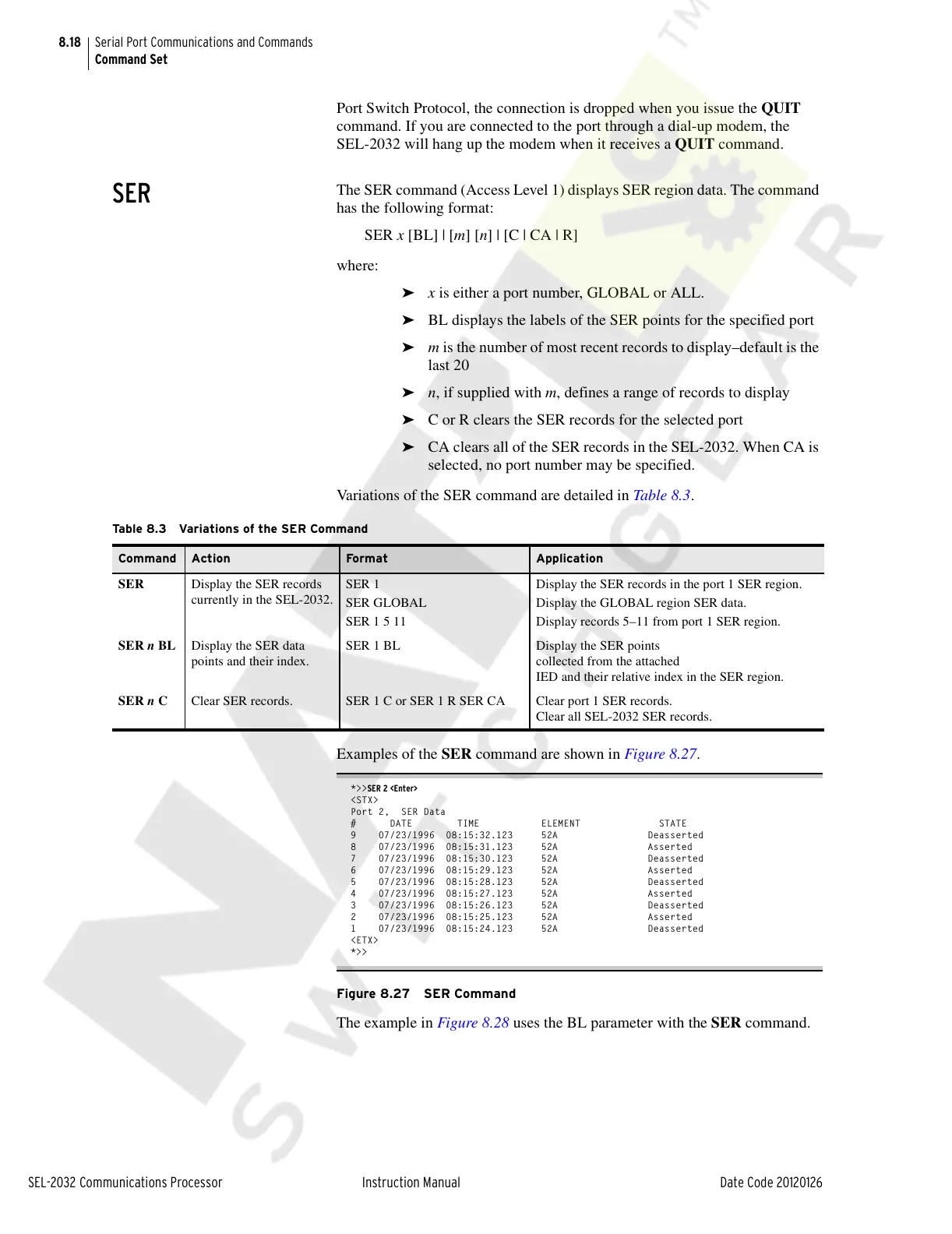
The SER command (Access Level 1) displays SER region data. The command
has the following format:
SER x [BL] | [m] [n] | [C | CA | R]
where:
➤ x is either a port number, GLOBAL or ALL.
➤ BL displays the labels of the SER points for the specified port
➤ m is the number of most recent records to display–default is the
last 20
➤ n, if supplied with m, defines a range of records to display
➤ C or R clears the SER records for the selected port
➤ CA clears all of the SER records in the SEL-2032. When CA is
selected, no port number may be specified.
Variations of the SER command are detailed in Table 8.3.
Examples of the SER command are shown in Figure 8.27.
*>>SER 2 <Enter>
<STX>
Port 2, SER Data
# DATE TIME ELEMENT STATE
9 07/23/1996 08:15:32.123 52A Deasserted
8 07/23/1996 08:15:31.123 52A Asserted
7 07/23/1996 08:15:30.123 52A Deasserted
6 07/23/1996 08:15:29.123 52A Asserted
5 07/23/1996 08:15:28.123 52A Deasserted
4 07/23/1996 08:15:27.123 52A Asserted
3 07/23/1996 08:15:26.123 52A Deasserted
2 07/23/1996 08:15:25.123 52A Asserted
1 07/23/1996 08:15:24.123 52A Deasserted
<ETX>
*>>
Figure 8.27 SER Command
The example in Figure 8.28 uses the BL parameter with the SER command.
Table 8.3 Variations of the SER Command
Command Action For m at Application
SER Display the SER records
currently in the SEL-2032.
SER 1
SER GLOBAL
SER 1 5 11
Display the SER records in the port 1 SER region.
Display the GLOBAL region SER data.
Display records 5–11 from port 1 SER region.
SER n BL Display the SER data
points and their index.
SER 1 BL Display the SER points
collected from the attached
IED and their relative index in the SER region.
SER n C Clear SER records. SER 1 C or SER 1 R SER CA Clear port 1 SER records.
Clear all SEL-2032 SER records.
Courtesy of NationalSwitchgear.com



 To Next Page