8.21
Date Code 20120126 Instruction Manual SEL-2032 Communications Processor
Serial Port Communications and Commands
Command Set
You cannot enter or modify settings with this command. Change settings with
the SET command.
STATUS
Use the STATUS command (Access Level 1) to inspect self-test status, the
configuration of this unit, and the status of each port. The SEL-2032
automatically sends the STATUS command response message to Port F
whenever the self-test software enters a warning or failure state. Add a repeat
count parameter to cause the STATUS command to repeat a given number of
times. For example, type STATUS 4 to view the status information four times.
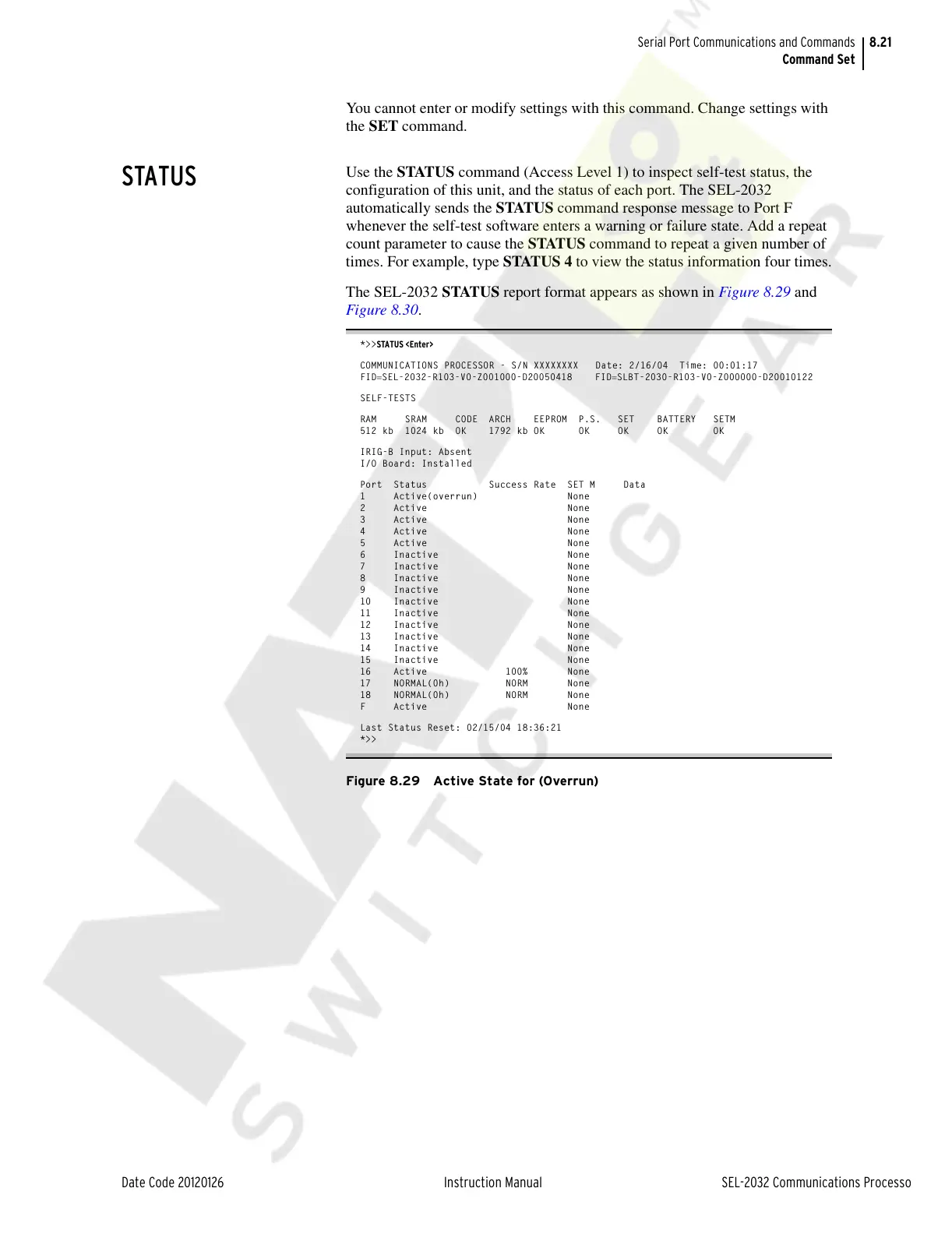
The SEL-2032 STATUS report format appears as shown in Figure 8.29 and
Figure 8.30.
*>>STATUS <Enter>
COMMUNICATIONS PROCESSOR - S/N XXXXXXXX Date: 2/16/04 Time: 00:01:17
FIDSEL-2032-R103-V0-Z001000-D20050418 FIDSLBT-2030-R103-V0-Z000000-D20010122
SELF-TESTS
RAM SRAM CODE ARCH EEPROM P.S. SET BATTERY SETM
512 kb 1024 kb OK 1792 kb OK OK OK OK OK
IRIG-B Input: Absent
I/O Board: Installed
Port Status Success Rate SET M Data
1 Active(overrun) None
2 Active None
3 Active None
4 Active None
5 Active None
6 Inactive None
7 Inactive None
8 Inactive None
9 Inactive None
10 Inactive None
11 Inactive None
12 Inactive None
13 Inactive None
14 Inactive None
15 Inactive None
16 Active 100% None
17 NORMAL(0h) NORM None
18 NORMAL(0h) NORM None
F Active None
Last Status Reset: 02/15/04 18:36:21
*>>
Figure 8.29 Active State for (Overrun)
Courtesy of NationalSwitchgear.com



 To Next Page