3.12
SEL-2032 Communications Processor Instruction Manual Date Code 20120126
Job Done Examples
Example 2: Using the SEL-2032 as a Port Switch
V(56) =B*E*F
W(56) =C*E*F
X(56) =
Y(56) =
Z(56) =
A3(1346)=79CY
A4(2346)=
TR(1246)=50H+51T+51NT+V
RC(1246)=50H+TF
ER(1246)=51P+51QP+51NP+TF+W
SEQ(1) =
ETC(1) =
ITC(1) =
Global settings
DEMR =Y CFT =60 TDUR =4 TFT =30 TGR =180 ITT =5 TIME1=15
TIME2=0 AUTO =2 RINGS=3 IN1 =SS1 IN2 =DT IN3 =RE IN4 =
IN5 =52A IN6 =
=>
Figure 3.9 Relay Group 1 Settings
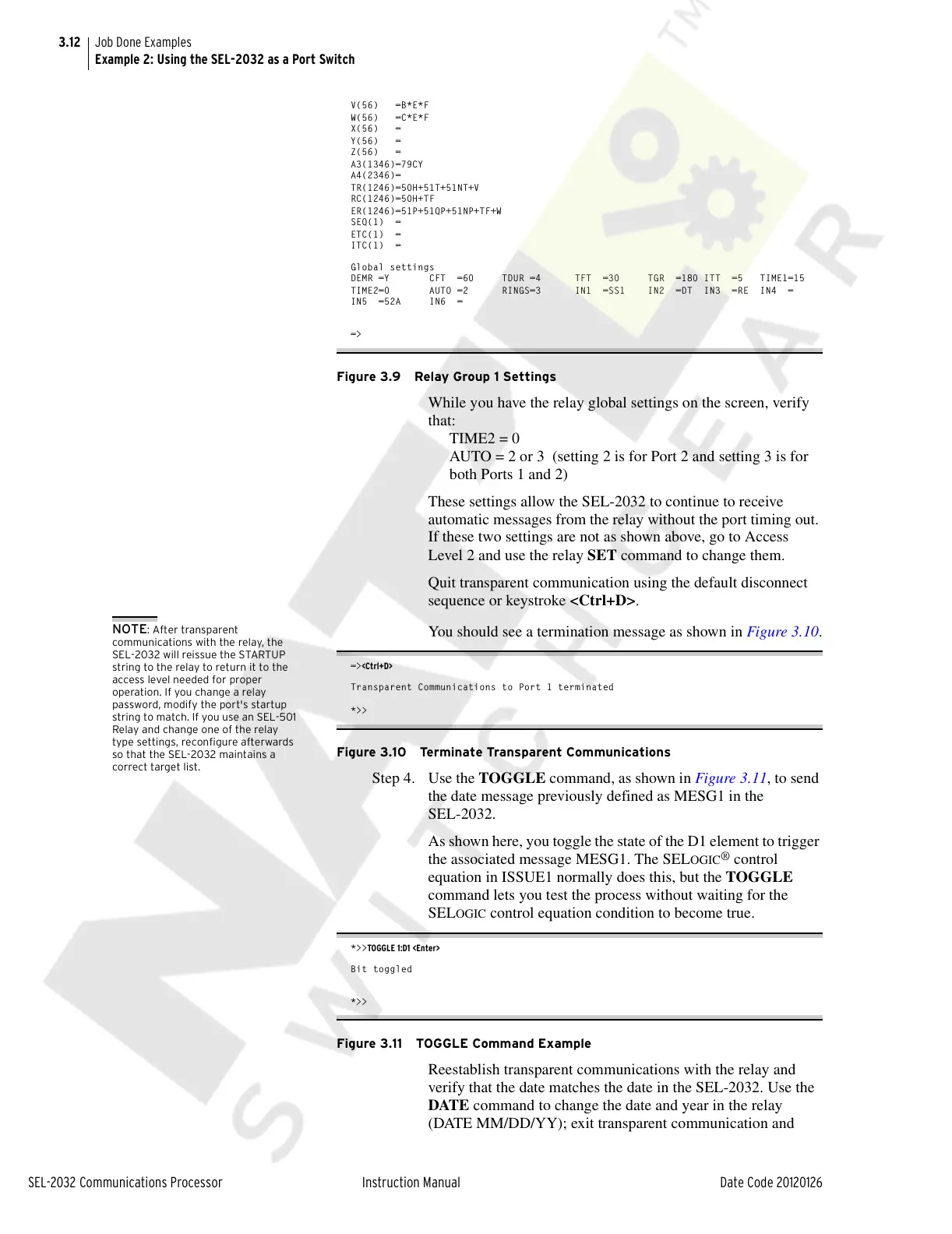
While you have the relay global settings on the screen, verify
that:
TIME2 = 0
AUTO = 2 or 3 (setting 2 is for Port 2 and setting 3 is for
both Ports 1 and 2)
These settings allow the SEL-2032 to continue to receive
automatic messages from the relay without the port timing out.
If these two settings are not as shown above, go to Access
Level 2 and use the relay SET command to change them.
Quit transparent communication using the default disconnect
sequence or keystroke <Ctrl+D>.
NOTE: After transparent
communications with the relay, the
SEL-2032 will reissue the STARTUP
string to the relay to return it to the
access level needed for proper
operation. If you change a relay
password, modify the port's startup
string to match. If you use an SEL-501
Relay and change one of the relay
type settings, reconfigure afterwards
so that the SEL-2032 maintains a
correct target list.
You should see a termination message as shown in Figure 3.10.
=><Ctrl+D>
Transparent Communications to Port 1 terminated
*>>
Figure 3.10 Terminate Transparent Communications
Step 4. Use the TOGGLE command, as shown in Figure 3.11, to send
the date message previously defined as MESG1 in the
SEL-2032.
As shown here, you toggle the state of the D1 element to trigger
the associated message MESG1. The SEL
OGIC
®
control
equation in ISSUE1 normally does this, but the TOGGLE
command lets you test the process without waiting for the
SEL
OGIC control equation condition to become true.
*>>TOGGLE 1:D1 <Enter>
Bit toggled
*>>
Figure 3.11 TOGGLE Command Example
Reestablish transparent communications with the relay and
verify that the date matches the date in the SEL-2032. Use the
DATE command to change the date and year in the relay
(DATE MM/DD/YY); exit transparent communication and
Courtesy of NationalSwitchgear.com



 To Next Page