7.3
Date Code 20120126 Instruction Manual SEL-2032 Communications Processor
Settings
Port Configuration (SET P) and Communication Settings
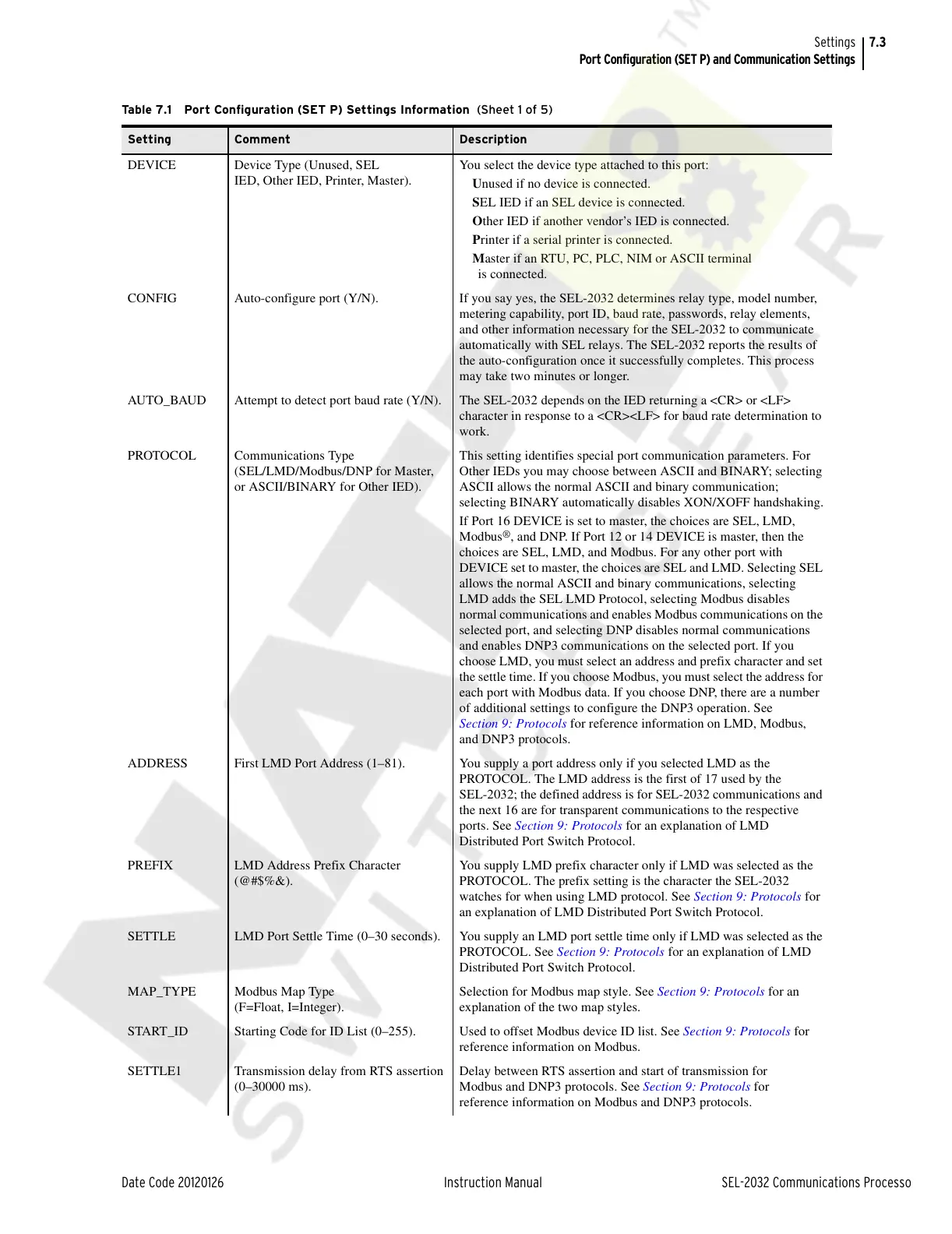
Table 7.1 Port Configuration (SET P) Settings Information (Sheet 1 of 5)
Setting Comment Description
DEVICE Device Type (Unused, SEL
IED, Other IED, Printer, Master).
You select the device type attached to this port:
Unused if no device is connected.
SEL IED if an SEL device is connected.
Other IED if another vendor’s IED is connected.
Printer if a serial printer is connected.
Master if an RTU, PC, PLC, NIM or ASCII terminal
is connected.
CONFIG Auto-configure port (Y/N). If you say yes, the SEL-2032 determines relay type, model number,
metering capability, port ID, baud rate, passwords, relay elements,
and other information necessary for the SEL-2032 to communicate
automatically with SEL relays. The SEL-2032 reports the results of
the auto-configuration once it successfully completes. This process
may take two minutes or longer.
AUTO_BAUD Attempt to detect port baud rate (Y/N). The SEL-2032 depends on the IED returning a <CR> or <LF>
character in response to a <CR><LF> for baud rate determination to
work.
PROTOCOL Communications Type
(SEL/LMD/Modbus/DNP for Master,
or ASCII/BINARY for Other IED).
This setting identifies special port communication parameters. For
Other IEDs you may choose between ASCII and BINARY; selecting
ASCII allows the normal ASCII and binary communication;
selecting BINARY automatically disables XON/XOFF handshaking.
If Port 16 DEVICE is set to master, the choices are SEL, LMD,
Modbus
®
, and DNP. If Port 12 or 14 DEVICE is master, then the
choices are SEL, LMD, and Modbus. For any other port with
DEVICE set to master, the choices are SEL and LMD. Selecting SEL
allows the normal ASCII and binary communications, selecting
LMD adds the SEL LMD Protocol, selecting Modbus disables
normal communications and enables Modbus communications on the
selected port, and selecting DNP disables normal communications
and enables DNP3 communications on the selected port. If you
choose LMD, you must select an address and prefix character and set
the settle time. If you choose Modbus, you must select the address for
each port with Modbus data. If you choose DNP, there are a number
of additional settings to configure the DNP3 operation. See
Section 9: Protocols for reference information on LMD, Modbus,
and DNP3 protocols.
ADDRESS First LMD Port Address (1–81). You supply a port address only if you selected LMD as the
PROTOCOL. The LMD address is the first of 17 used by the
SEL-2032; the defined address is for SEL-2032 communications and
the next 16 are for transparent communications to the respective
ports. See Section 9: Protocols for an explanation of LMD
Distributed Port Switch Protocol.
PREFIX LMD Address Prefix Character
(@#$%&).
You supply LMD prefix character only if LMD was selected as the
PROTOCOL. The prefix setting is the character the SEL-2032
watches for when using LMD protocol. See Section 9: Protocols for
an explanation of LMD Distributed Port Switch Protocol.
SETTLE LMD Port Settle Time (0–30 seconds). You supply an LMD port settle time only if LMD was selected as the
PROTOCOL. See Section 9: Protocols for an explanation of LMD
Distributed Port Switch Protocol.
MAP_TYPE Modbus Map Type
(F=Float, I=Integer).
Selection for Modbus map style. See Section 9: Protocols for an
explanation of the two map styles.
START_ID Starting Code for ID List (0–255). Used to offset Modbus device ID list. See Section 9: Protocols for
reference information on Modbus.
SETTLE1 Transmission delay from RTS assertion
(0–30000 ms).
Delay between RTS assertion and start of transmission for
Modbus and DNP3 protocols. See Section 9: Protocols for
reference information on Modbus and DNP3 protocols.
Courtesy of NationalSwitchgear.com



 To Next Page