2.23
Date Code 20120126 Instruction Manual SEL-2032 Communications Processor
Installation
Getting Started
f. View the data stored in the Port 2 TARGET region by
issuing the command string VIEW 2:TARGET BL.
g. Check the communication and data retrieval
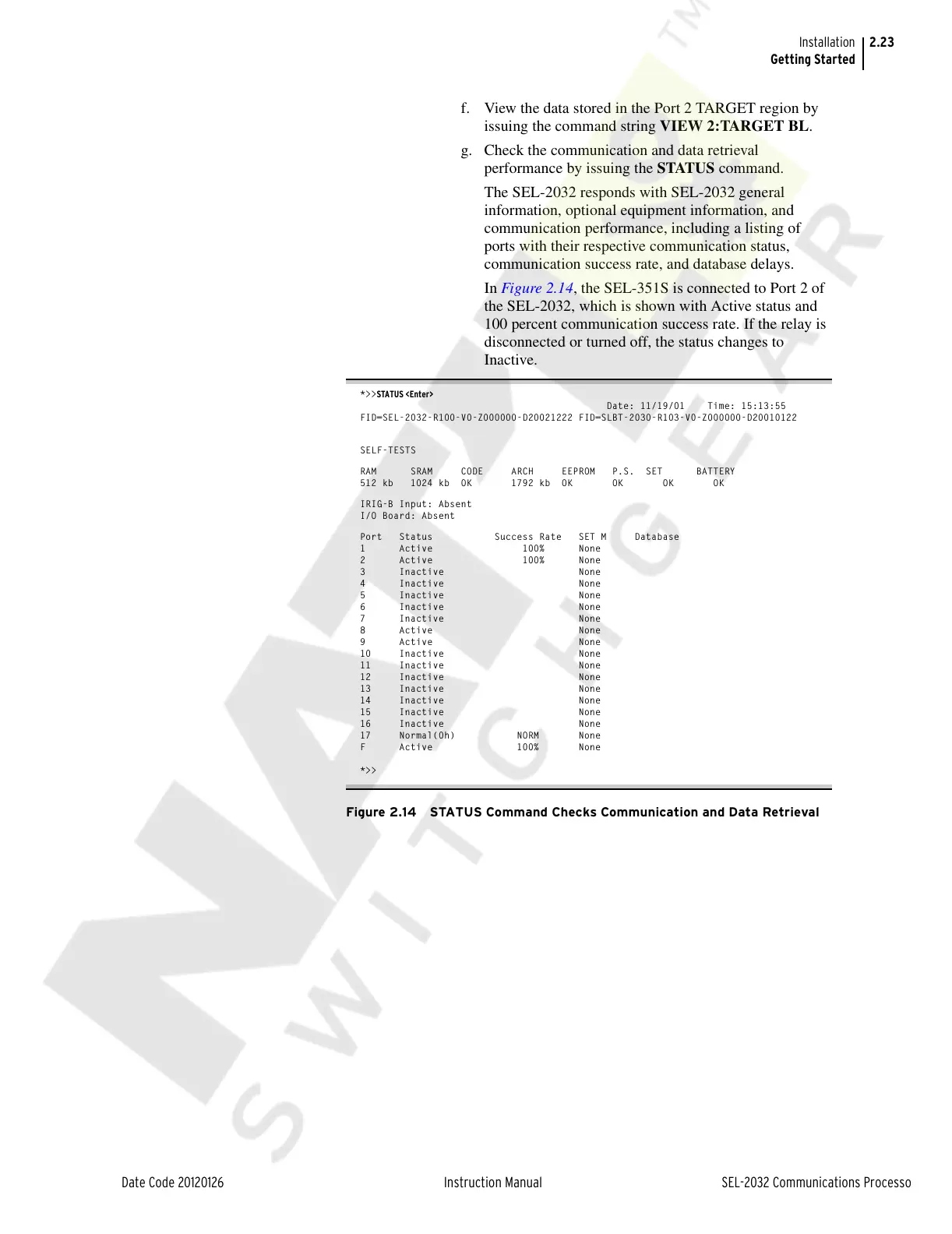
performance by issuing the STATUS command.
The SEL-2032 responds with SEL-2032 general
information, optional equipment information, and
communication performance, including a listing of
ports with their respective communication status,
communication success rate, and database delays.
In Figure 2.14, the SEL-351S is connected to Port 2 of
the SEL-2032, which is shown with Active status and
100 percent communication success rate. If the relay is
disconnected or turned off, the status changes to
Inactive.
*>>STATUS <Enter>
Date: 11/19/01 Time: 15:13:55
FID=SEL-2032-R100-V0-Z000000-D20021222 FID=SLBT-2030-R103-V0-Z000000-D20010122
SELF-TESTS
RAM SRAM CODE ARCH EEPROM P.S. SET BATTERY
512 kb 1024 kb OK 1792 kb OK OK OK OK
IRIG-B Input: Absent
I/O Board: Absent
Port Status Success Rate SET M Database
1 Active 100% None
2 Active 100% None
3 Inactive None
4 Inactive None
5 Inactive None
6 Inactive None
7 Inactive None
8 Active None
9 Active None
10 Inactive None
11 Inactive None
12 Inactive None
13 Inactive None
14 Inactive None
15 Inactive None
16 Inactive None
17 Normal(0h) NORM None
F Active 100% None
*>>
Figure 2.14 STATUS Command Checks Communication and Data Retrieval
Courtesy of NationalSwitchgear.com



 To Next Page