3.6
SEL-2032 Communications Processor Instruction Manual Date Code 20120126
Job Done Examples
Example 2: Using the SEL-2032 as a Port Switch
Set the SEL-2032,
Step by Step
Step 1. Issue the ACCESS and 2ACCESS commands and associated
passwords to go to Access Level 2.
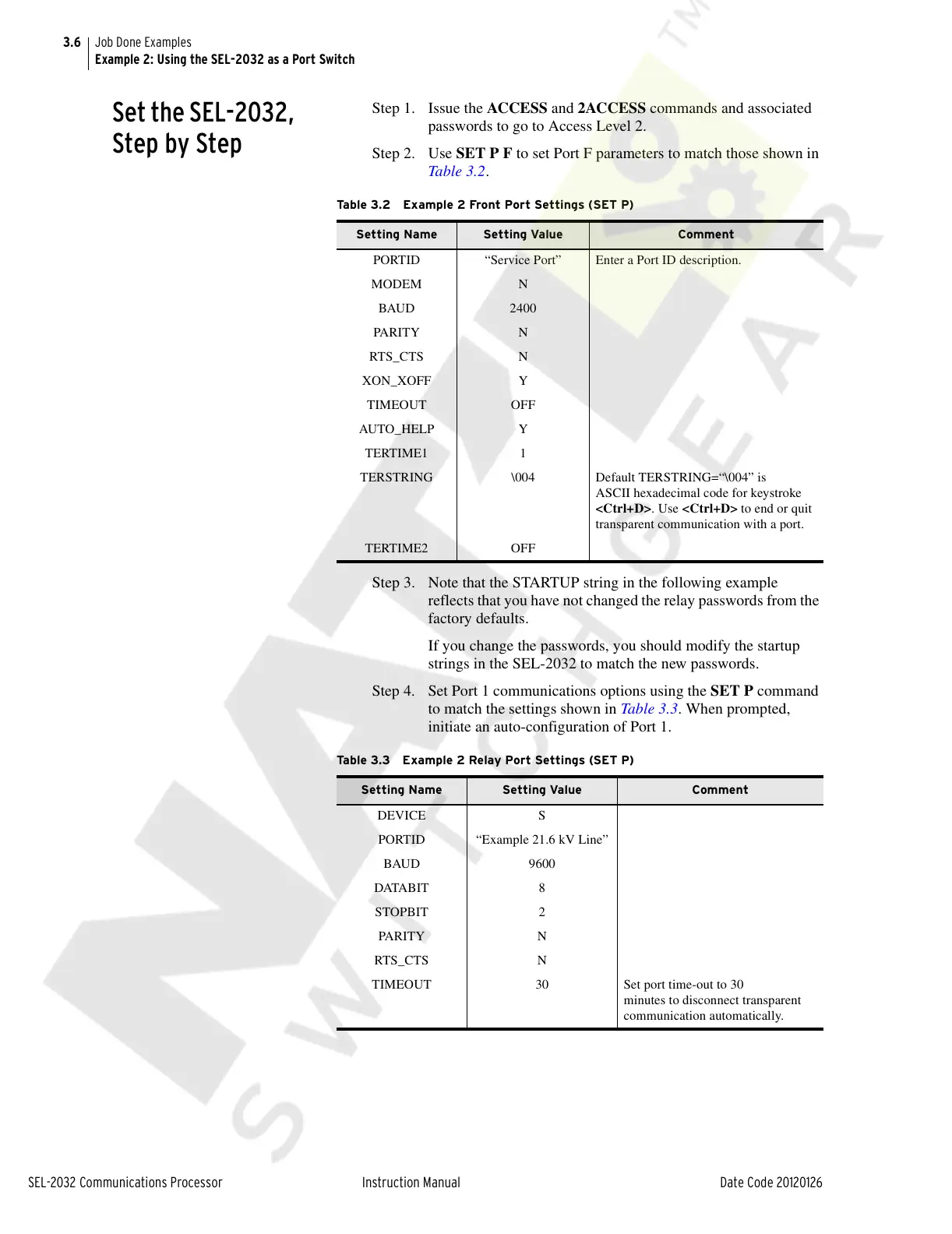
Step 2. Use SET P F to set Port F parameters to match those shown in
Table 3.2.
Step 3. Note that the STARTUP string in the following example
reflects that you have not changed the relay passwords from the
factory defaults.
If you change the passwords, you should modify the startup
strings in the SEL-2032 to match the new passwords.
Step 4. Set Port 1 communications options using the SET P command
to match the settings shown in Table 3.3. When prompted,
initiate an auto-configuration of Port 1.
Table 3.2 Example 2 Front Port Settings (SET P)
Setting Name Setting Value Comment
PORTID “Service Port” Enter a Port ID description.
MODEM N
BAUD 2400
PARI TY N
RTS_CTS N
XON_XOFF Y
TIMEOUT OFF
AUTO_HELP Y
TERTIME1 1
TERSTRING \004 Default TERSTRING=“\004” is
ASCII hexadecimal code for keystroke
<Ctrl+D>. Use <Ctrl+D> to end or quit
transparent communication with a port.
TERTIME2 OFF
Table 3.3 Example 2 Relay Port Settings (SET P)
Setting Name Setting Value Comment
DEVICE S
PORTID “Example 21.6 kV Line”
BAUD 9600
DATABIT 8
STOPBIT 2
PARI TY N
RTS_CTS N
TIMEOUT 30 Set port time-out to 30
minutes to disconnect transparent
communication automatically.
Courtesy of NationalSwitchgear.com



 To Next Page