3.25
Date Code 20120126 Instruction Manual SEL-2032 Communications Processor
Job Done Examples
Example 5: Getting Data From a Non-SEL IED
Set the SEL-2032,
Step by Step
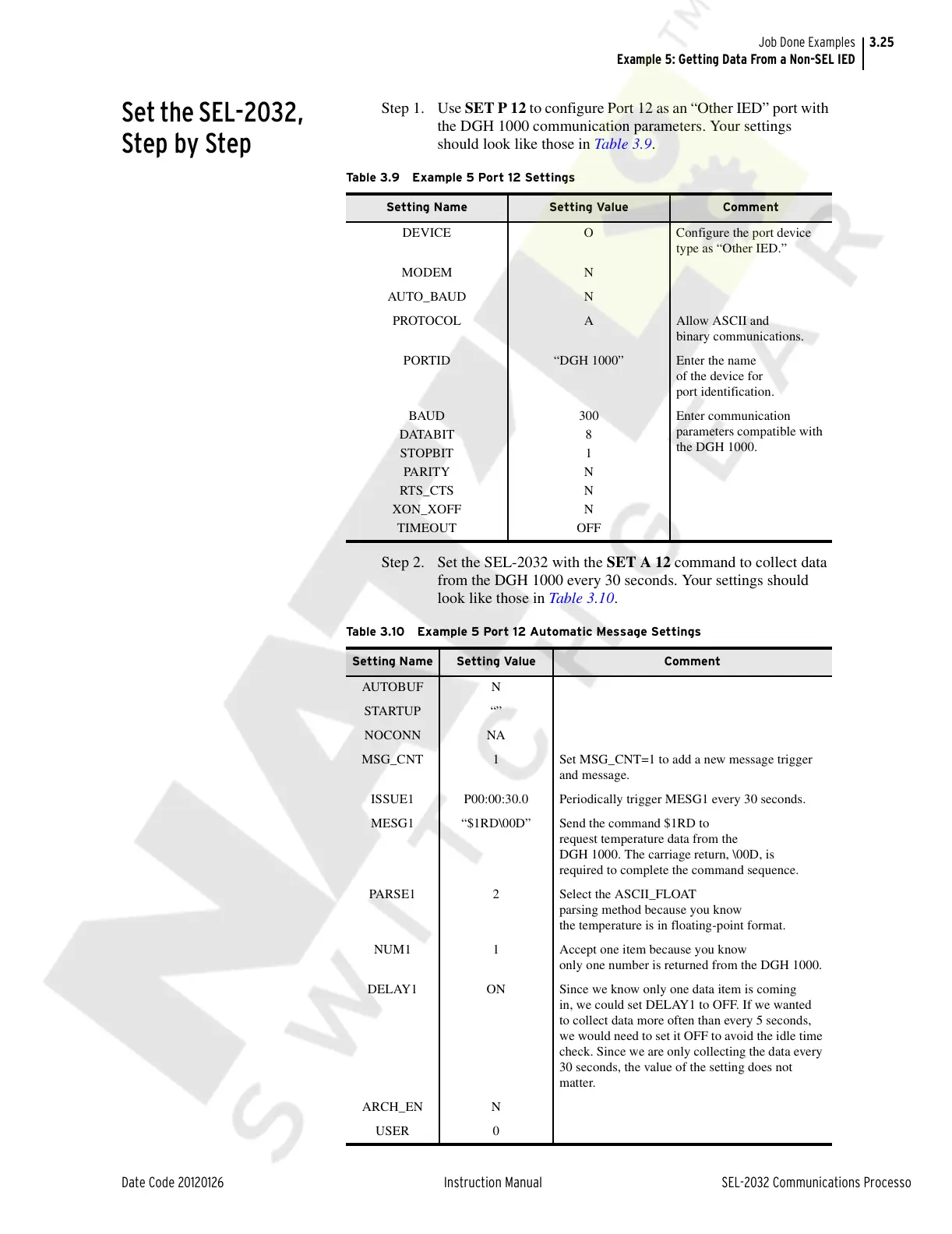
Step 1. Use SET P 12 to configure Port 12 as an “Other IED” port with
the DGH 1000 communication parameters. Your settings
should look like those in Tab le 3.9.
Step 2. Set the SEL-2032 with the SET A 12 command to collect data
from the DGH 1000 every 30 seconds. Your settings should
look like those in Table 3.1 0 .
Table 3.9 Example 5 Port 12 Settings
Setting Name Setting Value Comment
DEVICE O Configure the port device
type as “Other IED.”
MODEM N
AUTO_BAUD N
PROTOCOL A Allow ASCII and
binary communications.
PORTID “DGH 1000” Enter the name
of the device for
port identification.
BAUD
DATABIT
STOPBIT
PA RIT Y
RTS_CTS
XON_XOFF
TIMEOUT
300
8
1
N
N
N
OFF
Enter communication
parameters compatible with
the DGH 1000.
Table 3.10 Example 5 Port 12 Automatic Message Settings
Setting Name Setting Value Comment
AUTOBUF N
STARTUP “”
NOCONN NA
MSG_CNT 1 Set MSG_CNT=1 to add a new message trigger
and message.
ISSUE1 P00:00:30.0 Periodically trigger MESG1 every 30 seconds.
MESG1 “$1RD\00D” Send the command $1RD to
request temperature data from the
DGH 1000. The carriage return, \00D, is
required to complete the command sequence.
PARSE1 2 Select the ASCII_FLOAT
parsing method because you know
the temperature is in floating-point format.
NUM1 1 Accept one item because you know
only one number is returned from the DGH 1000.
DELAY1 ON Since we know only one data item is coming
in, we could set DELAY1 to OFF. If we wanted
to collect data more often than every 5 seconds,
we would need to set it OFF to avoid the idle time
check. Since we are only collecting the data every
30 seconds, the value of the setting does not
matter.
ARCH_EN N
USER 0
Courtesy of NationalSwitchgear.com



 To Next Page