3.9
Date Code 20120126 Instruction Manual SEL-2032 Communications Processor
Job Done Examples
Example 2: Using the SEL-2032 as a Port Switch
*>>COPY 1 ALL <Enter>
Copy settings from Port 1 to Port 2 (Y/N) ? Y <Enter>
Perform auto-configuration on Port 2 (Y/N) ? Y <Enter>
Attempting auto-configuration...Done.
Port 2 Settings Changed
Copy settings from Port 1 to Port 3 (Y/N) ? Y <Enter>
Perform auto-configuration on Port 3 (Y/N) ? Y <Enter>
Attempting auto-configuration...Done.
Port 3 Settings Changed
Copy settings from Port 1 to Port 4 (Y/N) ? Y <Enter>
Perform auto-configuration on Port 4 (Y/N) ? Y <Enter>
Attempting auto-configuration...Done.
Port 4 Settings Changed
Copy settings from Port 1 to Port 5 (Y/N) ? Y <Enter>
Perform auto-configuration on Port 5 (Y/N) ? Y <Enter>
Attempting auto-configuration...Done.
Port 5 Settings Changed
Copy settings from Port 1 to Port 6 (Y/N) ? Y <Enter>
Perform auto-configuration on Port 6 (Y/N) ? Y <Enter>
Attempting auto-configuration...Done.
Port 6 Settings Changed
Copy settings from Port 1 to Port 7 (Y/N) ? Y <Enter>
Perform auto-configuration on Port 7 (Y/N) ? Y <Enter>
Attempting auto-configuration...Done.
Port 7 Settings Changed
Copy settings from Port 1 to Port 8 (Y/N) ? N <Enter>
Copy settings from Port 1 to Port 9 (Y/N) ? N <Enter>
Copy settings from Port 1 to Port 10 (Y/N) ? N <Enter>
Copy settings from Port 1 to Port 11 (Y/N) ? N <Enter>
Copy settings from Port 1 to Port 12 (Y/N) ? N <Enter>
Copy settings from Port 1 to Port 13 (Y/N) ? N <Enter>
Copy settings from Port 1 to Port 14 (Y/N) ? N <Enter>
Copy settings from Port 1 to Port 15 (Y/N) ? N <Enter>
Copy settings from Port 1 to Port 16 (Y/N) ? N <Enter>
*>>
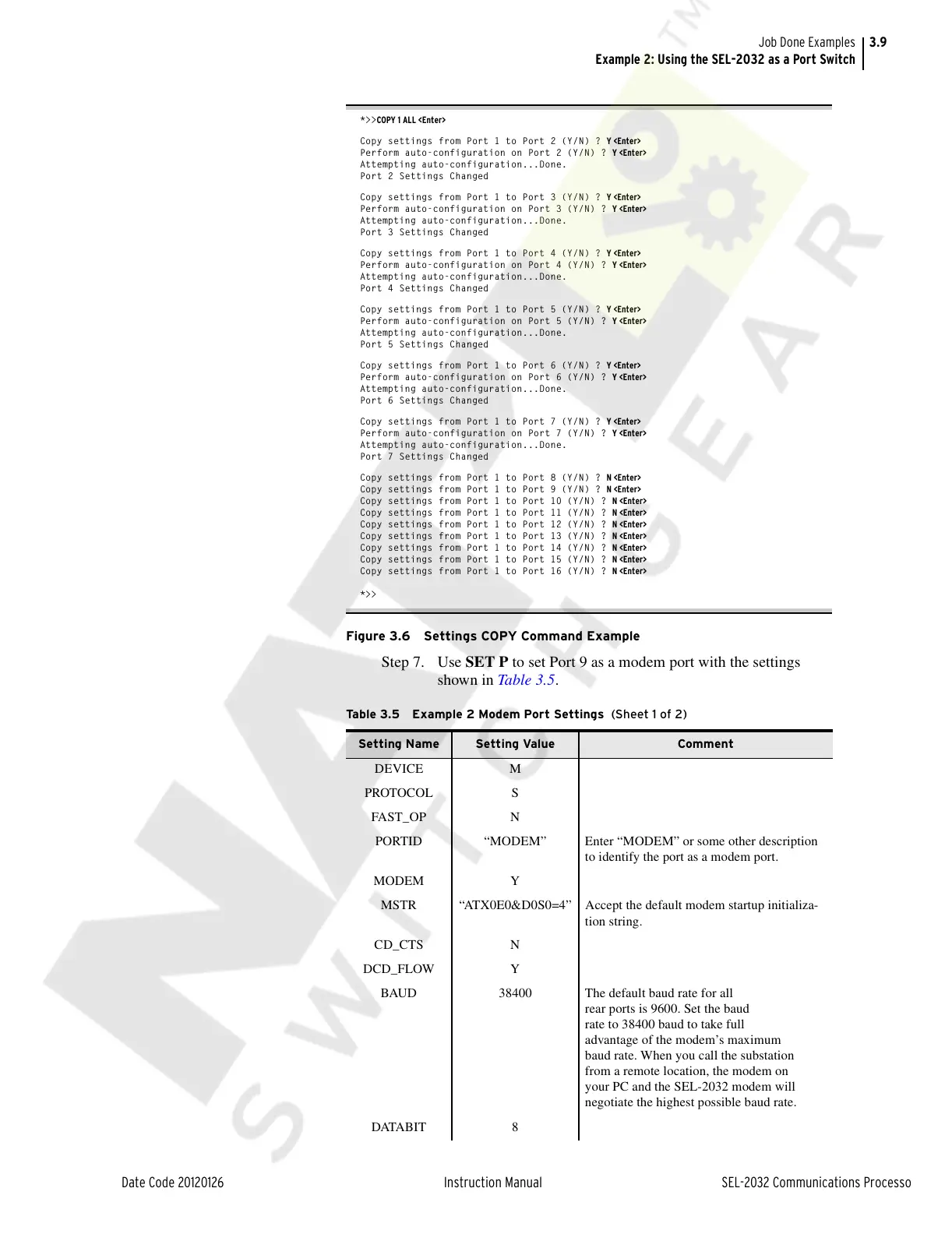
Figure 3.6 Settings COPY Command Example
Step 7. Use SET P to set Port 9 as a modem port with the settings
shown in Table 3.5.
Table 3.5 Example 2 Modem Port Settings (Sheet 1 of 2)
Setting Name Setting Value Comment
DEVICE M
PROTOCOL S
FAST_OP N
PORTID “MODEM” Enter “MODEM” or some other description
to identify the port as a modem port.
MODEM Y
MSTR “ATX0E0&D0S0=4” Accept the default modem startup initializa-
tion string.
CD_CTS N
DCD_FLOW Y
BAUD 38400 The default baud rate for all
rear ports is 9600. Set the baud
rate to 38400 baud to take full
advantage of the modem’s maximum
baud rate. When you call the substation
from a remote location, the modem on
your PC and the SEL-2032 modem will
negotiate the highest possible baud rate.
DATABIT 8
Courtesy of NationalSwitchgear.com



 To Next Page