3.8
SEL-2032 Communications Processor Instruction Manual Date Code 20120126
Job Done Examples
Example 2: Using the SEL-2032 as a Port Switch
Step 6. Use the COPY 1 ALL command, as shown in Figure 3.6, to
copy Port 1 settings to the other ports (2, 3, 4, 5, 6, and 7) with
devices attached.
The above step results in the following screen. Port settings
were not copied beyond Port 7. If you know that all SEL IEDs
are identical, you may type N <Enter> when asked for auto-
configuration and simply enter the Port ID for each port since
auto-configuration information will be the same. Sometimes
settings are lost during copying because of device
incompatibilities. Therefore, whenever you use the COPY
command you should check all settings using the SHOWSET
command on each port (e.g., SHO 2).
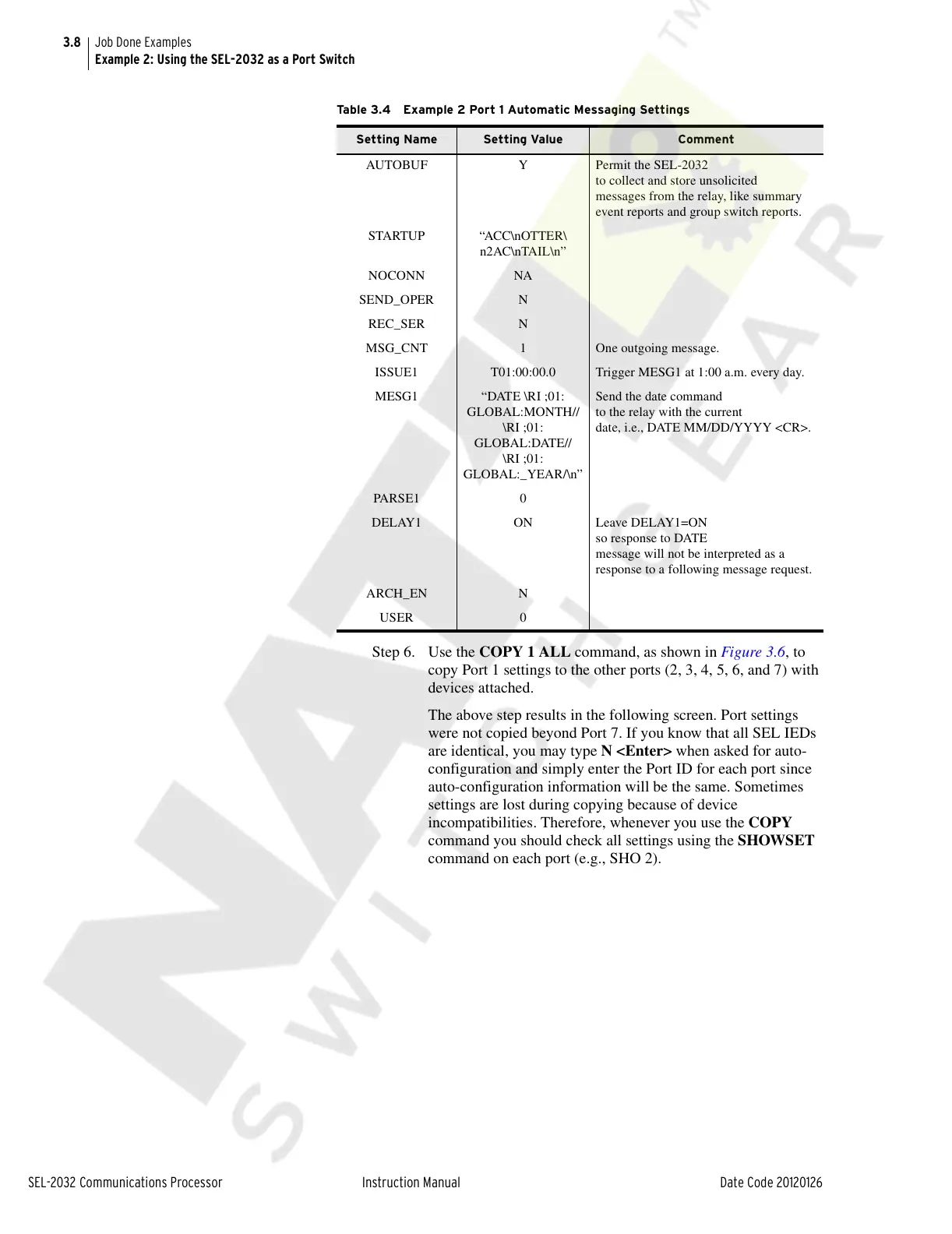
Table 3.4 Example 2 Port 1 Automatic Messaging Settings
Setting Name Setting Value Comment
AUTOBUF Y Permit the SEL-2032
to collect and store unsolicited
messages from the relay, like summary
event reports and group switch reports.
STARTUP “ACC\nOTTER\
n2AC\nTAIL\n”
NOCONN NA
SEND_OPER N
REC_SER N
MSG_CNT 1 One outgoing message.
ISSUE1 T01:00:00.0 Trigger MESG1 at 1:00 a.m. every day.
MESG1 “DATE \RI ;01:
GLOBAL:MONTH//
\RI ;01:
GLOBAL:DATE//
\RI ;01:
GLOBAL:_YEAR/\n”
Send the date command
to the relay with the current
date, i.e., DATE MM/DD/YYYY <CR>.
PARS E1 0
DELAY1 ON Leave DELAY1=ON
so response to DATE
message will not be interpreted as a
response to a following message request.
ARCH_EN N
USER 0
Courtesy of NationalSwitchgear.com



 To Next Page