9.20
SEL-2032 Communications Processor Instruction Manual Date Code 20120126
Protocols
Modbus RTU Protocol
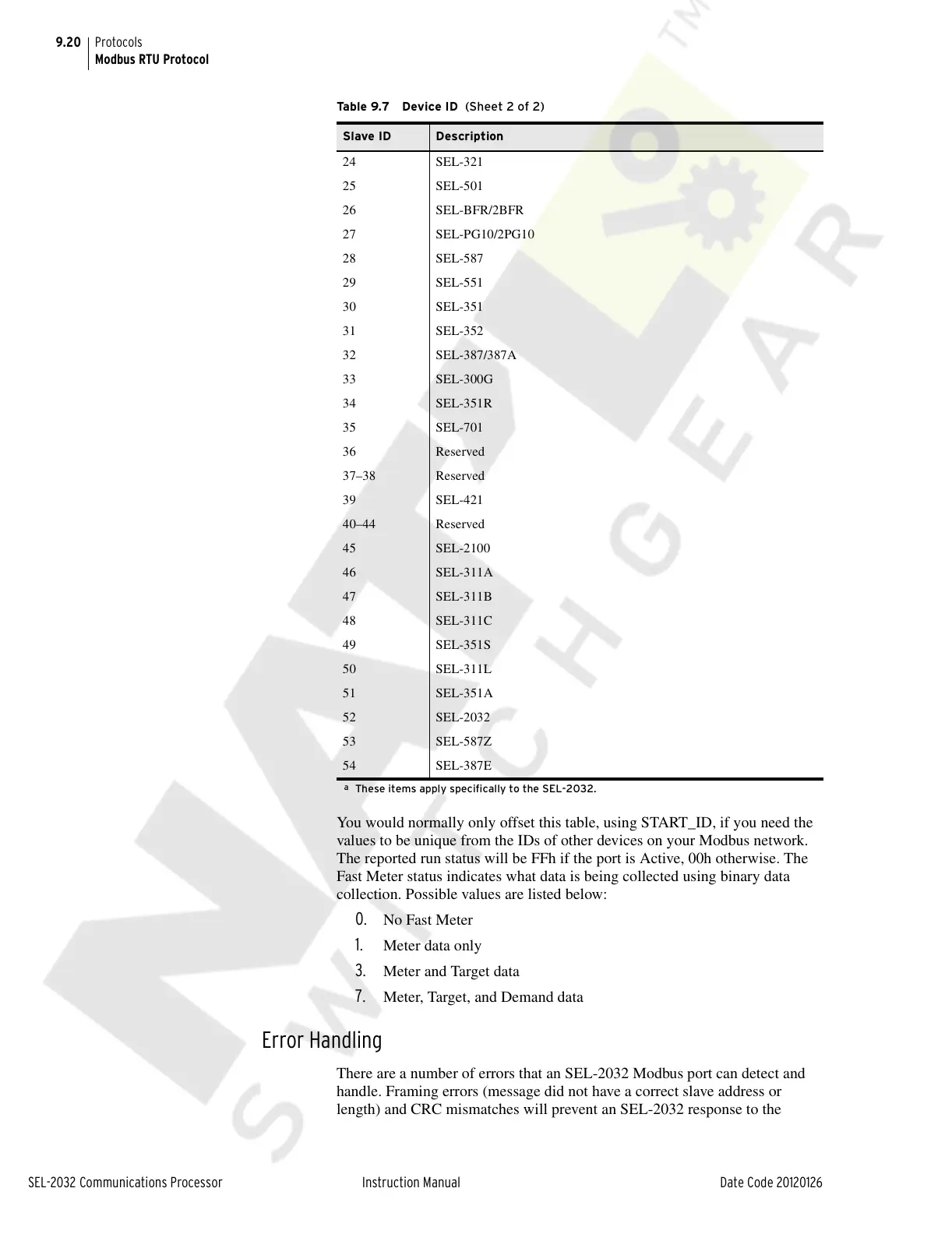
You would normally only offset this table, using START_ID, if you need the
values to be unique from the IDs of other devices on your Modbus network.
The reported run status will be FFh if the port is Active, 00h otherwise. The
Fast Meter status indicates what data is being collected using binary data
collection. Possible values are listed below:
0. No Fast Meter
1. Meter data only
3. Meter and Target data
7. Meter, Target, and Demand data
Error Handling
There are a number of errors that an SEL-2032 Modbus port can detect and
handle. Framing errors (message did not have a correct slave address or
length) and CRC mismatches will prevent an SEL-2032 response to the
24 SEL-321
25 SEL-501
26 SEL-BFR/2BFR
27 SEL-PG10/2PG10
28 SEL-587
29 SEL-551
30 SEL-351
31 SEL-352
32 SEL-387/387A
33 SEL-300G
34 SEL-351R
35 SEL-701
36 Reserved
37–38 Reserved
39 SEL-421
40–44 Reserved
45 SEL-2100
46 SEL-311A
47 SEL-311B
48 SEL-311C
49 SEL-351S
50 SEL-311L
51 SEL-351A
52 SEL-2032
53 SEL-587Z
54 SEL-387E
a
These items apply specifically to the SEL-2032.
Table 9.7 Device ID (Sheet 2 of 2)
Slave ID Description
Courtesy of NationalSwitchgear.com



 To Next Page