8.27
Date Code 20120126 Instruction Manual SEL-2032 Communications Processor
Serial Port Communications and Commands
Command Set
WHO
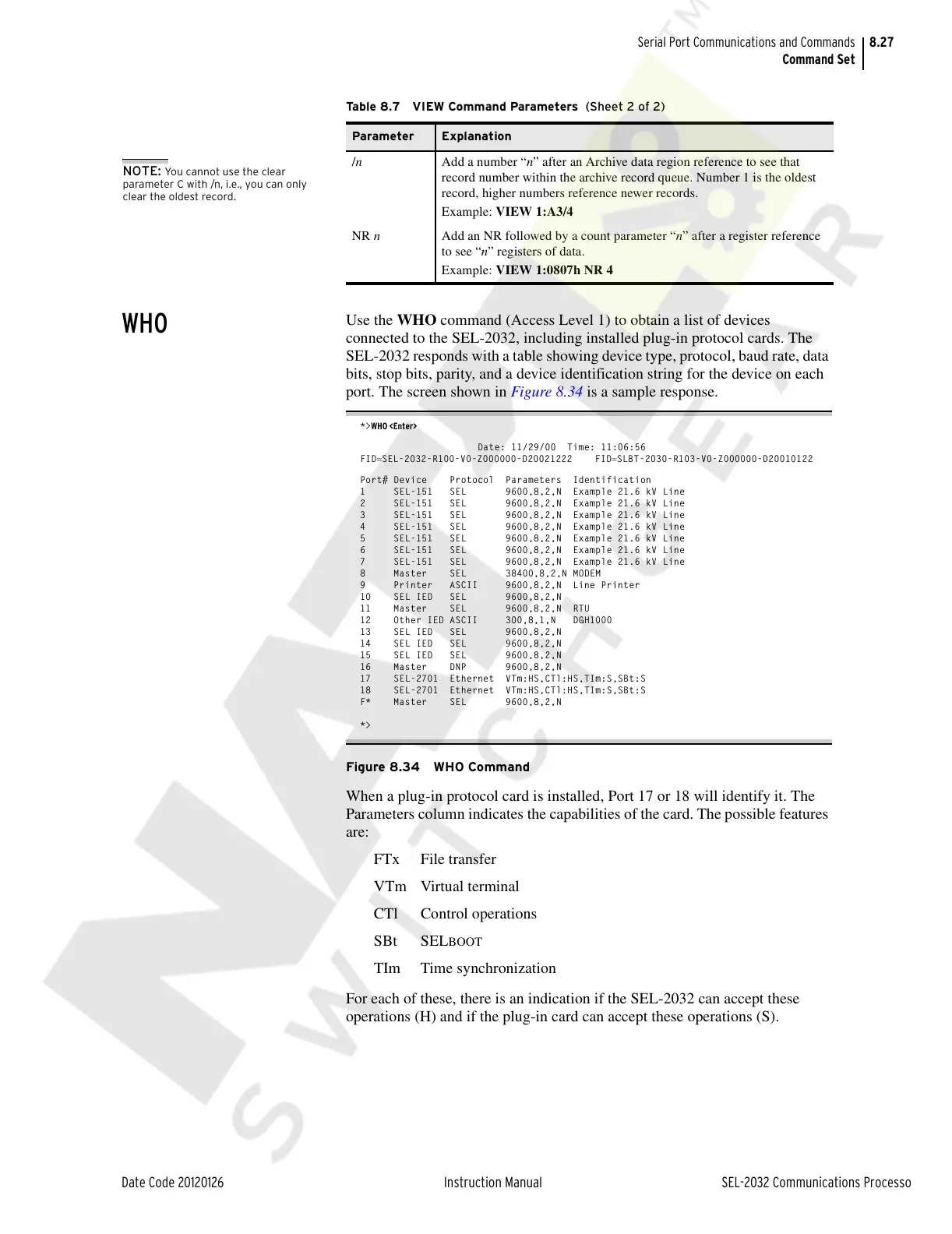
Use the WHO command (Access Level 1) to obtain a list of devices
connected to the SEL-2032, including installed plug-in protocol cards. The
SEL-2032 responds with a table showing device type, protocol, baud rate, data
bits, stop bits, parity, and a device identification string for the device on each
port. The screen shown in Figure 8.34 is a sample response.
*>WHO <Enter>
Date: 11/29/00 Time: 11:06:56
FIDSEL-2032-R100-V0-Z000000-D20021222 FIDSLBT-2030-R103-V0-Z000000-D20010122
Port# Device Protocol Parameters Identification
1 SEL-151 SEL 9600,8,2,N Example 21.6 kV Line
2 SEL-151 SEL 9600,8,2,N Example 21.6 kV Line
3 SEL-151 SEL 9600,8,2,N Example 21.6 kV Line
4 SEL-151 SEL 9600,8,2,N Example 21.6 kV Line
5 SEL-151 SEL 9600,8,2,N Example 21.6 kV Line
6 SEL-151 SEL 9600,8,2,N Example 21.6 kV Line
7 SEL-151 SEL 9600,8,2,N Example 21.6 kV Line
8 Master SEL 38400,8,2,N MODEM
9 Printer ASCII 9600,8,2,N Line Printer
10 SEL IED SEL 9600,8,2,N
11 Master SEL 9600,8,2,N RTU
12 Other IED ASCII 300,8,1,N DGH1000
13 SEL IED SEL 9600,8,2,N
14 SEL IED SEL 9600,8,2,N
15 SEL IED SEL 9600,8,2,N
16 Master DNP 9600,8,2,N
17 SEL-2701 Ethernet VTm:HS,CTl:HS,TIm:S,SBt:S
18 SEL-2701 Ethernet VTm:HS,CTl:HS,TIm:S,SBt:S
F* Master SEL 9600,8,2,N
*>
Figure 8.34 WHO Command
When a plug-in protocol card is installed, Port 17 or 18 will identify it. The
Parameters column indicates the capabilities of the card. The possible features
are:
FTx File transfer
VTm Virtual terminal
CTl Control operations
SBt SEL
BOOT
TIm Time synchronization
For each of these, there is an indication if the SEL-2032 can accept these
operations (H) and if the plug-in card can accept these operations (S).
/n Add a number “n” after an Archive data region reference to see that
record number within the archive record queue. Number 1 is the oldest
record, higher numbers reference newer records.
Example: VIEW 1:A3/4
NR n Add an NR followed by a count parameter “n” after a register reference
to see “n” registers of data.
Example: VIEW 1:0807h NR 4
Table 8.7 VIEW Command Parameters (Sheet 2 of 2)
Parameter Explanation
NOTE: You cannot use the clear
parameter C with /n, i.e., you can only
clear the oldest record.
Courtesy of NationalSwitchgear.com



 To Next Page