7.24
SEL-2032 Communications Processor Instruction Manual Date Code 20120126
Settings
Automatic Message (SET A) Settings
ISSUE1–12
ISSUE1A–3A
a
Item 1–12 trigger. You enter the trigger condition as a SELOGIC control equation
that riggers the associated message. ISSUE1 triggers MESG1,
ISSUE2 triggers MESG2, etc. See the Section 4: SEL
OGIC Control Equa-
tions for instructions on developing these trigger conditions. There is a
200-character per equation limit for a single equation and a 50-term
(element names and time functions) limit per equation.
MESG1–12
MESG1A–3A
a
Item 1–12 message. You enter the message string to be sent when the associated ISSUE
condition is met. Each message is limited to 1000 characters. Use the \
symbol at the end of a line and press <Enter> to continue on the next
line. See Section 5: Message Strings for information on the special
strings that can be entered here.
PARS E1–8
PARSE1A–3A
a
Item 1–8 response parsing method
(0=IGNORE, 1=ASCII_INT,
2=ASCII_FLOAT,
3=CHAR_STRING,
4=INT_STRING, 5=INT_STRX,
6=FLEX).
You select the parsing option to be used for the
message response. For Master and Printer ports, the parsing option is
always forced to IGNORE. Parsing is automatically set for SEL relays if
the message string is a recognized “20” command.
DECODE1–8
DECODE1A–3A
a
Flexible Parsing Decode Equation. Enter a Decode Equation to parse a response. The string is limited to
1000 characters (see Flexible Parsing (Parse = 6) on page 7.15).
NUM1–8
NUM1A–3A
a
Item 1–8 number of data items. You enter the maximum number of items the SEL-2032 may store from
the response. The limit is determined by the type of data and the size of
the associated region. See Section 6: Database for more information on
region sizes.
DELAY1–12
DELAY1A–3A
a
Item 1–12 time delay to allow
response to complete (OFF, ON).
If you know you are collecting the entire response, use the OFF setting
to avoid unnecessary delays. Otherwise, use the ON setting so the
response does not confuse subsequent data collections. When on, the
SEL-2032 waits for the port to go idle for 15 seconds on an SEL IED port
or 5 seconds on an Other IED port before considering the response
complete.
CHECK1–8
CHECK1A–3A
a
Checksum verification (N=NONE,
8A=8BIT ASCII, 8B=8BIT
Binary, 16A=16BIT ASCII,
16B=16BIT Binary, CA=CRC16
ASCII, CB=CRC16 Binary).
You select the verification method you wish to use to confirm that the
data was accurately transmitted over the data channel. The data must
contain a validation code of this same type and format. Otherwise, select
NONE.
ORDER1–8
ORDER1A–3A
a
Checksum byte order (H=High
byte first, L=Low byte first)
You enter the ordering of the bytes in the received validation code.
Does not apply to 8-bit (single-byte) checksums.
START1–8
START1A–3A
a
Position or character where verifi-
cation starts.
You enter the position in the received data where the checksum validation
should begin. This position can be an index from the start, an index from
the end, or a specific character. Refer to Checksum Validation on
page 7.21, for more information on using this setting.
STOP1–8
STOP1A–3A
a
Position or character where verifi-
cation stops.
You enter the position in the received data where the checksum validation
should end. This position can be an index from the start, an index from
the end, or a specific character. Refer to Checksum Validation, for more
information on using this setting.
CHKPOS1–8
CHKPOS1A–3A
a
Position or character where check-
sum is located.
You enter the position in the received data where the validation code will
be located. This position can be an index from the start, an index from the
end, or a specific character. Refer to Checksum Validation, for more
information on using this setting.
ACK1–8
ACK1A–3A
a
Acknowledge string. You define the string to send to the connected device when the data
received from it passes the checksum verification. This string is limited to
10 characters. Refer to Checksum Validation, for more information on
using this setting.
NACK1–8
NACK1A–3A
a
Negative Acknowledge string. You define the string to send to the connected device when the data
received from it does not pass the checksum verification. This string is
limited to 10 characters. Refer to Checksum Validation, for more
information on using this setting.
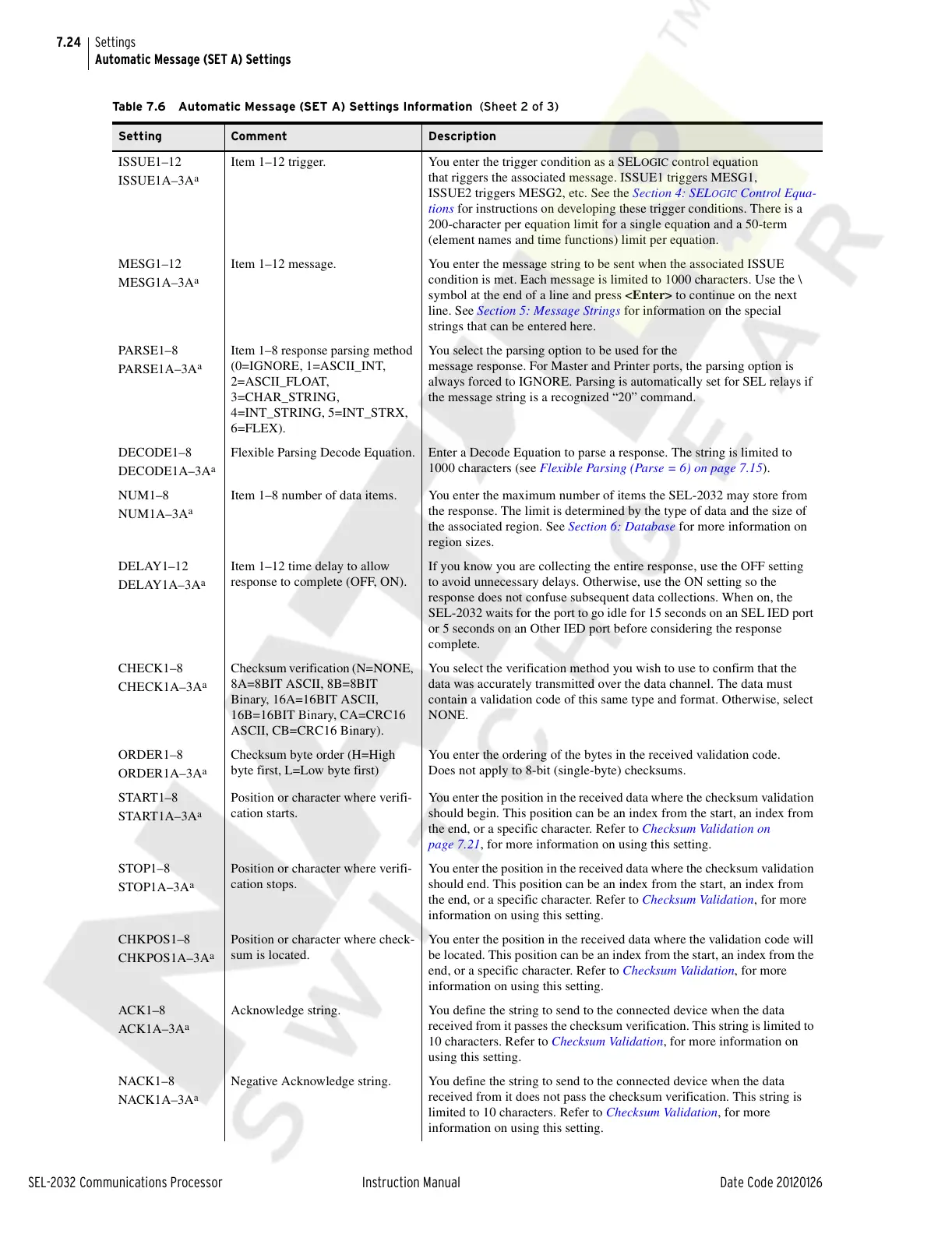
Table 7.6 Automatic Message (SET A) Settings Information (Sheet 2 of 3)
Setting Comment Description
Courtesy of NationalSwitchgear.com



 To Next Page