Vista 5 M3 Digital Mixing System
3-8 Parameters
Document generated: 28.08.13
SW V4.9
input balance function to correct the levels of two channels feeding a stereo
input channel, and then add them together to become a mono sum. A practical
example is the feed of a stereo channel from a VTR, one channel containing
ambient signals and the other one being the commentator. In this case the
2-channel mode is set to ‘mono’, and the input balance function is used to
correct the mix between ambient and speech signals.
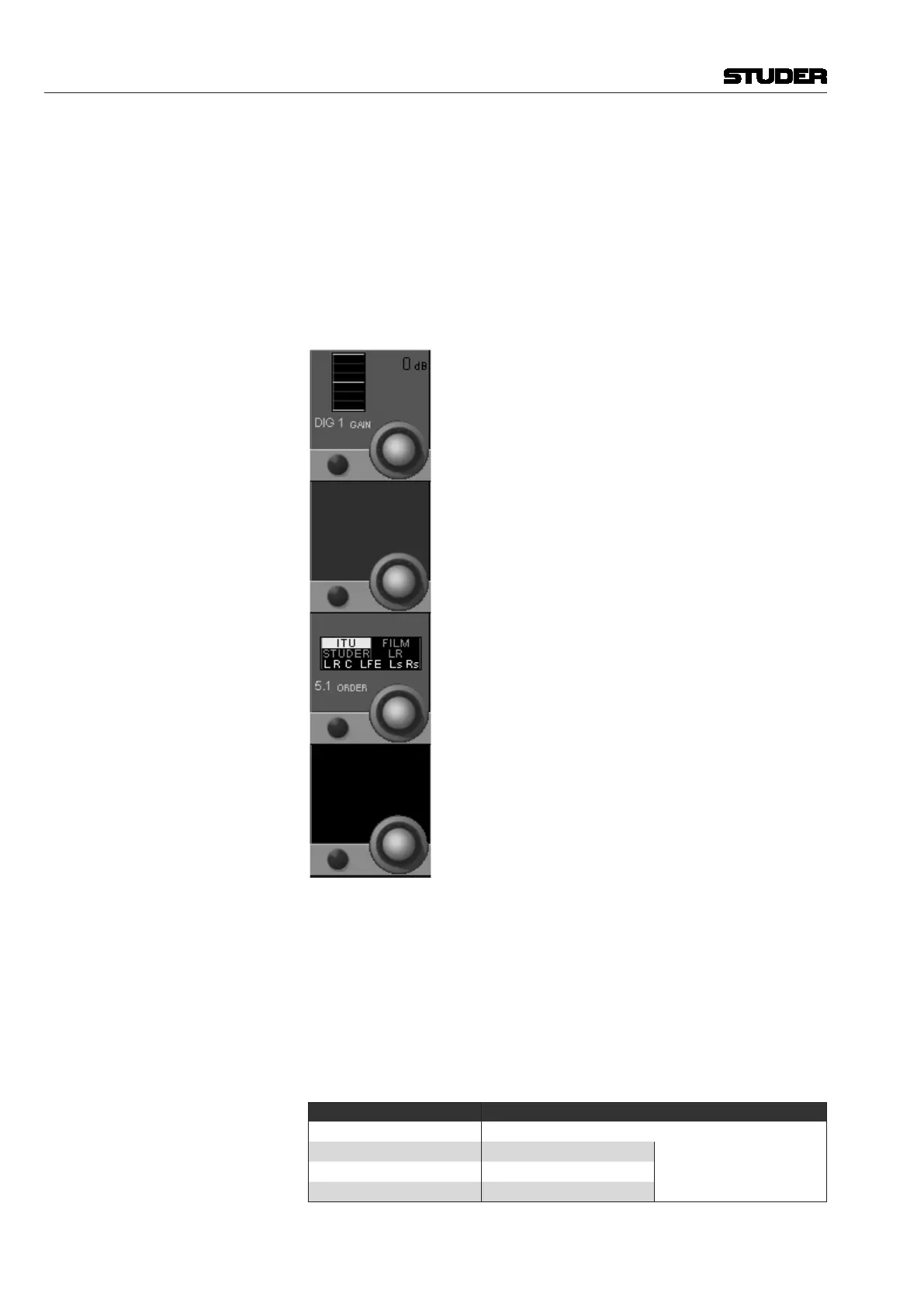
5.1 (Surround) Channels Compared with mono or stereo channels, the global input control section of a
surround input channel is slightly different: There is no phase control switch,
and the 2 CH Mode selector has been replaced by 5.1 ORDER.
DIG 1 GAIN As it is the case with mono or stereo channels, the digital gain stage acts as
a trim after the A/D converter. Input gain can be set in 1 dB steps in a range
of ±24 dB. The default value is 0 dB. In a 5.1 channel, all six surround input
legs are treated simultaneously.
5.1 ORDER Like the 2 CH MODE function in a stereo channel, this functionality provides
a kind of patching within the 5.1 channel. The bus order in Vista consoles with
SW V4.0 has been changed according to the ITU standard (L, R, C, LFE, Ls,
Rs). The 5.1 ORDER selector allows converting different surround formats
to the ITU order.
Format Input Channels ITU Output Channels
ITU
L R C LFE Ls Rs
L R C LFE Ls Rs
Studer (SW before V4.0)
L R C Ls Rs LFE
Film
L C R Ls Rs LFE
L R
L R



 To Next Page