Sysmex XP-300 9-11
Quality Control
January 2012
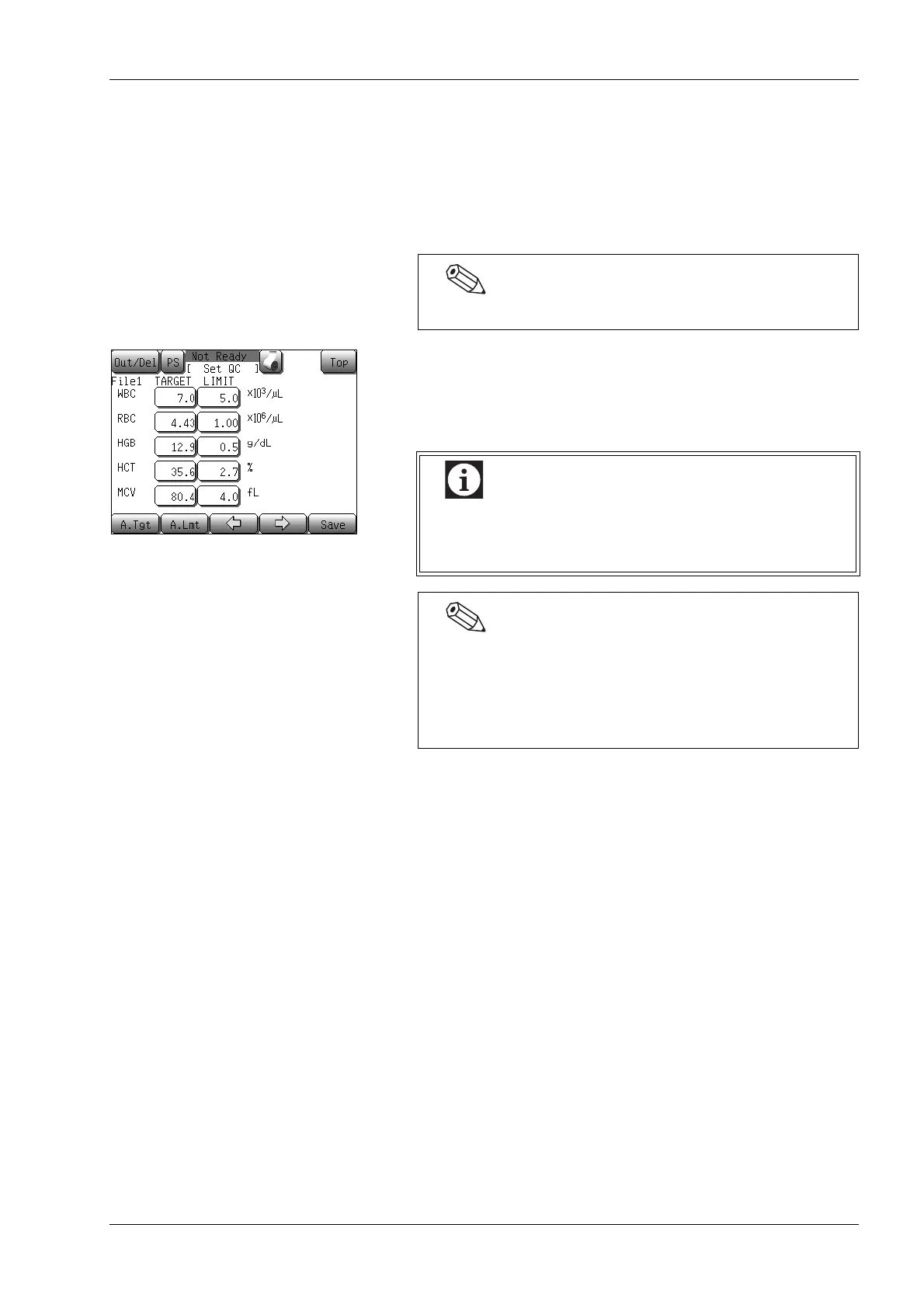
(8) Press the [→] button.
When the [→] button is pressed, the display changes from the
first QC file setting screen to the second screen. After the sixth
screen, pressing the [→] button returns to the first screen. When
the [←] button is pressed, the display changes in the reverse
order.
(9) Press each of the parameter display columns.
The numeric input dialog will appear.
(10) Input the TARGET value and the LIMIT value for each
parameter.
The QC file setting screens are consisted of 6 screens.
There are 22 control parameters, and since not all of
these can be displayed on one screen, switch the LCD
screen by using the [←] or [→] button.
When 2 or more plots are present in the base QC data, the
TARGET value and LIMIT value can be calculated
automatically. For details, see “Automatic settings of the
TARGET value and LIMIT value” in “9.5 Settings for
control blood information (QC files)”.



 To Next Page