Sysmex XP-300 9-15
Quality Control
January 2012
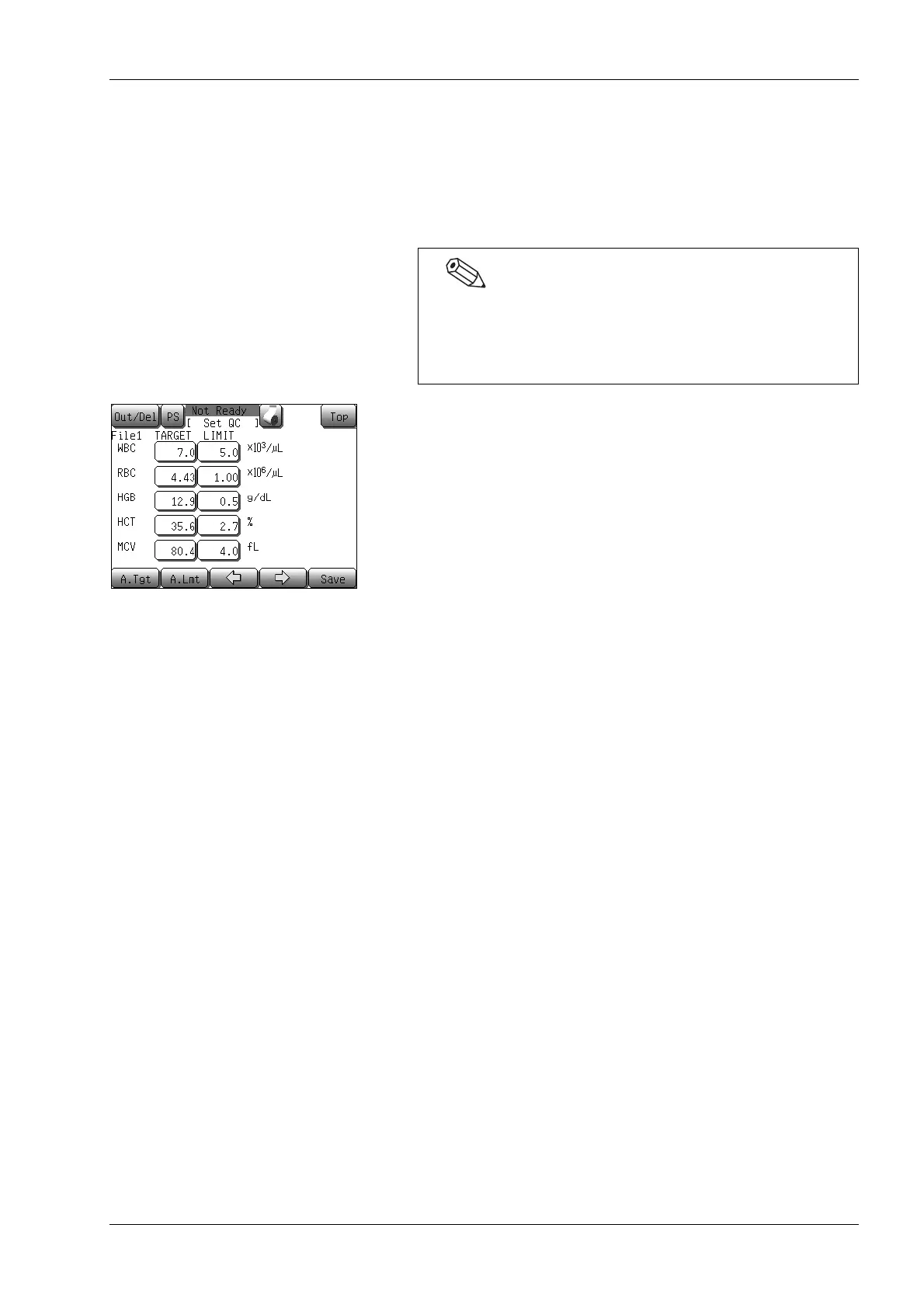
Automatic settings of the TARGET value and LIMIT value
When setting control blood information, the TARGET value and
LIMIT value that are set on the first through sixth QC file setting
screens can be automatically calculated and set if 2 or more plots are
present in the base QC data.
(1) Press the [A.Tgt] button on the QC file setting screens (second
to sixth).
A TARGET value is automatically calculated.
If 2 or more plots present: The automatic target confirmation
dialog will appear. Press the
[Execute] button. The average of all
plots is automatically calculated and
displayed on the button in the
[TARGET] column.
If 1 or no plot presents: A dialog to the effect that no
calculation is possible is displayed.
(2) Press the [A.Lmt] button.
A LIMIT value is automatically calculated.
If 2 or more plots present: The automatic limit selection dialog
will appear. Select a LIMIT width
from [2SD] and [3SD].
2SD or 3SD of all plots is
automatically calculated, and
displayed on the button in the
[LIMIT] column.
If 1 or no plot presents: A dialog to the effect that no
calculation is possible is displayed.
For setting methods of control blood information including
TARGET and LIMIT values, see “Entering from numerical
keys dialog” or “Entering from handheld bar code reader”
in “9.5 Settings for control blood information (QC files)”.



 To Next Page