9-20 Sysmex XP-300
Quality Control
Revised March 2012
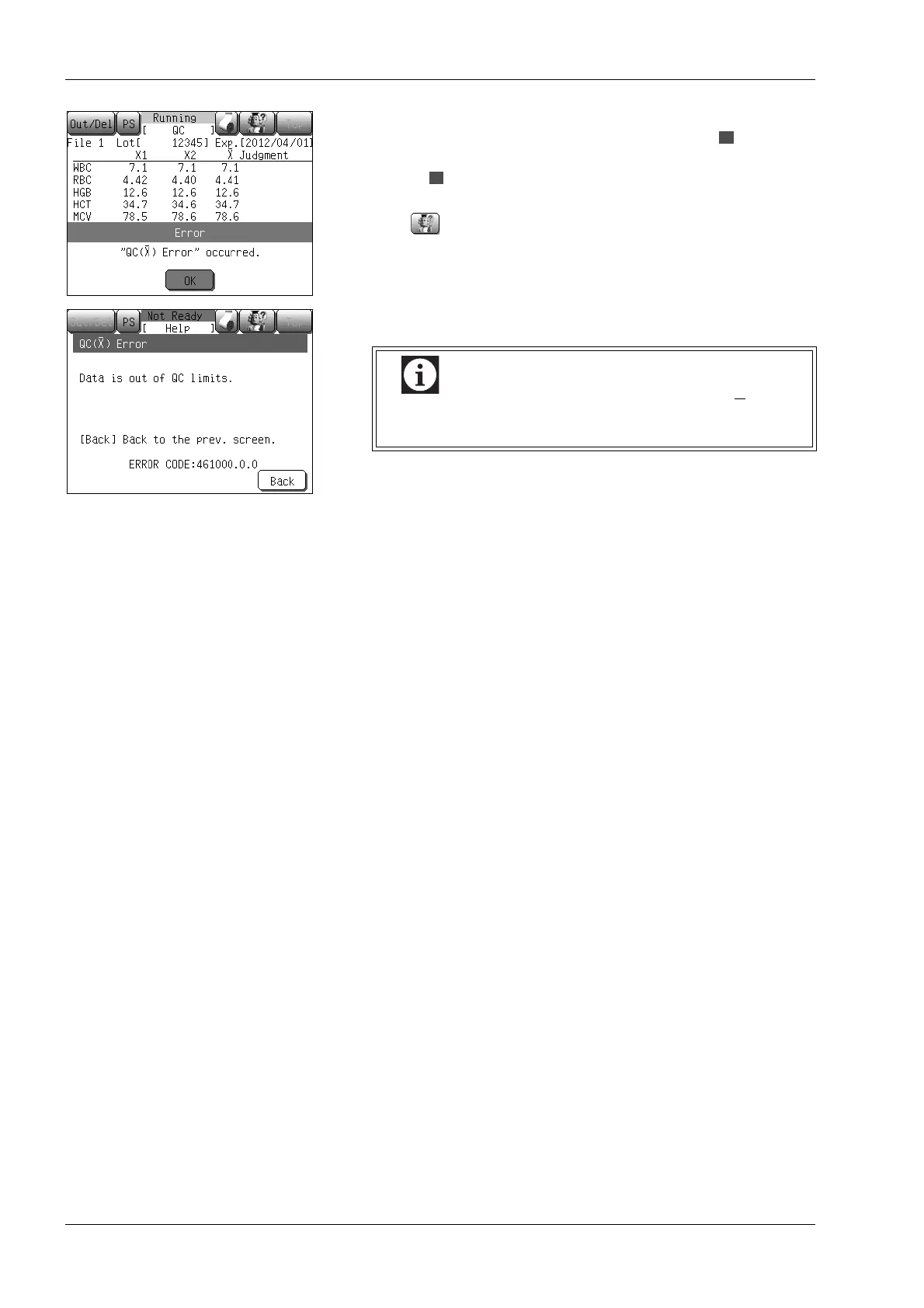
For parameters with a mean of the two analyses that is beyond the
control limit and if the value is above the higher limit, is
displayed in the [Judgment] column, and if the values are below the
lower limit, is displayed. Then an alarm sounds and the QC error
message is displayed.
Press the button and the action message will appear.
Press the [Back] button to turn off the alarm.
For details about actions to resolve the QC (X) error,
see “QC(X-bar) Error” in “13. Troubleshooting”.



 To Next Page