Sysmex XP-300 10-7
Calibration
January 2012
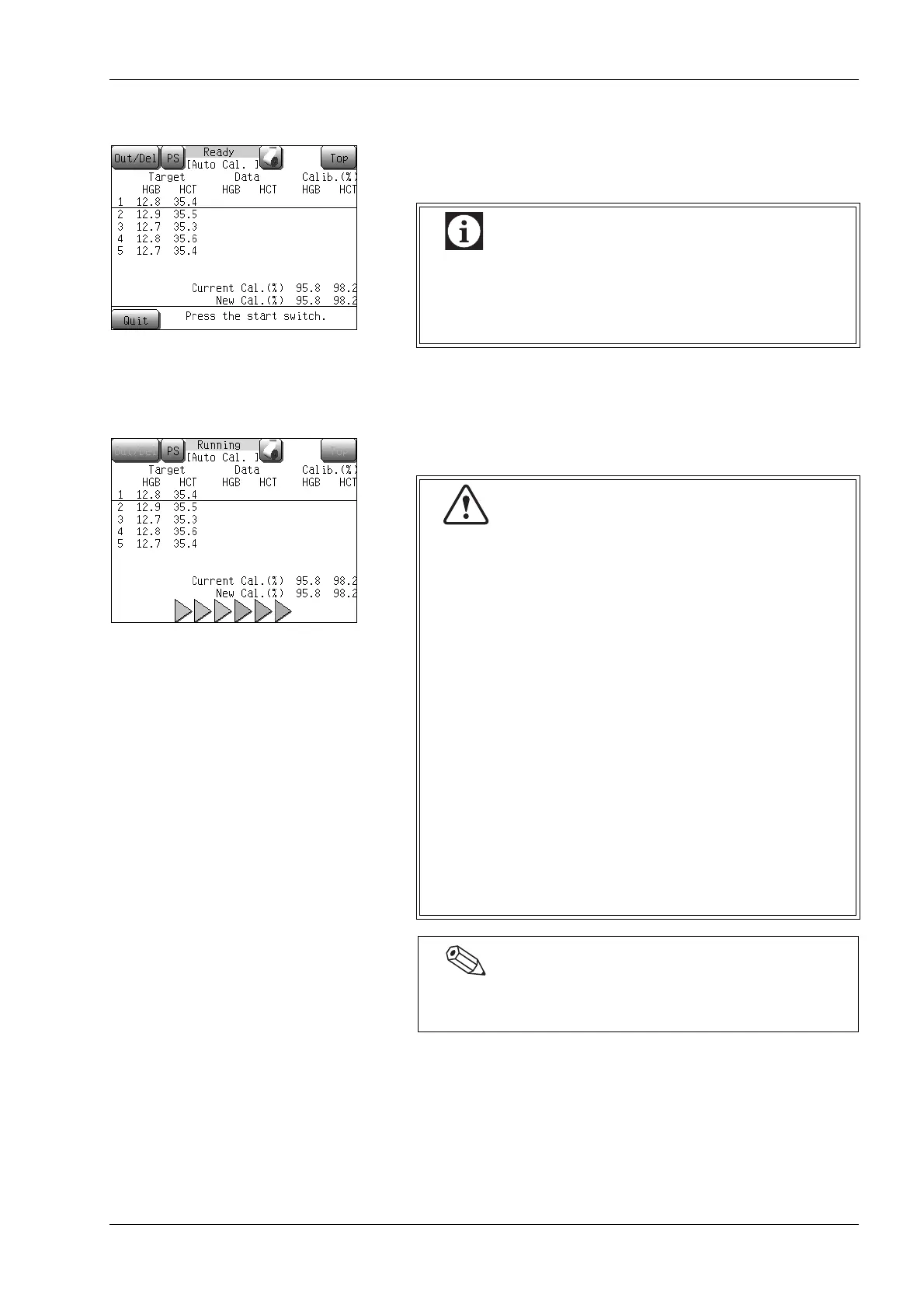
Performing analysis
When all target values have been entered, the instrument is ready for
analysis.
Set the sample to the sample position, and press the start switch to
start analysis.
The automatic calibration analyzing screen will appear.
Automatic calibration is always performed in the whole
blood mode. When the analysis mode is set in the
pre-diluted mode, the instrument will automatically
switch to the whole blood mode.
• Analyze the samples used for determining the
reference value. The values of the sample to be
analyzed are indicated by the underline cursor.
• When analysis starts, the status reads [Aspirating].
When sample aspiration is completed, the status
display [Aspirating] changes to [Running]. When
[Running] is displayed, the sample can be removed
safely.
Do not remove the sample tube from the sample
probe while [Aspirating] is displayed. Otherwise,
there is a possibility that proper aspiration cannot be
performed.
• Several seconds after the buzzer sounds “beep,
beep” and [Running] appears on the screen, the
rinse cup lowers. Remove the sample tube by that
time.
• To remove the sample tube, lower it straight down.
Take care not to bend the sample probe.
The sample probe is automatically rinsed, so there is no
need to wipe it clean.



 To Next Page