11-6 Sysmex XP-300
Instrument Setup
Revised July 2012
Quality Control
Here the QC method and the data output method can be selected.
Product ID
If several XP-300 analyzers are connected to the host computer, a
unique naming can be set to identify each instrument so that the
unique naming is transmitted to the host computer along with the
analysis result.
Host Output
The method of data output to the host computer can be set here.
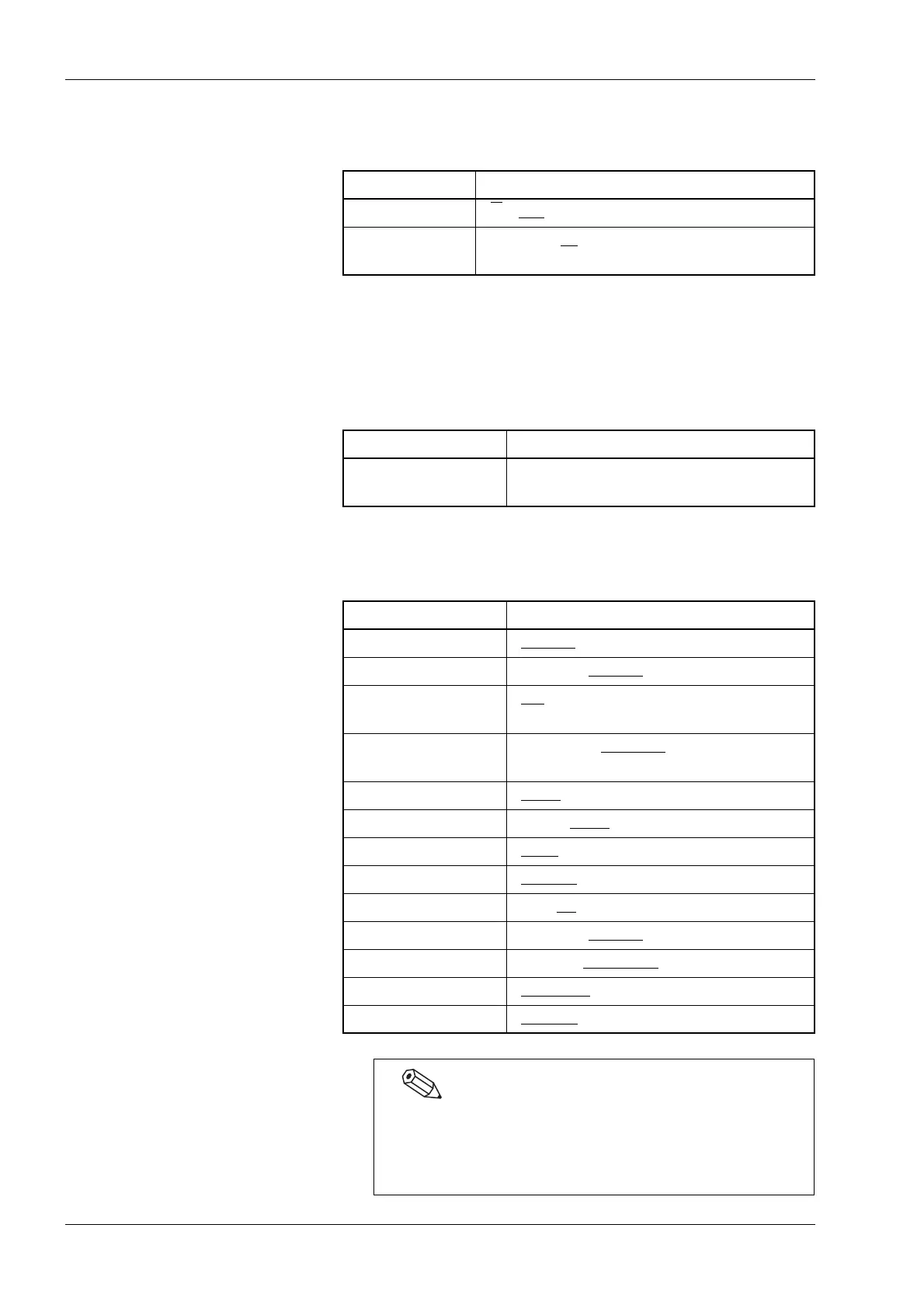
Parameter Selection
[QC Method] [X
]/[L-J]
[Data Out.] [Disable]/[IP
]/[GP]/[HC]/[IP+HC]/
[GP+HC]
Parameter Setting
[Product ID] Alphanumeric input: Up to 15 digits of
alphanumeric character
Parameter Setting
[Connect] [Disable
]/[Serial]/[LAN]
[Auto Out.] [Enable]/[Disable
]
[Format] [XP
]/[pocH]/[KX-21N]/[ASTM]/
[K-1000]/[K-DPS]
[T. Rate] [1200 bps]/[2400 bps
]/[4800 bps]/
[9600 bps]/[19200 bps]
[Data Len.] [7 bits
]/[8 bits]
[Stop bit] [1 bit]/[2 bits
]
[Parity] [Even
]/[Odd]/[Disable]
[Protocol] [Class A
]/[Class B]
[T. Interv.] [0 s]/[2 s
]/[3 s]/[5 s]/[7 s]/[10 s]/[15 s]
[RTS/CTS] [Enable]/[Disable
]
[ID Pad.] [0 Pad.]/[SpacePad.
]
[RDW] [RDW-SD
]/[RDW-CV]
[ASTM Rev.] [1381-95
]/[1381-02]
The [RDW] setting is only available when [K-1000] is
selected in [Format]. Data will be output in both
parameters, RDW-SD and RDW-CV, for any other options
in [Format].



 To Next Page