Sysmex XP-300 7-9
Sample Analysis
Revised May 2012
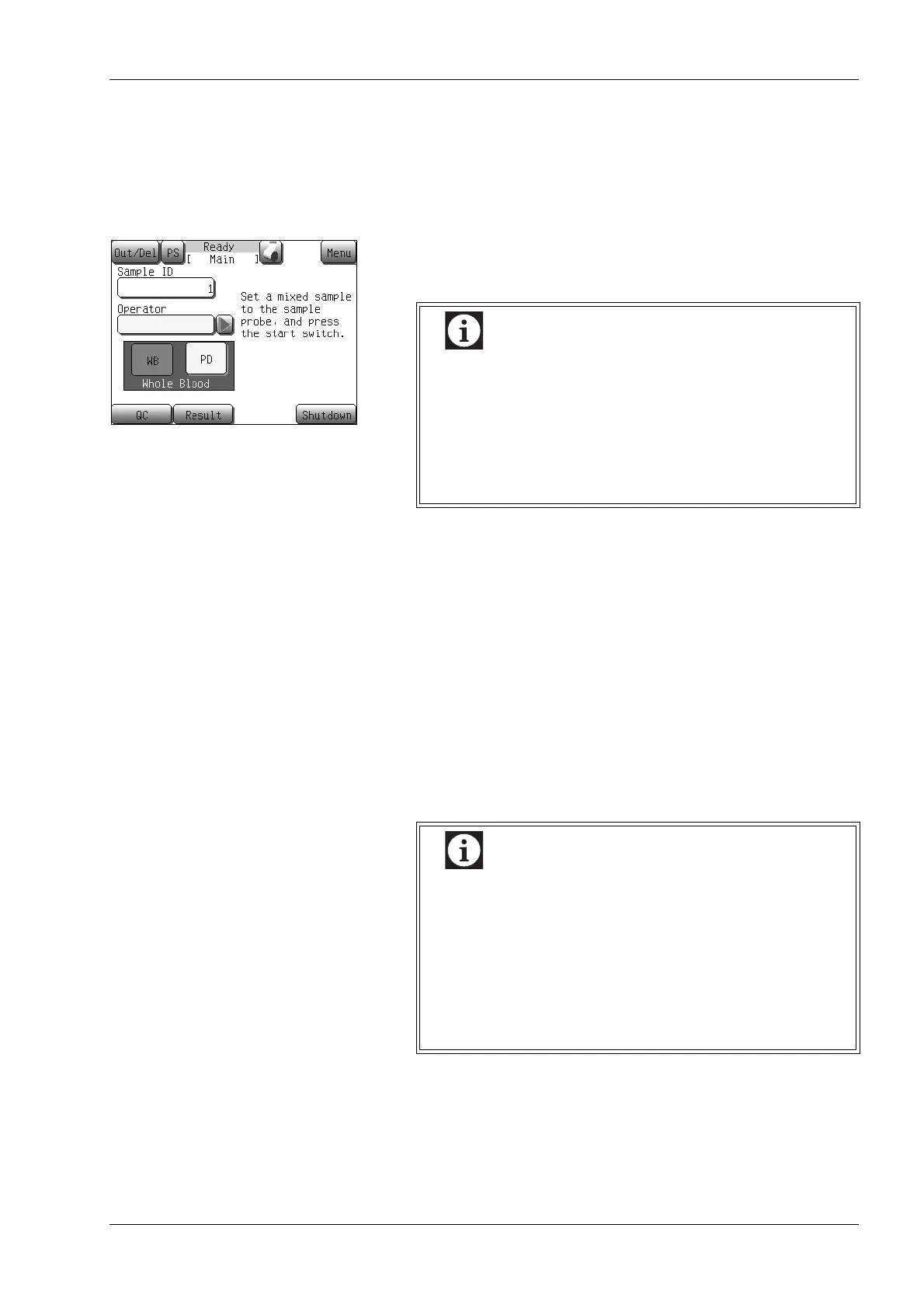
Setting the analysis mode
The instrument is in whole blood mode immediately after the main
power switch is turned ON since the default mode is the whole blood
mode.
To change over to a different analysis mode, proceed as follows:
(1) Be sure the status display indicates “Ready”.
(2) Press the [WB] button.
Entering a sample ID
The sample ID can be entered by the following 2 methods.
• Entering from numerical keys dialog
• Entering from handheld bar code reader
The sample ID can be set up to 15 characters (alphanumeric
characters, hyphens and space) in length.
With the setting using ISBT128 bar code, up to 13 characters can be
used. For setting method of ISBT128 bar code, see “System” in
“11.2 Possible settings”.
For entering numerals, see “Numerical keys dialog” in “6.1 Screen
display”.
This setting is kept until the mode is changed – which
is done automatically when performing a quality
control or if the instrument is switched off. When the
[WB] button is pressed, the [WB] button turns red,
and when the [PD] button is pressed, the [PD] button
turns yellow. Always check the analysis mode before
performing the analysis.
• When setting a sample ID to “0”, the analysis result
will not be stored as data, and it will neither be
printed automatically with the internal/external
printer, nor can it be transferred to the host computer
automatically. Also, sample ID “0” will not be
incremented automatically.
• A sample ID cannot be entered when the pneumatic
unit operation is stopped.



 To Next Page