Sysmex XP-300 7-11
Sample Analysis
Revised April 2012
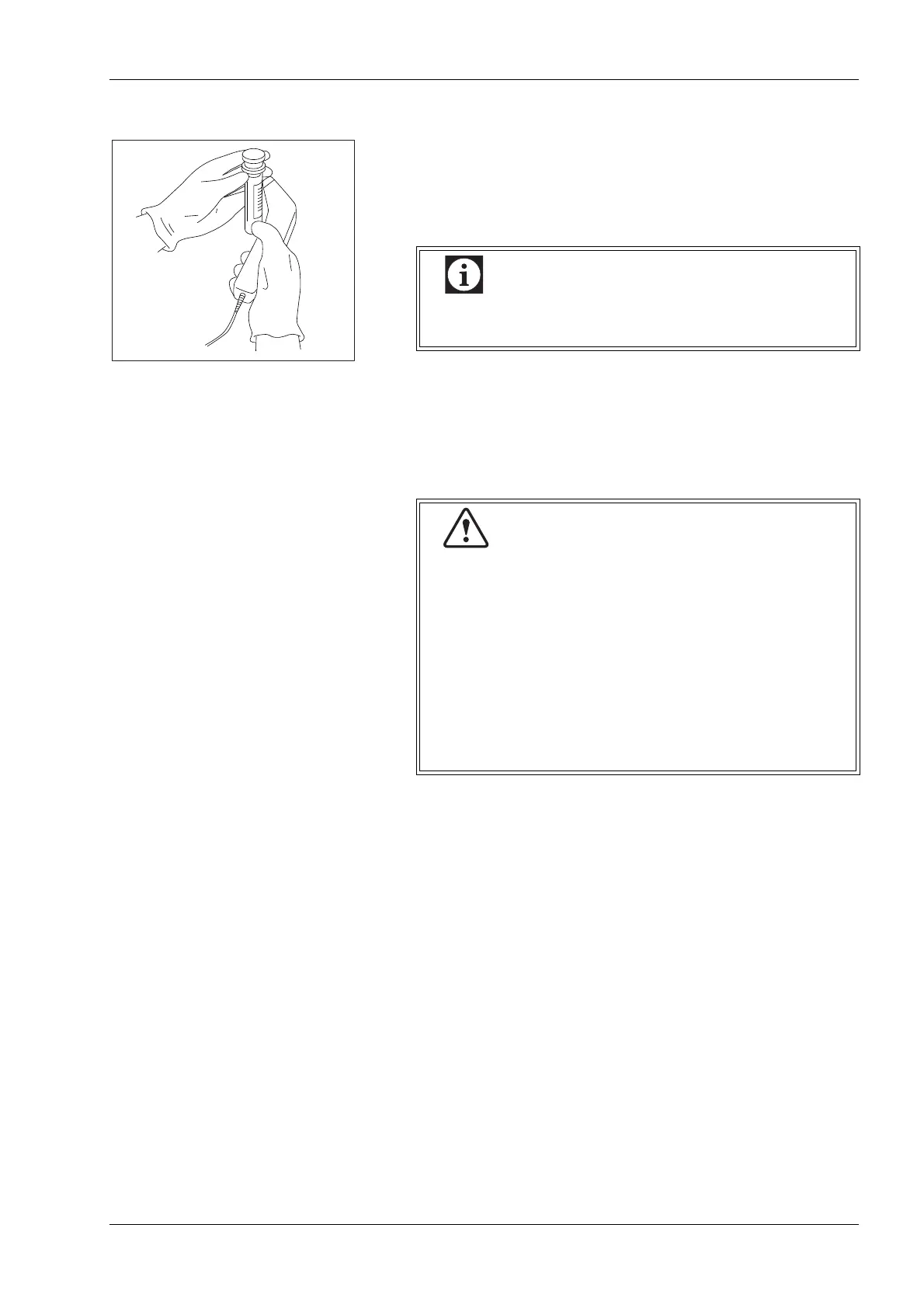
Entering from handheld bar code reader
After pressing the [Sample ID] display column, the bar code can be
read in the status of displaying the numerical keys dialog. The
sample ID will be displayed if correctly read.
If the displayed sample ID is not correct, read the bar code again.
Make sure that the displayed sample ID is correct, and press the
[Ent.] button.
After the manual input is started, a bar code cannot be read. In this
case, press the [Ent.] button once, then press the [Sample ID]
display column again to read the bar code.
Even after pressing the [C] button, the bar code can
be read again.
• When using a bar code label, affix it properly so it is
flat and smooth without creases or flares.
• A reading error may occur when a bar code reader is
used without a check digit. It is recommended to use
a check digit or to check the sample ID after entry.
For details about check digits, see “ID Bar code
specifications” in “14.4 Connecting the bar code
reader”.
• Do not use any other characters than alpha-
numerics, hyphens and space on the bar code label.



 To Next Page