7-12 Sysmex XP-300
Sample Analysis
Revised July 2012
Registering the operator ID
You can register the operator ID of the analysis using the following 2
methods.
• Entering from numerical keys dialog
• Entering from handheld bar code reader
For details about numerical keys operations, see “Numerical keys
dialog” in “6.1 Screen display”.
Entering from numerical keys dialog
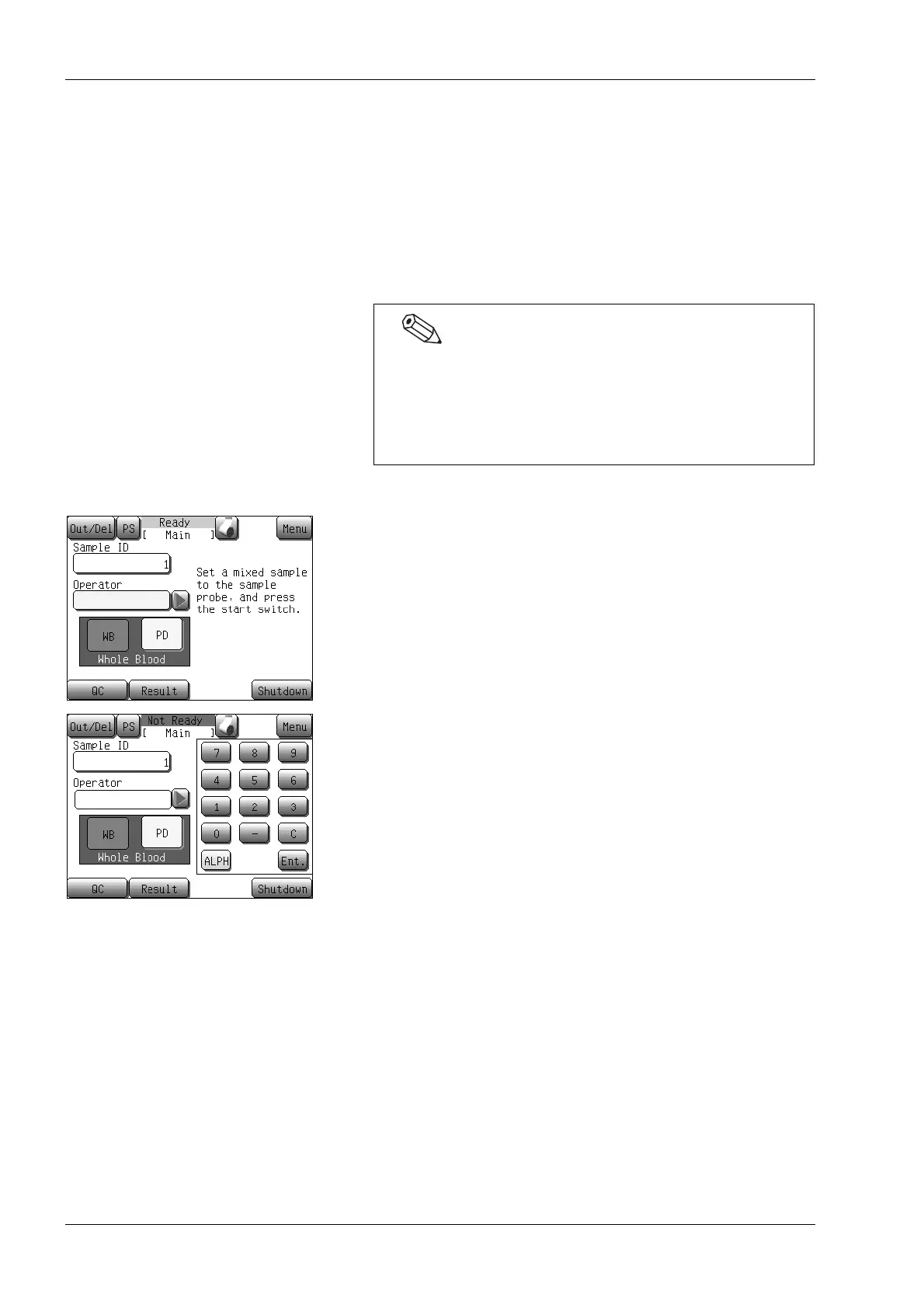
(1) Press the [Operator] display column on the Main screen.
The alphanumeric input dialog will appear.
(2) Enter the operator ID.
During the operator ID input, the most right character can be
deleted by pressing the [C] button.
(3) Press the [Ent.] button.
The dialog closes and the entered operator ID is registered.
• The operator ID can be set up to 15 characters
(alphanumeric characters, hyphens and space) in length.
• Up to 6 operator IDs can be registered.
If there are already 6 IDs registered in memory and a new
ID is entered, the oldest ID is deleted.



 To Next Page