USTER
®
HVI SPECTRUM
Instruction Manual
3 Determining the Action when
Cotton Fails to Meet Lot Limits
This section explains the options you have when a cotton sample fails to
meet one or more of the Lot Limits selected.
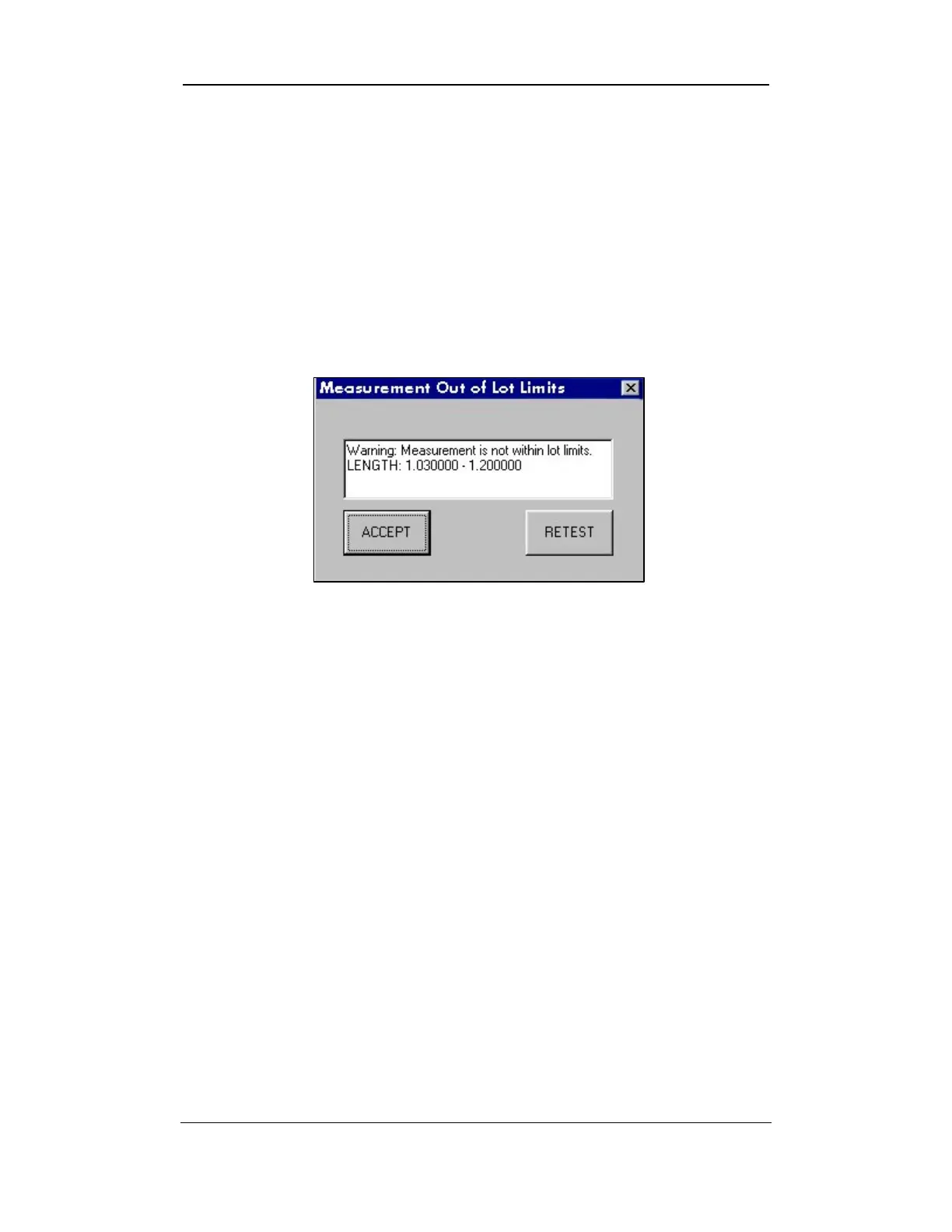
1. When the MEASUREMENT OUT OF LOT LIMITS DIALOG BOX appears, you
will have two (2) choices of action, ACCEPT or RETEST.
Figure 7-6: MEASUREMENT OUT OF LOT LIMITS DIALOG BOX
o ACCEPT: If you select the ACCEPT button, the data will be
saved as accepted values. If a report of this information is
printed, the data that was outside the lot limits will show in
BLUE print.
o RETEST: If you select R
ETEST button, you will have to run
another sample of the failed cotton sample. If the second test
passes, the data will be saved as Accepted data. If the second
test fails, the data will be saved as failed data.
Note:
You will have to select Accept or Retest for each parameter that
is outside the lot limits.
Uster Technologies, Inc. Chapter 7
Testing Procedures • Page 7-11



 To Next Page