USTER
®
HVI SPECTRUM
Instruction Manual
Uster Technologies, Inc. Chapter 10
Bale Manager • Page 10-24
4.5.2 Delete for Lot ID
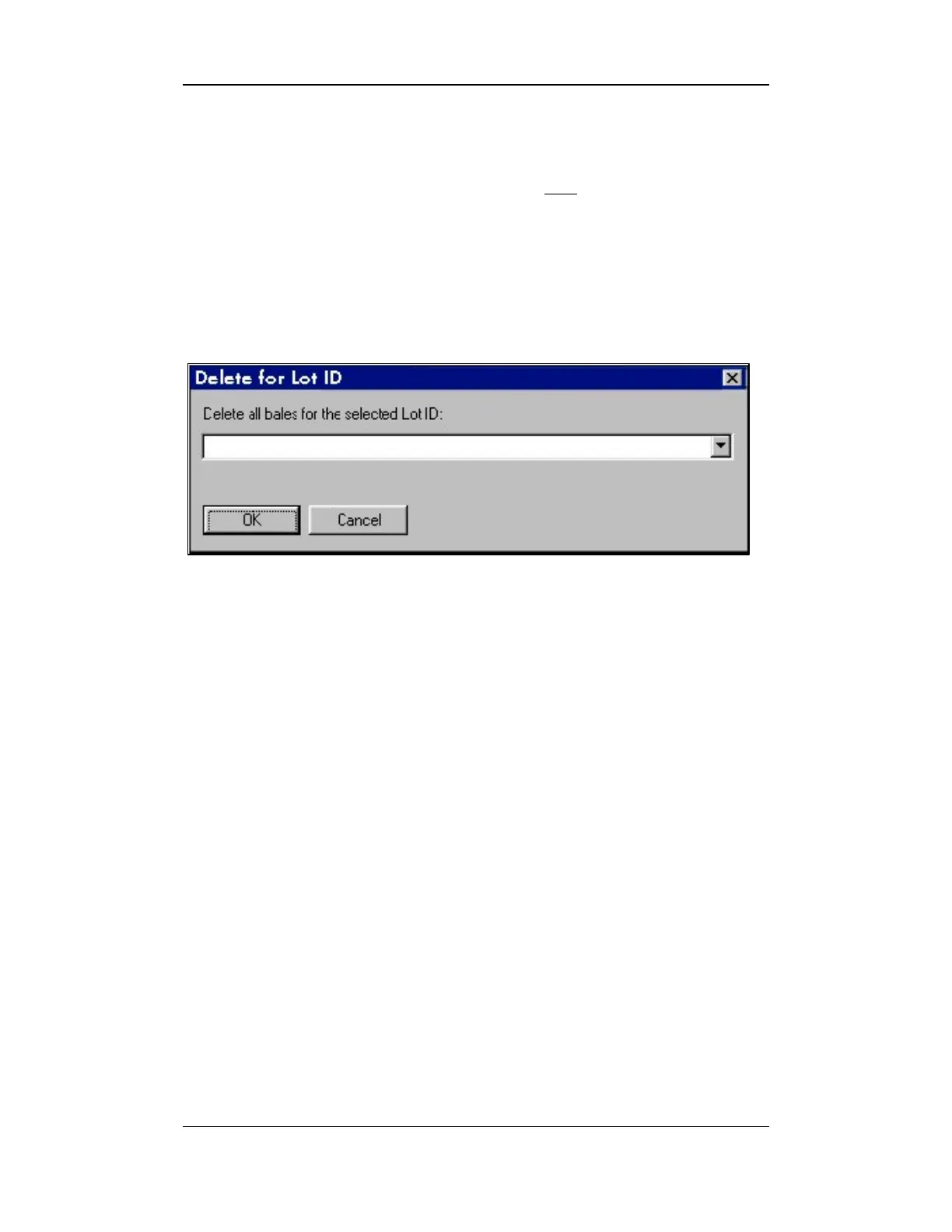
The Delete for Lot ID option is used to delete ALL bale information for a
selected lot.
1. Select the EDIT menu from the BALE MANAGER MAIN MENU.
2. To access the DELETE FOR LOT ID screen, select the DELETE FOR
IDENTIFIER item.
Figure 10-13: Delete for Lot ID Screen
3. Select the Lot Identifier from the pull-down list and select the OK
button to delete the bale information.



 To Next Page