USTER
®
HVI SPECTRUM
Instruction Manual
Uster Technologies, Inc. Chapter 10
Bale Manager • Page 10-5
3.1.1 Data Import
The D
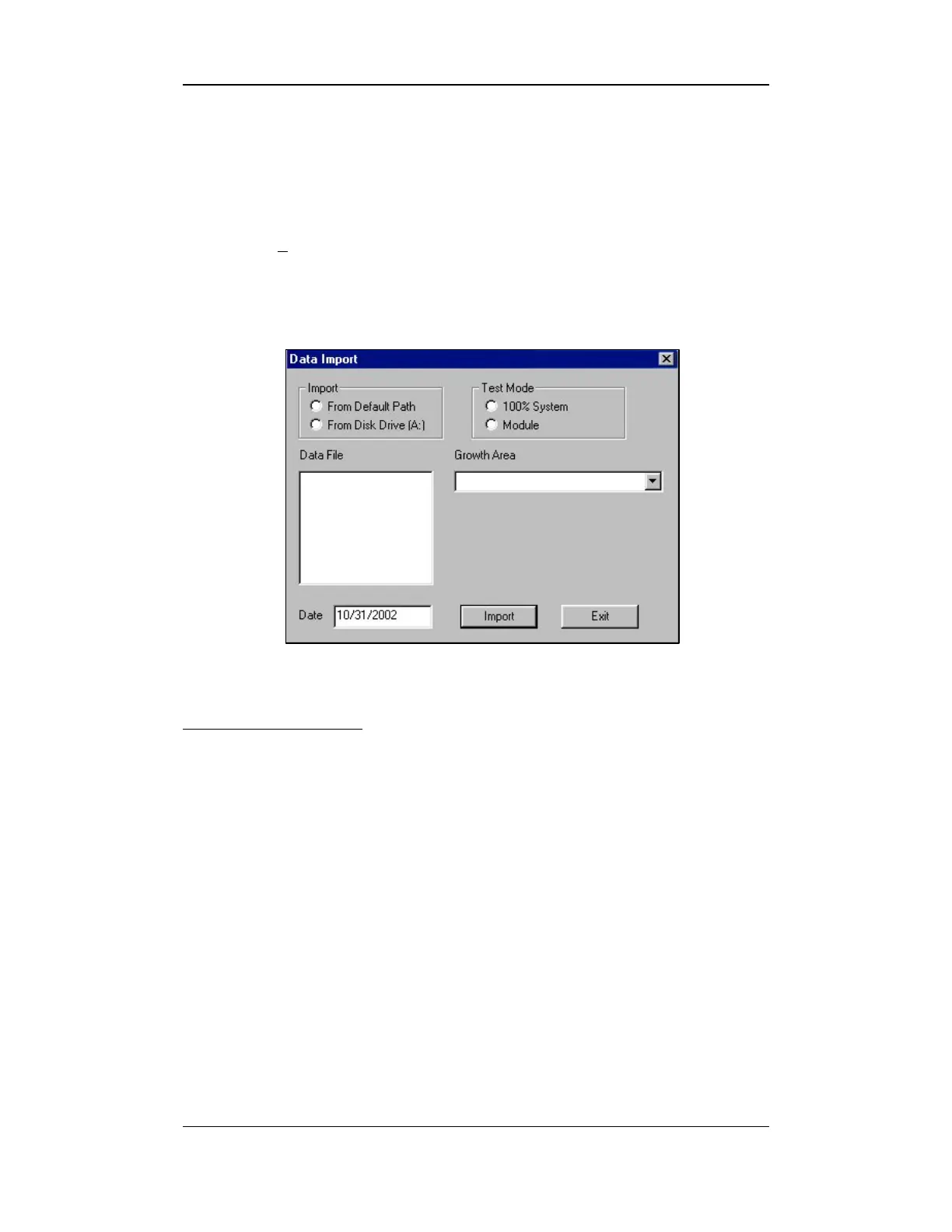
ATA IMPORT screen is used to import data from an outside source.
To access this screen follow the steps below:
1. Select F
ILE from the BALE MANAGER MAIN MENU.
2. Next, select the IMPORT item. The DATA IMPORT screen is displayed
at this time:
Figure 10-3: Data Import Screen
To import an item:
1. Select the correct location from where the data will be imported by
checking beside either From Default Path or From Disk
Drive [A:] in the Import area.
2. Next, indicate the Test Mode that will be used.
o 100% System should be selected when all bales in the
inventory are individually tested. The bale data is imported as it
occurs, but nothing is computed.
o Module testing should be selected when only a fraction
(typically 10%) of the bales in the inventory are actually tested.



 To Next Page