USTER
®
HVI SPECTRUM
Uster Technologies, Inc. Chapter 10
Bale Manager • Page 10-22
Instruction Manual
4.5 Edit
The E
DIT menu is used to access the following screens:
• Bale Data - add new data and edit existing data.
• Delete for Lot ID - delete bales for selected identifier.
• Delete For Growth Area - delete bales for selected growth
area.
• Delete Mix History - delete mix history up to the specified date.
• Change Growth Area - change growth area of a specified lot.
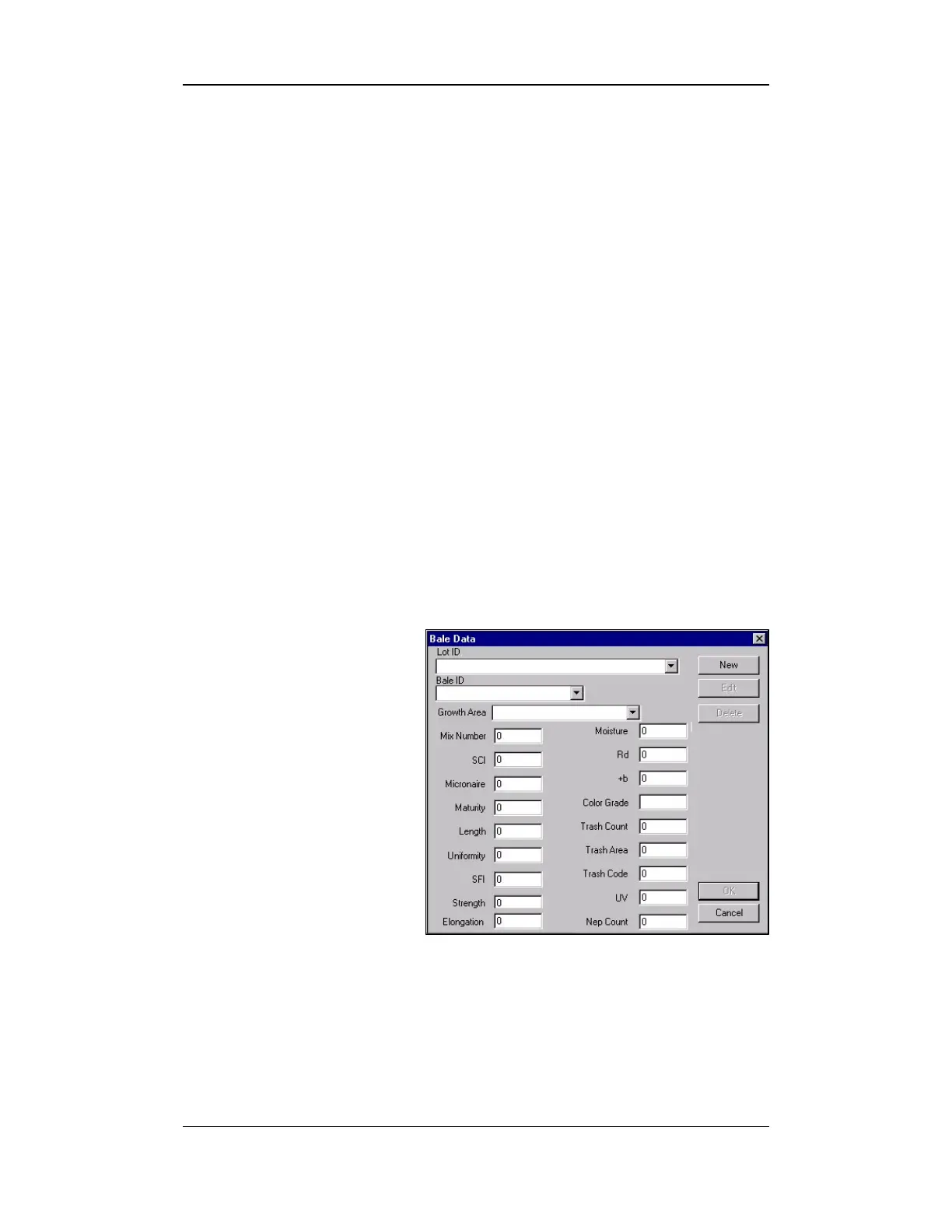
4.5.1 Bale Data
This screen is used to display the data that is generated for each bale
tested by the
HVI SPECTRUM
. Existing data can be edited and new
data can be added.
1. Select the EDIT menu
item from the BALE
MANAGER MAIN MENU.
2. When the BALE DATA
item is selected, the
BALE DATA screen will
appear:
Figure 10-12: Bale Data Screen



 To Next Page